S_ A
Inspiring
March 2, 2025
Answered

How to flip path of a shape in after effects

  • March 2, 2025
  • 1 reply
  • 671 views

Hi,


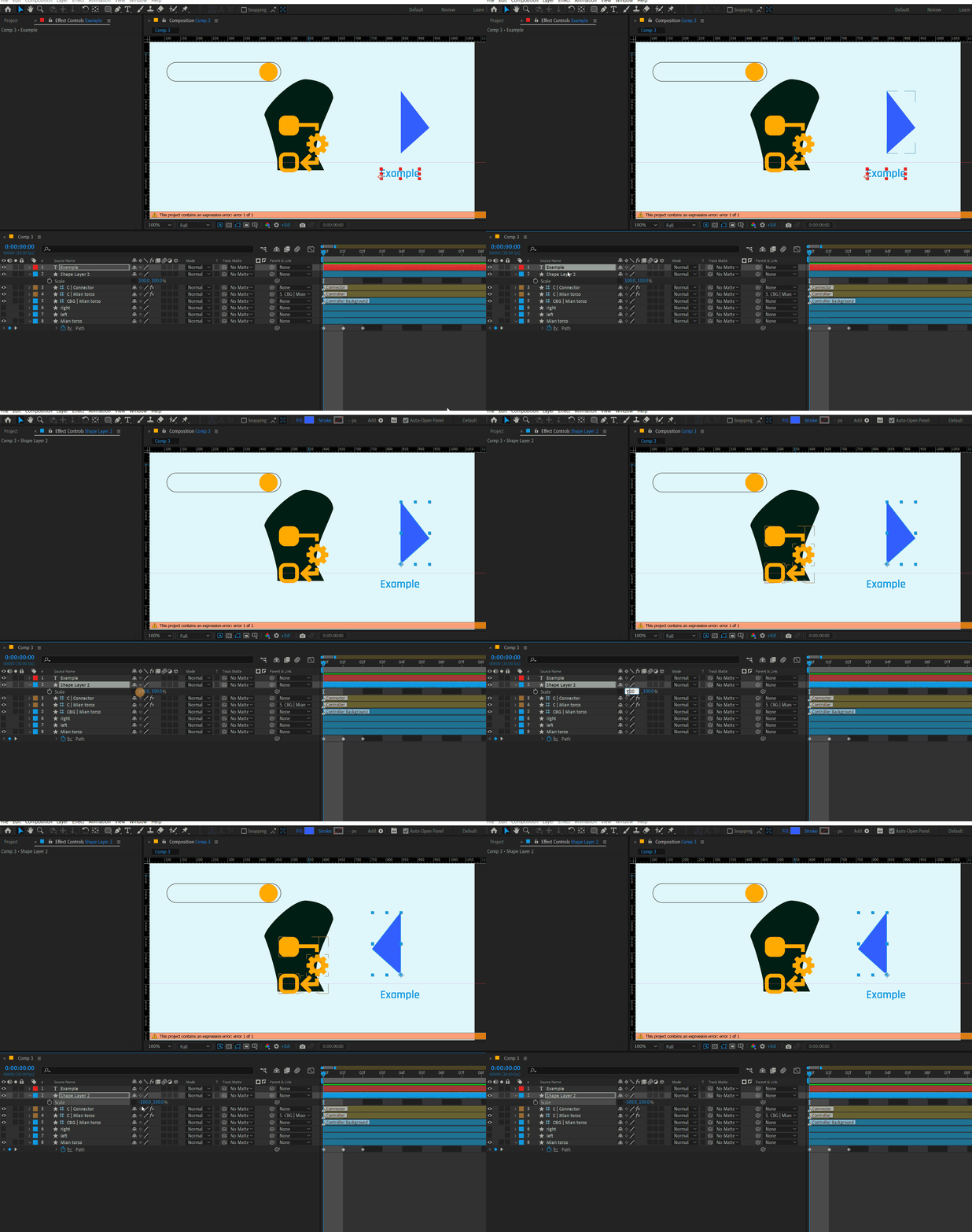
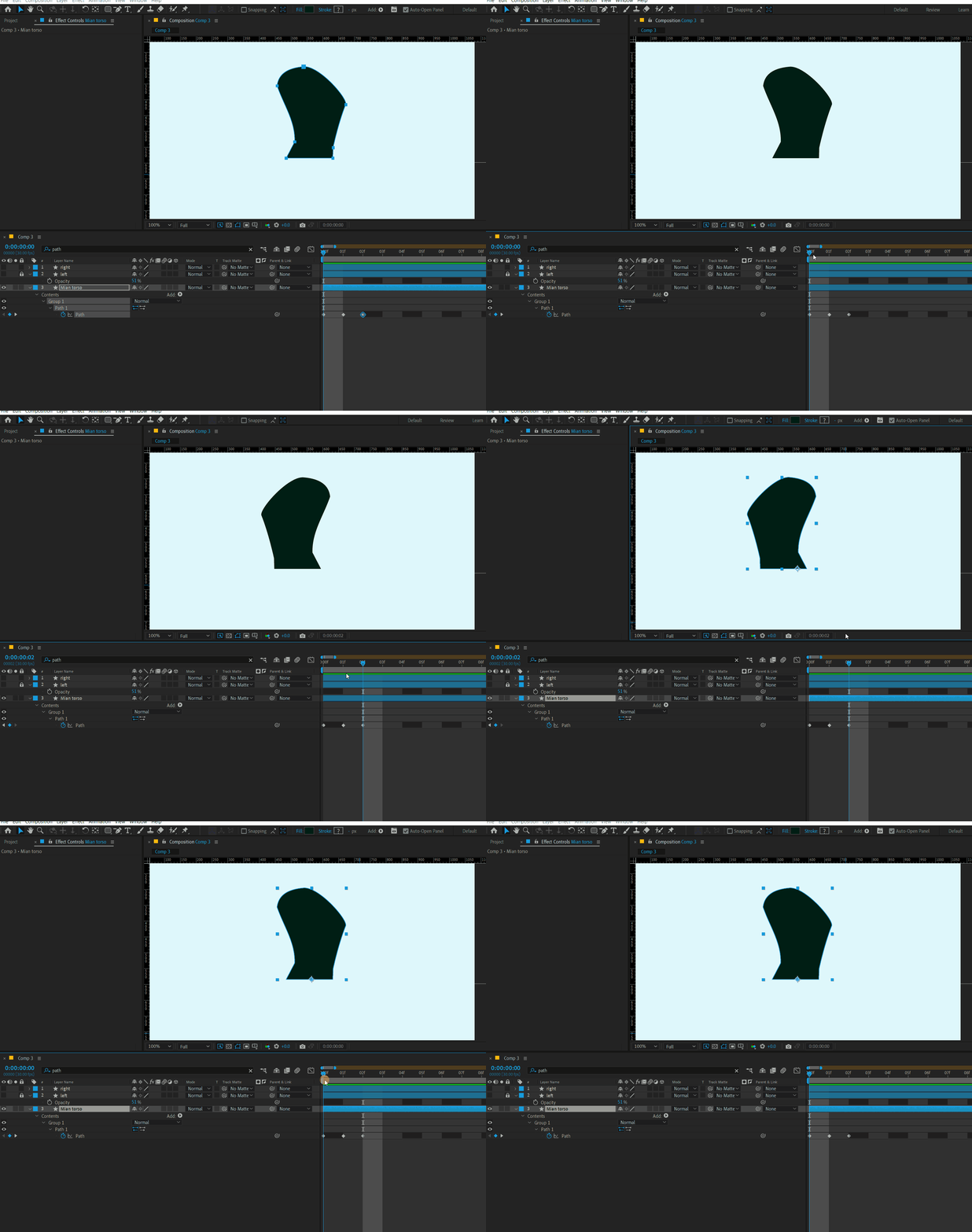
I want to Flip path direction, I want to mirror the flip in opposite direction. I googled. nothing is there. I used plugins. but it causes problem in rigging process. I want it done using inbuilt AE system. Is there any way I can do it inside AE using anythng inbuilt in the software? Thank you.


Like I mirror any shape using scale, 100 - 100, I want to flip the path like this. using inbuilt AE system. 


Correct answer Warren Heaton

If the Contents of the Shape Layer includes Transform: Shape, you can change the Scale from 100, 100 to -100, 100.


If the Contents of the Shape Layer does not include Transform: Shape, you can change the Layer Scale from 100, 100 to -100, 100.


A downside of either method is that there’s no way to release the negative scale to easily edit the path later.


Another approach is to select the Path, copy it, jump to Illustrator, paste, use the Reflect Tool to flip the path, copy it again, and paste it back into After Effects while the path is still selected. For best results, make sure that the Composition Frames Size and the Illustrator Artboard size match.  And yeah, that’s clunky and probably not something you’d want to do often.

1 reply

Warren Heaton
Community Expert
Warren HeatonCommunity ExpertCorrect answer
Community Expert
March 2, 2025

If the Contents of the Shape Layer includes Transform: Shape, you can change the Scale from 100, 100 to -100, 100.


If the Contents of the Shape Layer does not include Transform: Shape, you can change the Layer Scale from 100, 100 to -100, 100.


A downside of either method is that there’s no way to release the negative scale to easily edit the path later.


Another approach is to select the Path, copy it, jump to Illustrator, paste, use the Reflect Tool to flip the path, copy it again, and paste it back into After Effects while the path is still selected. For best results, make sure that the Composition Frames Size and the Illustrator Artboard size match.  And yeah, that’s clunky and probably not something you’d want to do often.

S_ A
S_ AAuthor
Inspiring
March 3, 2025

Thank you so much. I am eternally grateful.