S_ A
Inspiring
January 20, 2025
Answered

How to have a blurry stroke end with trim path animation

  • January 20, 2025
  • 1 reply
  • 826 views

Hi,

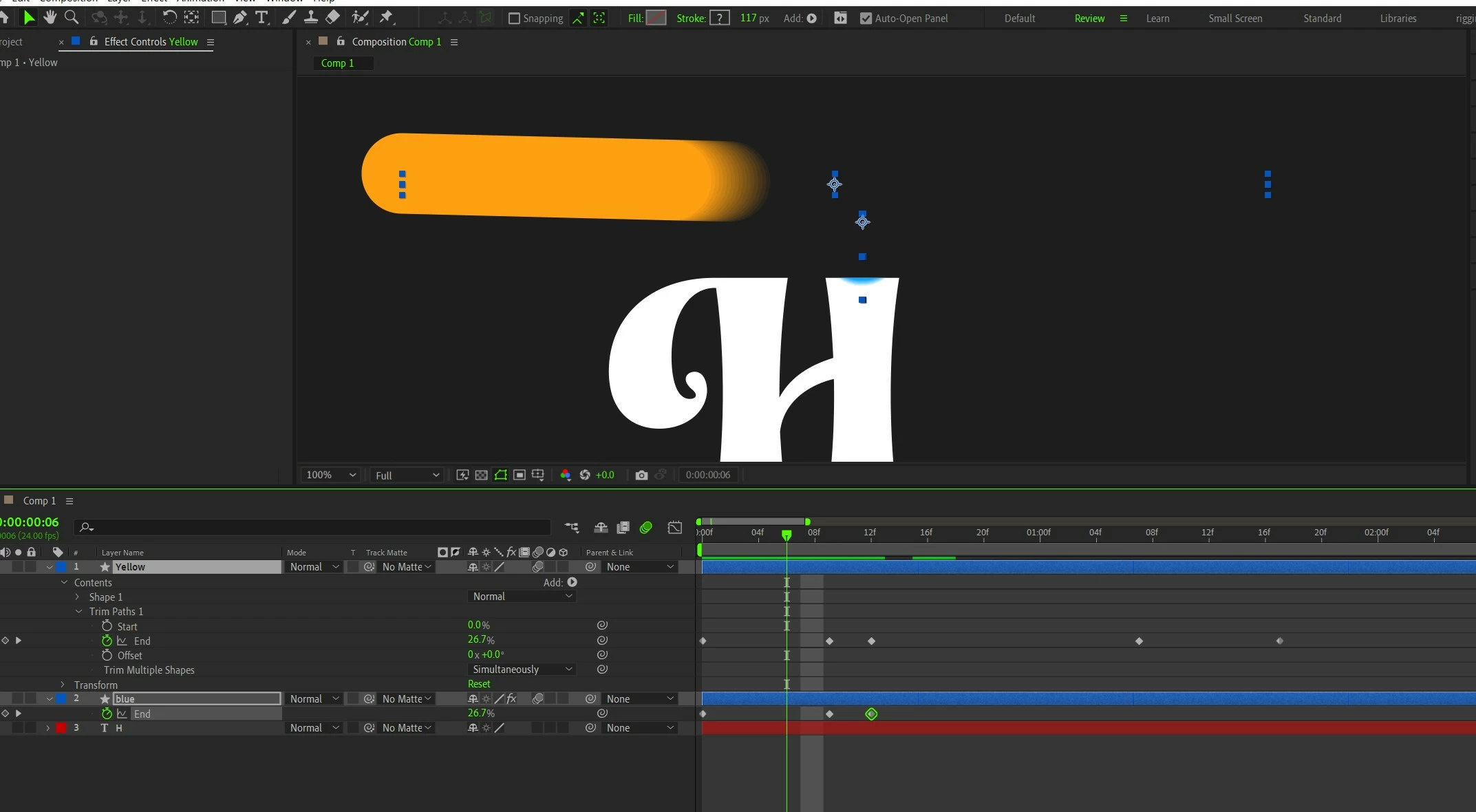
I need some guidance. How can I have a blurry end in stroke after applying Trim path animation? I have been trying for hours, studying motion blur, trying masking, feathering masks, Echo effect and what not 😠...  but am rowing like a rudderless boat.. am going nowhere.


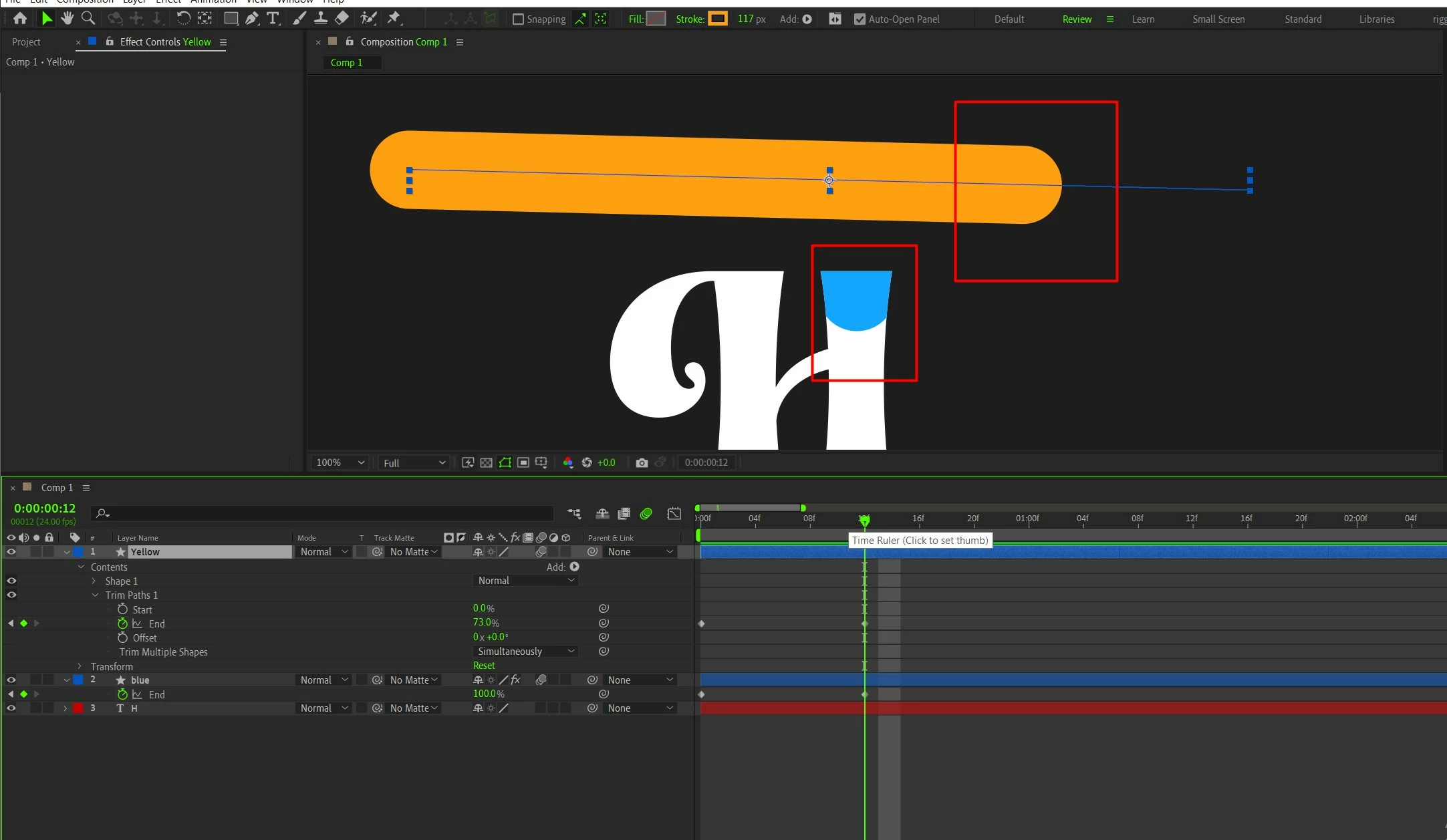
I want a blurry stroke end when the trim path animation stops.. but every time my trim path animation gives me a hard edge and no aesthetic view.. What can I do?? 😥 Please guide me..


Correct answer Ishan Y

😥


You can correct that by extending the path further and adding a feathered mask where you want the animation to end. 

1 reply

Ishan Y
Community Manager
Community Manager
January 20, 2025

Hi there!

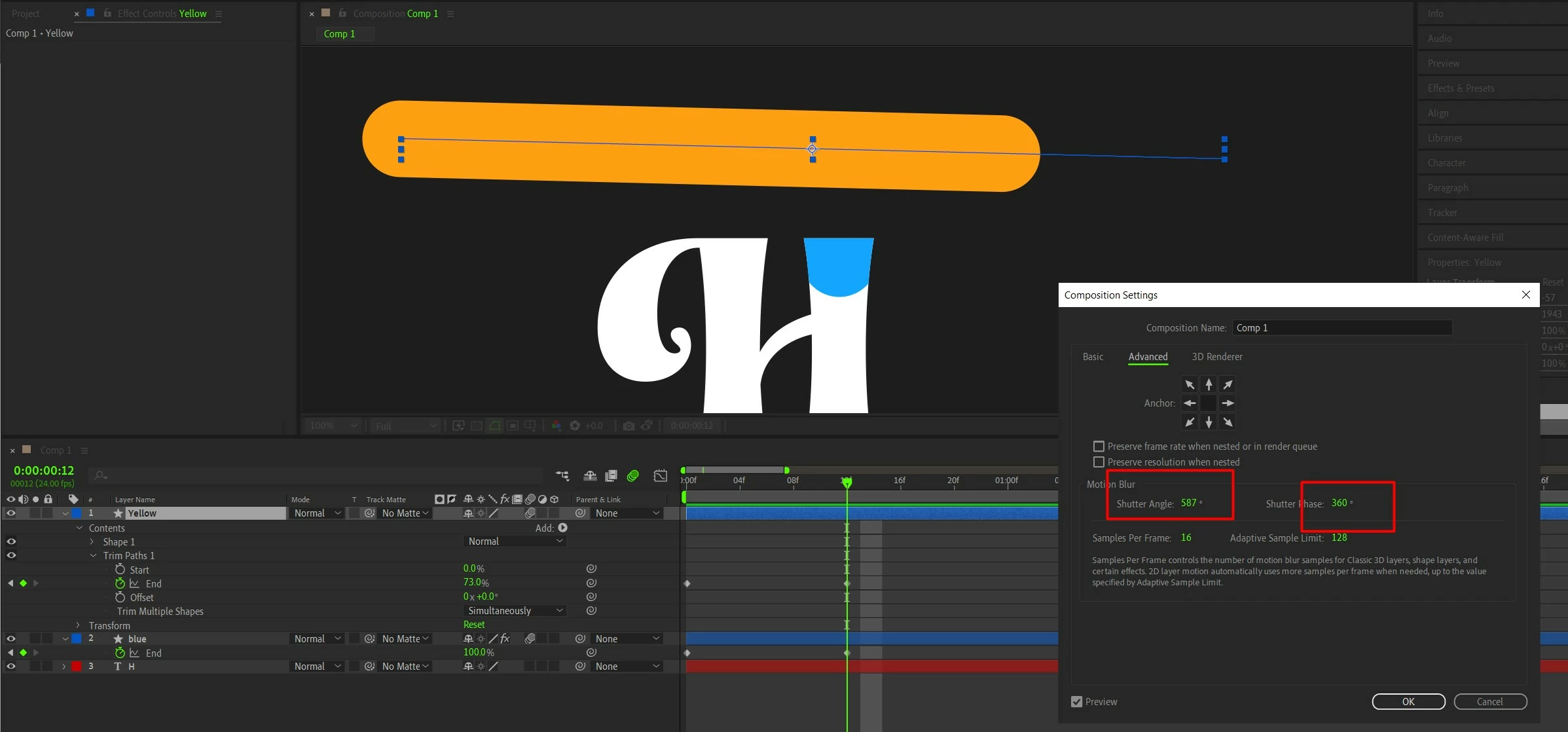
I recommend using the echo effect here. Here's a tutorial: https://www.youtube.com/watch?v=N2qxF8V57FE. I'll also attach a screenshot of the effect settings that seem to work for me. I hope this helps!


Thanks,

Ishan

S_ A
S_ AAuthor
Inspiring
January 20, 2025

Kindly check this -


S_ A
S_ AAuthor
Inspiring
January 20, 2025

😥