
Question
How to import Illustrator File into After Effects (Layers)
Hello!
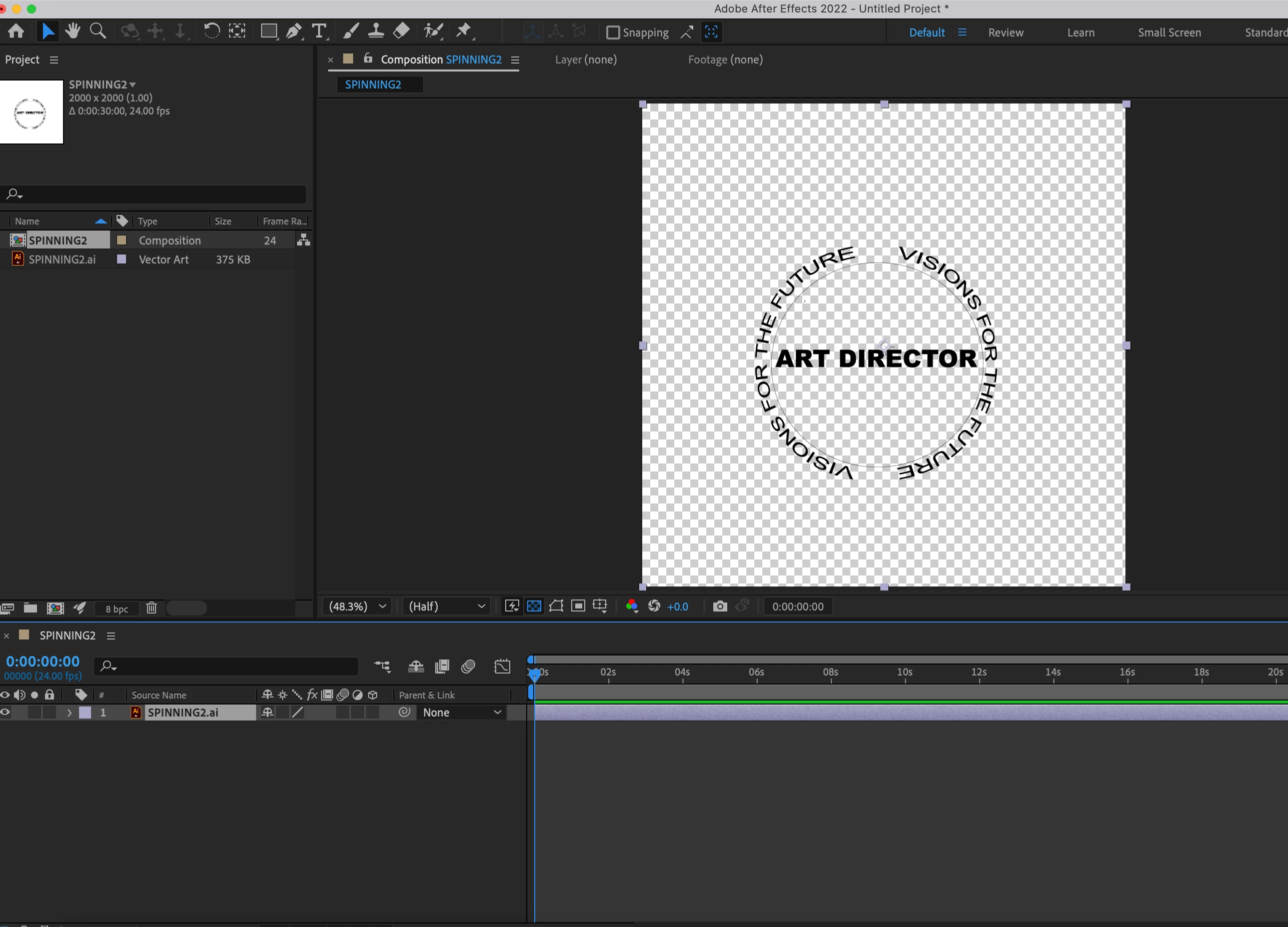
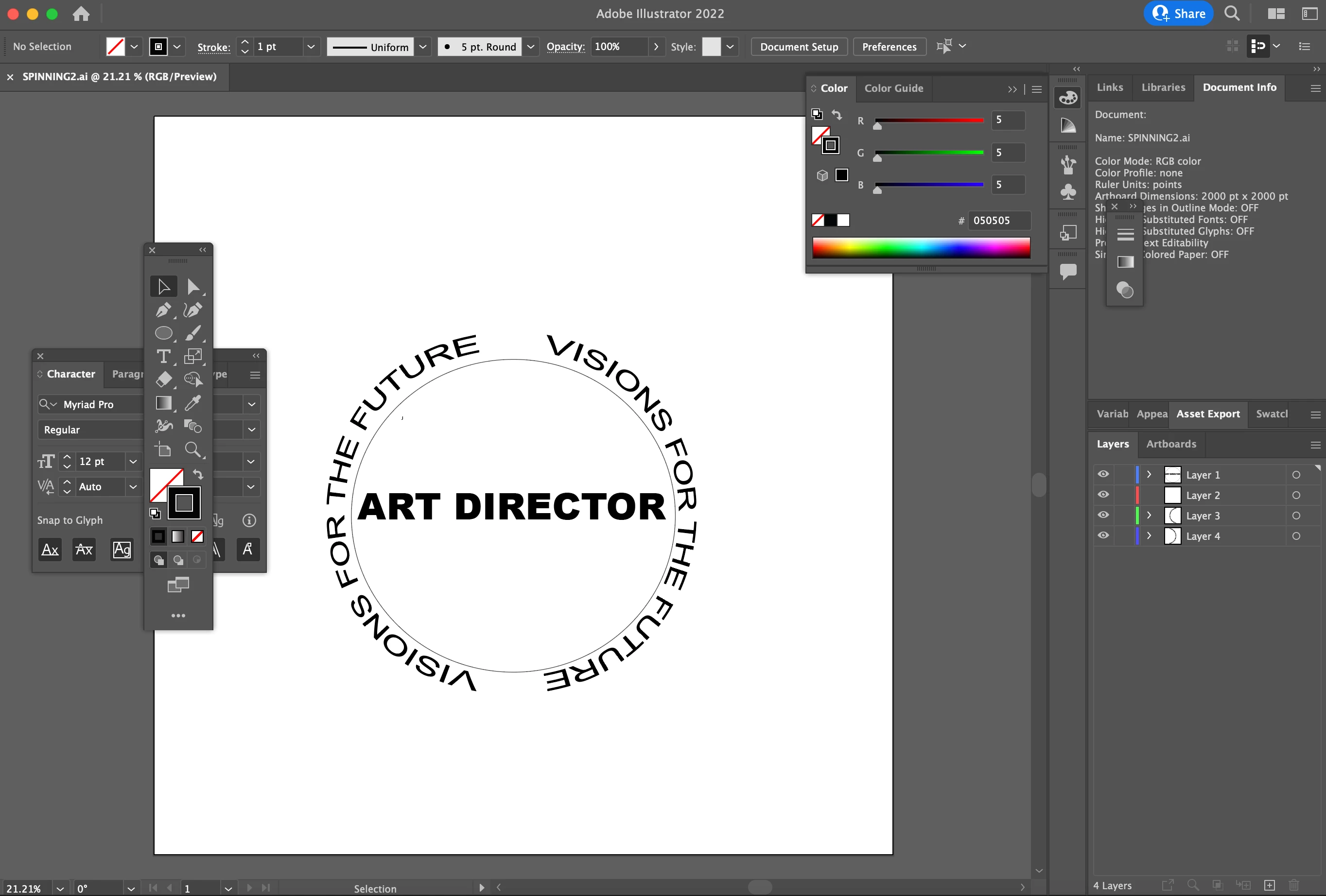
I've been trying to import an illustrator file that has multiple layers. I clicked "Release to Layers(Sequence) and saved the Illustrator file as as an ai. file. After dropping the illustrator file into the composition, I selected it as "Footage" & "Merge Layers" but the layers don't pop up on the screen. I've tried downloading file as a pdf & many other file types but it still doesn't work. 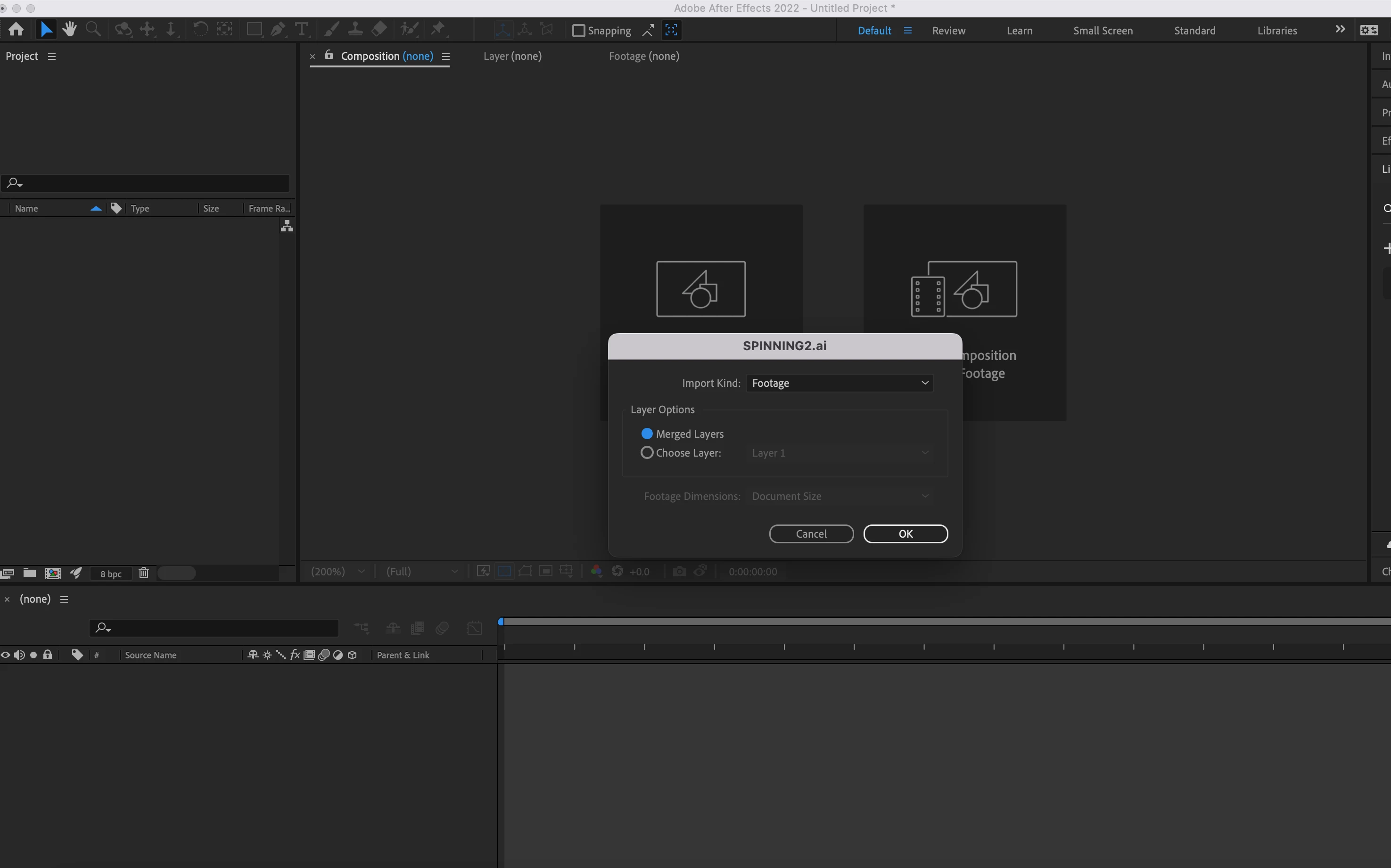
 AdChoices