
Question
How to limit the storage size of AE preferences folder?
My AE preferences folder is about 50Gb. a massive file size after just completing one and a half projects. I want to know what in this folder is worth keeping and how to limit the future storage of file in the folder? and perhaps what these saves are? AE is obviously saving on my behalf.
I have included two pictures to show where the file is located and the sheer number of files there are...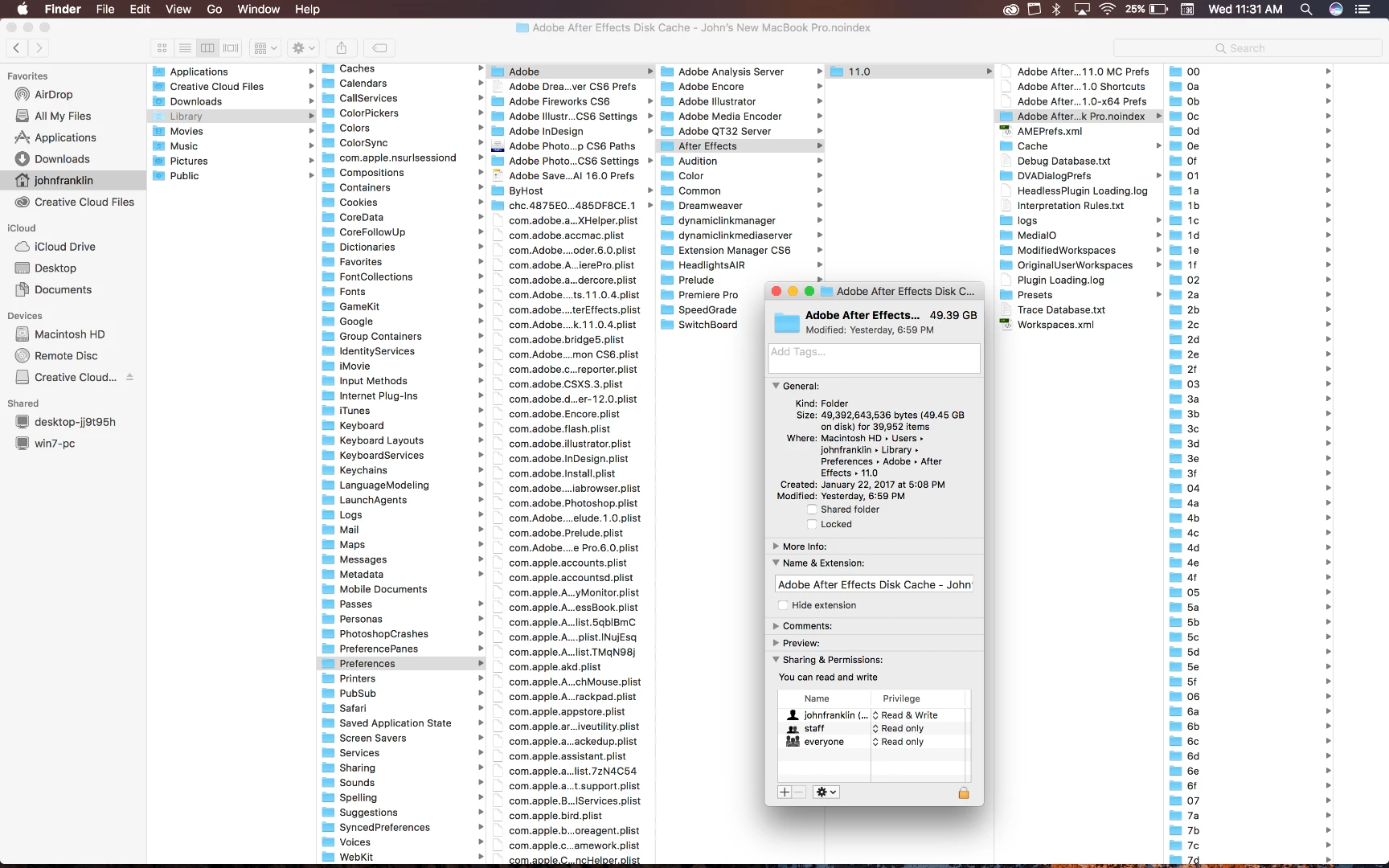
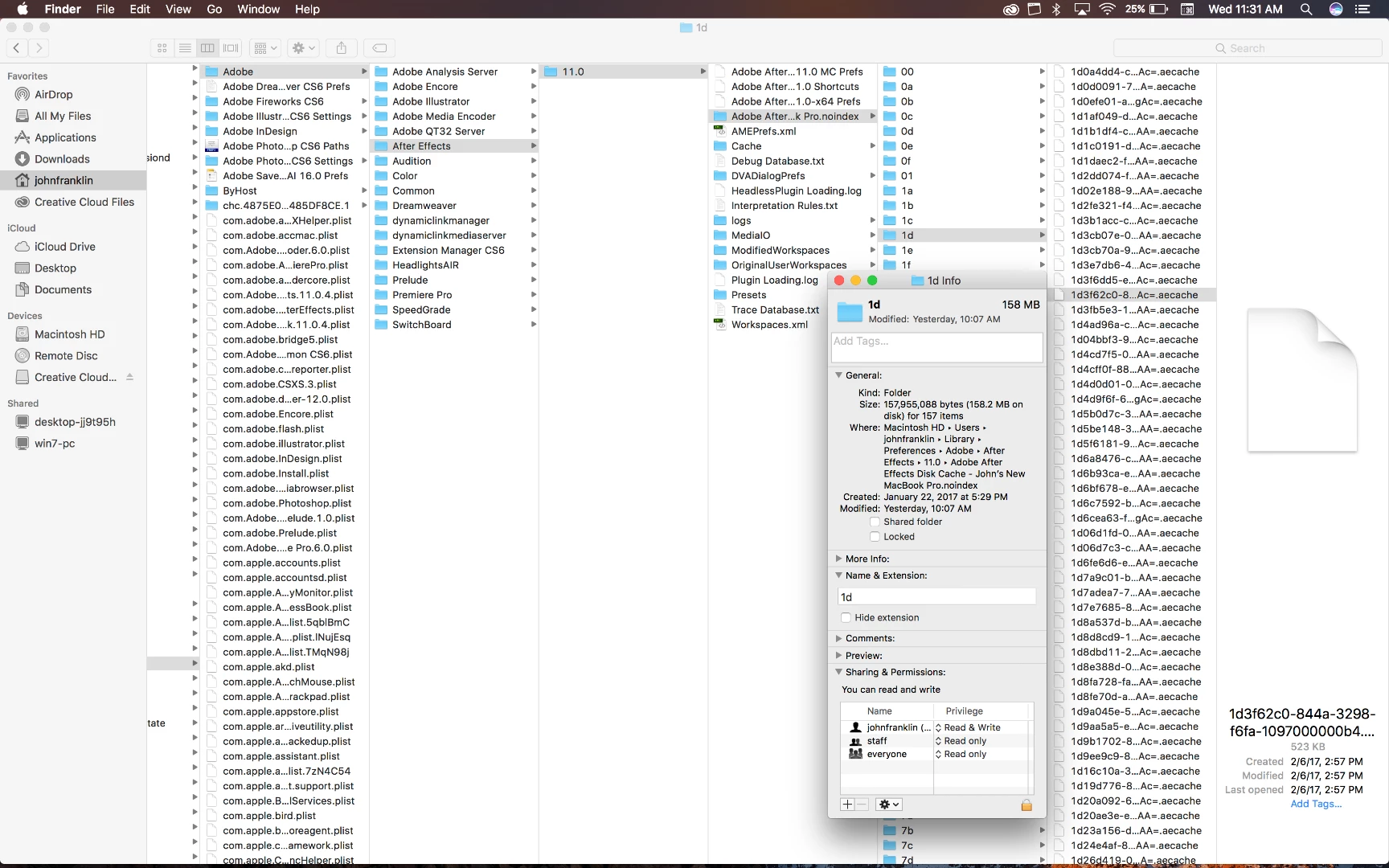
Message was edited by: John franklin I found out that the folder is where AE is storing may Cache files. Are these file necessary? Can I delete them or limit the size? this seems obnoxiously large for a cache file.
 AdChoices