

How to link opacity with trim path speed
Hi,
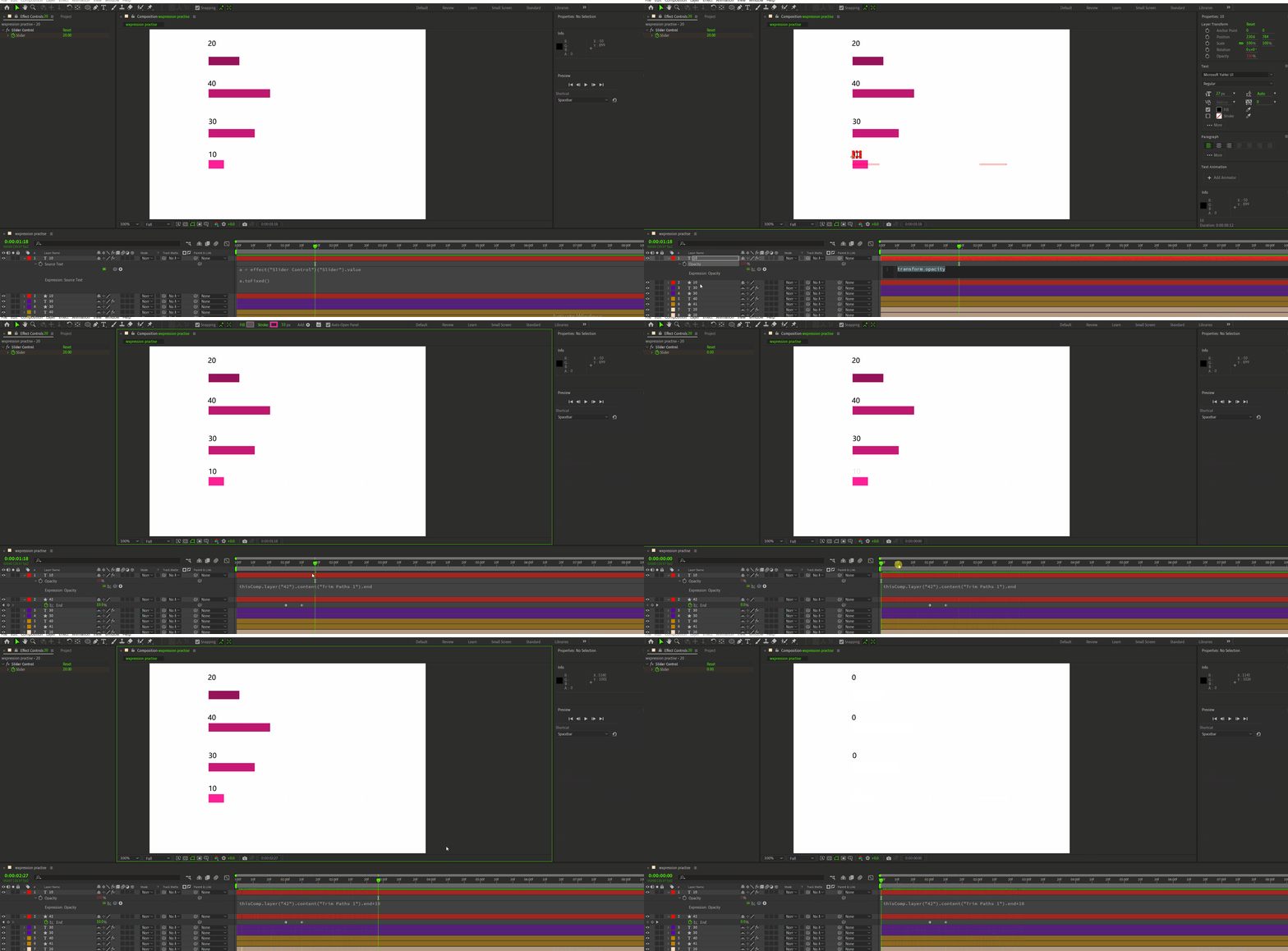
I am experimenting expressions. so I have done bar animation with digits. Suddenly I feel like why not making the digits start animating from invisible to visible. I mean when the bar animation will start the digits will come into existance. then I link the opacity of the digits with trim path 'end'. But the opacity is not producing what I imagined. Then I realized opacity is taking trim path's movement exactly on same increment. I mean when trim path end value is 10 the digit's last opacity percentage will mimic that. because both range from 0-100.
then I multiply the opacity expression *10. beacuse I knwo I can apply basic math on expression.
Am I thinking right? or totally miscalculate it? or there is some other way I can pull what i imagined. Please guide me. I want the opacity of digits to start from 0 - 100 as the trim bar progresses, both (opacity speed and trim path's speed need to be same).


 AdChoices