


Participant
March 8, 2024
Answered

How to make a "push away" animation with expressions?

  • March 8, 2024
  • 1 reply
  • 447 views

Hey, I was wondering if anyone could help me out with a project. I'm trying to make this animation and use the least amount of keyframes possible.
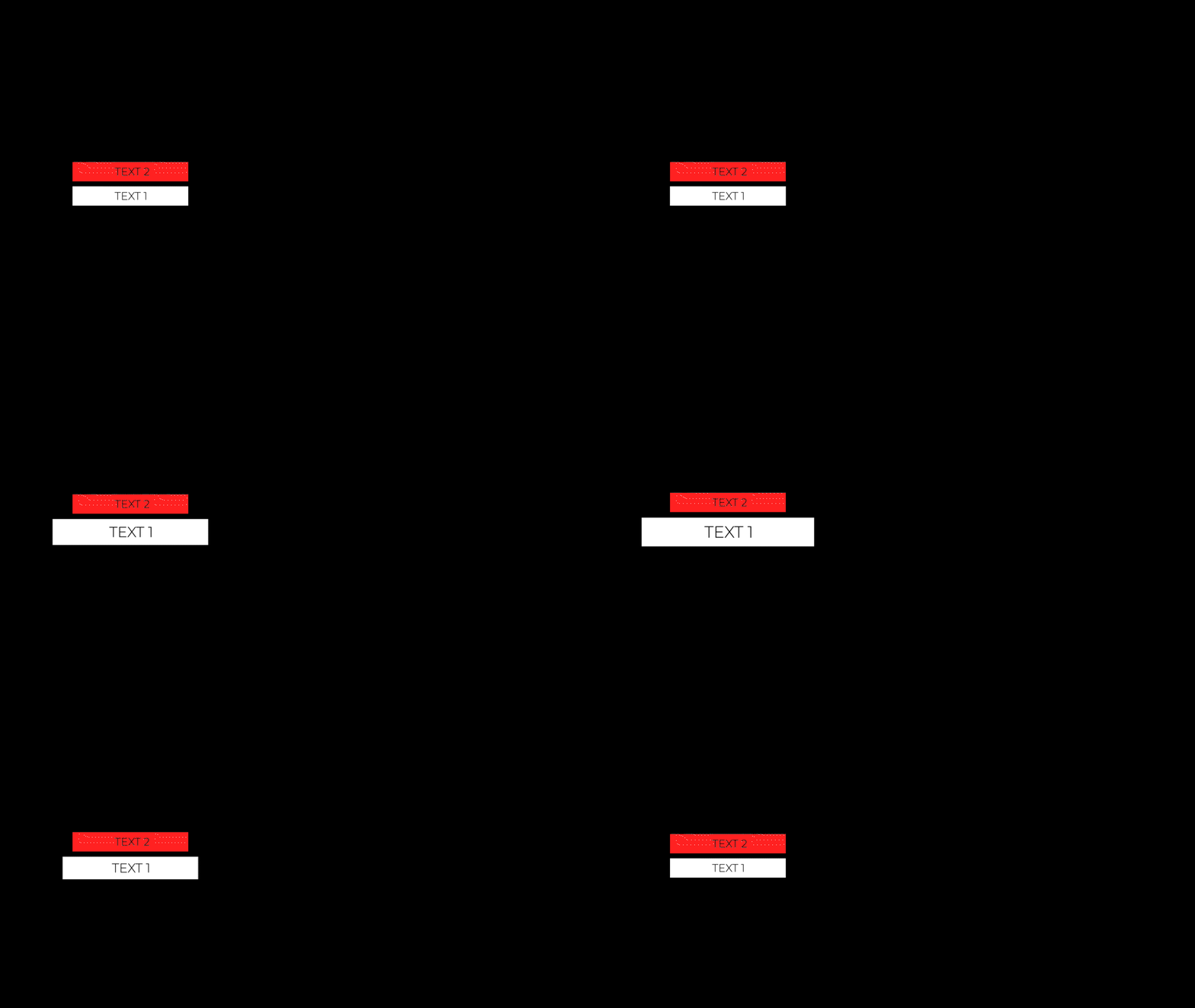
 

The reason why I just don't do it the same way as the example above is because I'm gonna have to do it for multiple compositions and the text position will always vary. Also, there will be a text 3, 4 and 5 each on a different direction. So I'm assuming expressions would be less time consuming.


Like this one:
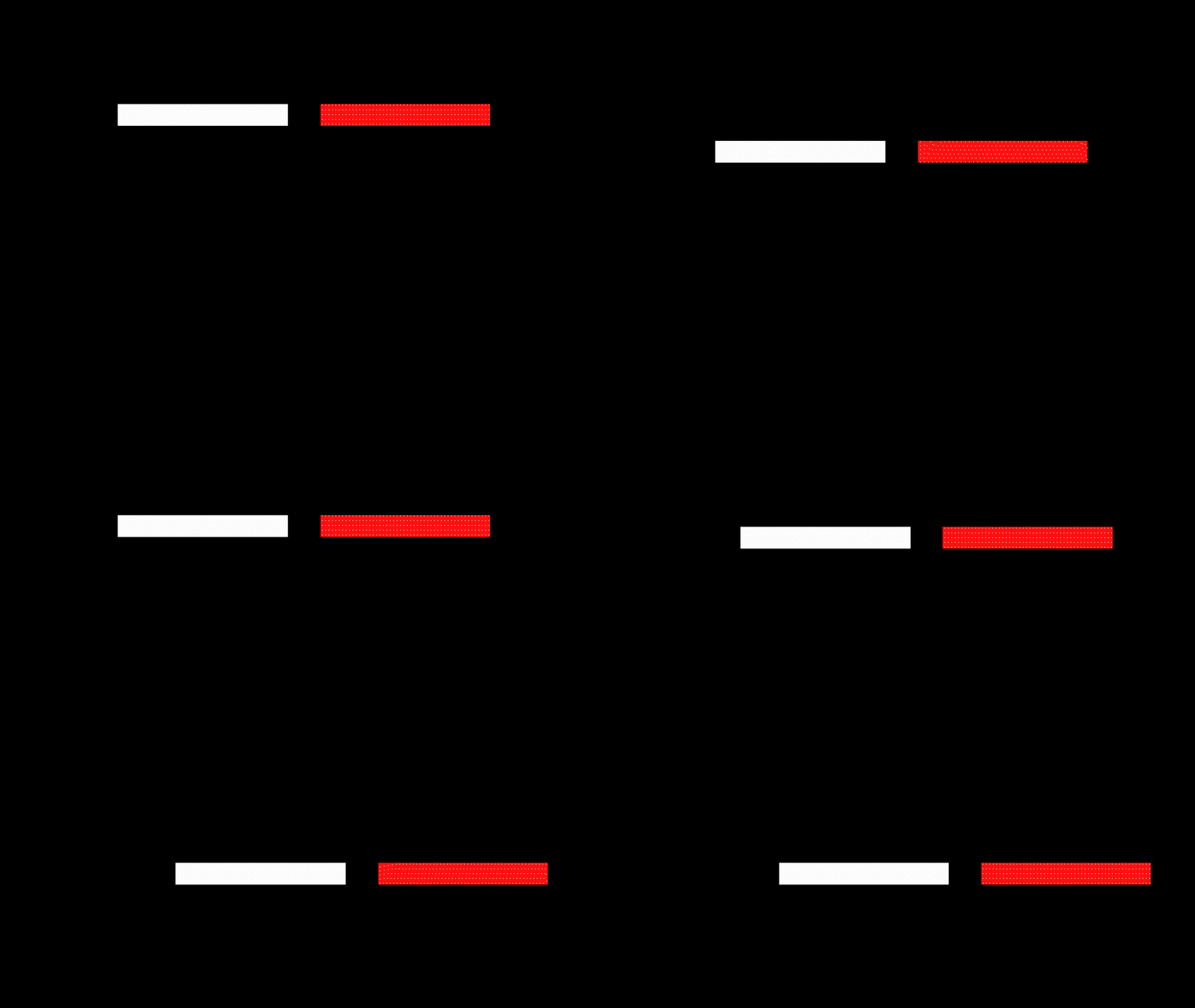
The expression used was just linking one layer's position and adding a +X value, so I'm guessing something similar maybe.

 

Thanks for any help.
This topic has been closed for replies.
Correct answer Airweb_AE

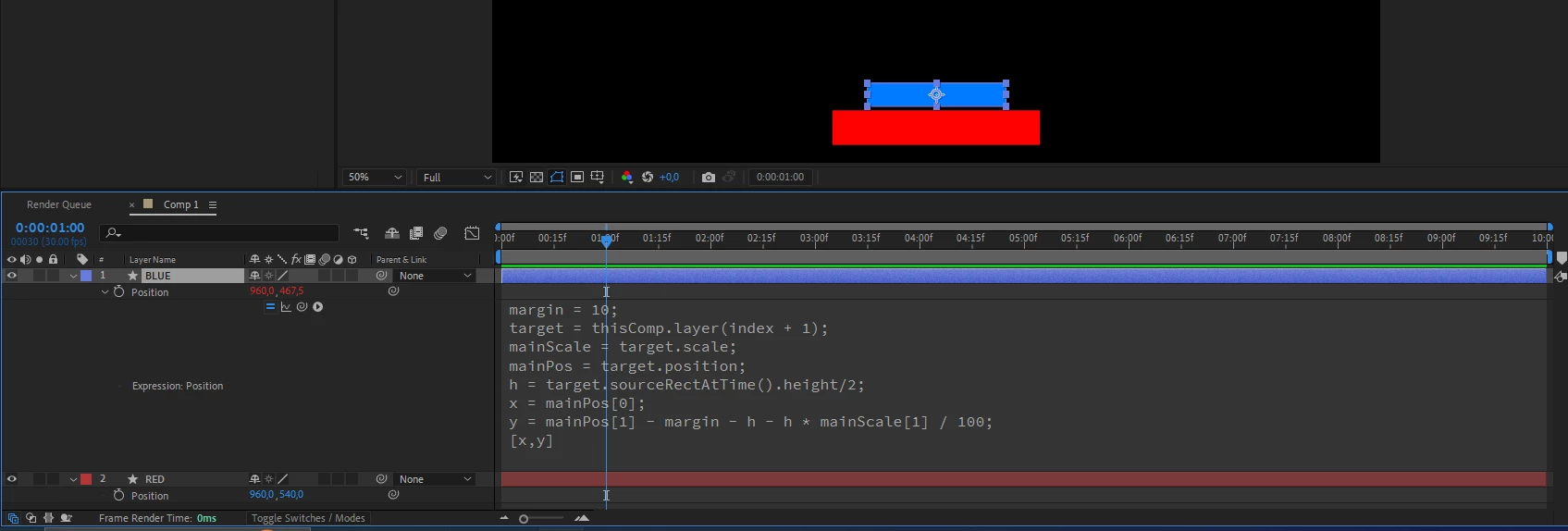
Create a rectangle with its anchor point in the middle.

Duplicate the layer

position expression:


margin = 10;
target = thisComp.layer(index + 1);
mainScale = target.scale;
mainPos = target.position;
h = target.sourceRectAtTime().height/2;
x = mainPos[0];
y = mainPos[1] - h - margin - h * mainScale[1] / 100;
[x,y]


1 reply

Airweb_AECorrect answer
Legend
March 8, 2024

Create a rectangle with its anchor point in the middle.

Duplicate the layer

position expression:


margin = 10;
target = thisComp.layer(index + 1);
mainScale = target.scale;
mainPos = target.position;
h = target.sourceRectAtTime().height/2;
x = mainPos[0];
y = mainPos[1] - h - margin - h * mainScale[1] / 100;
[x,y]


ObiQAuthor
Participant
March 8, 2024

Thank you so much, it worked!

If you don't mind, could you walk me a bit through it? I'm still trying to understand expressions better.