Participant
January 1, 2017
Answered

How to make a tennis ball draw its trajectory?

  • January 1, 2017
  • 2 replies
  • 1529 views

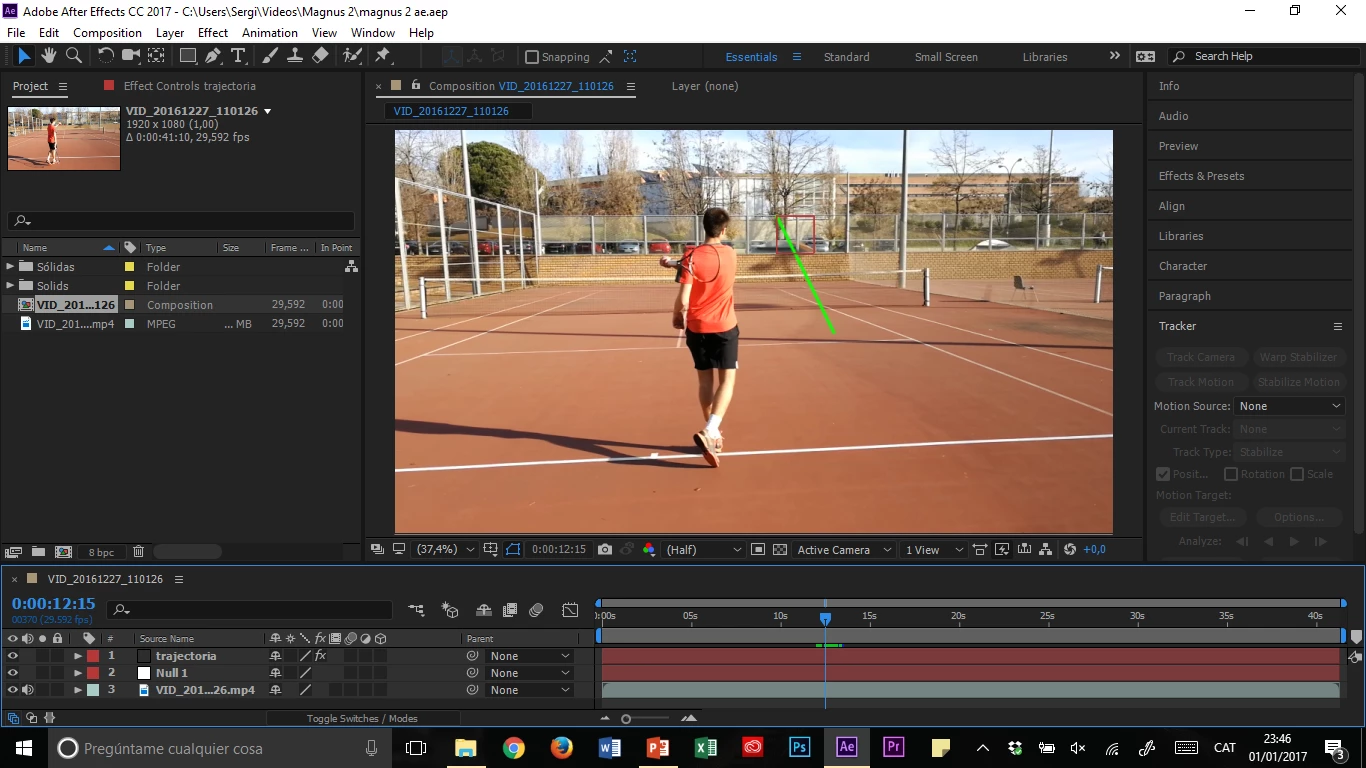
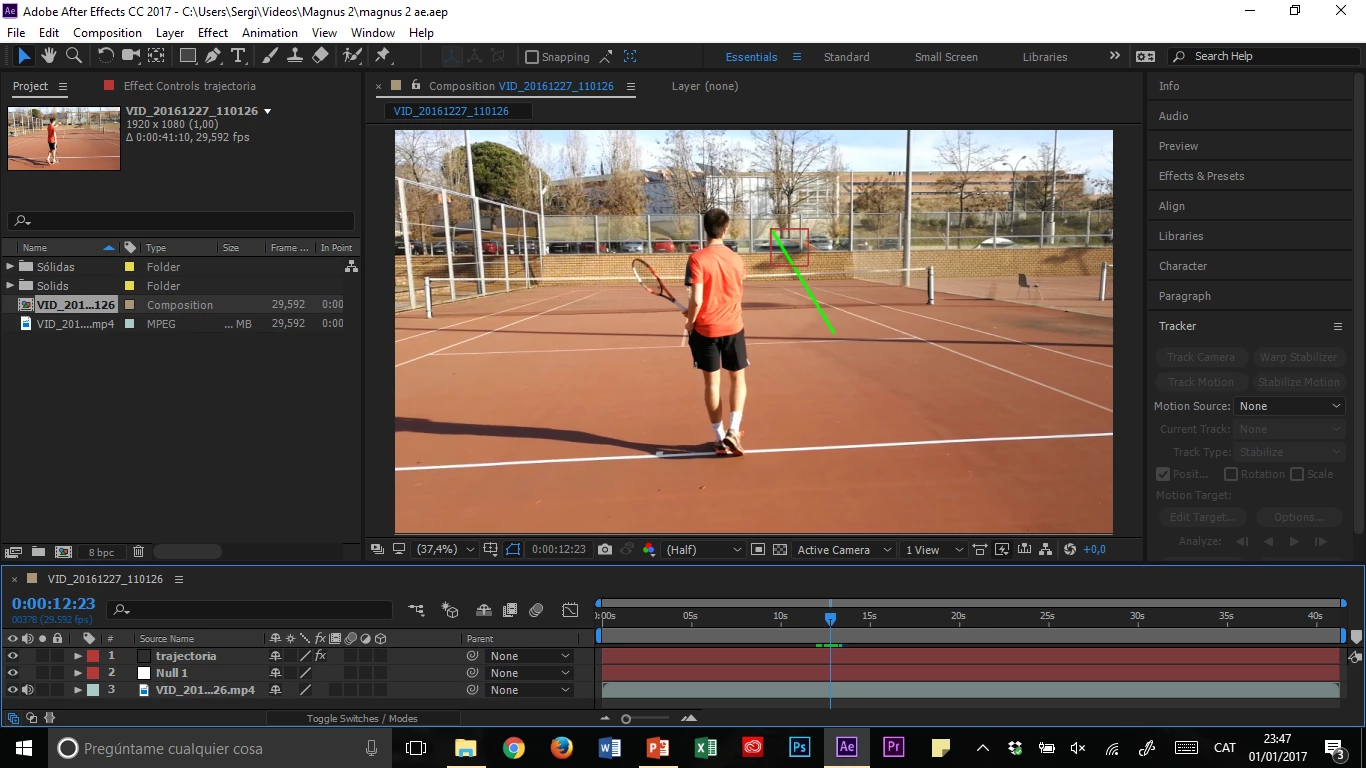
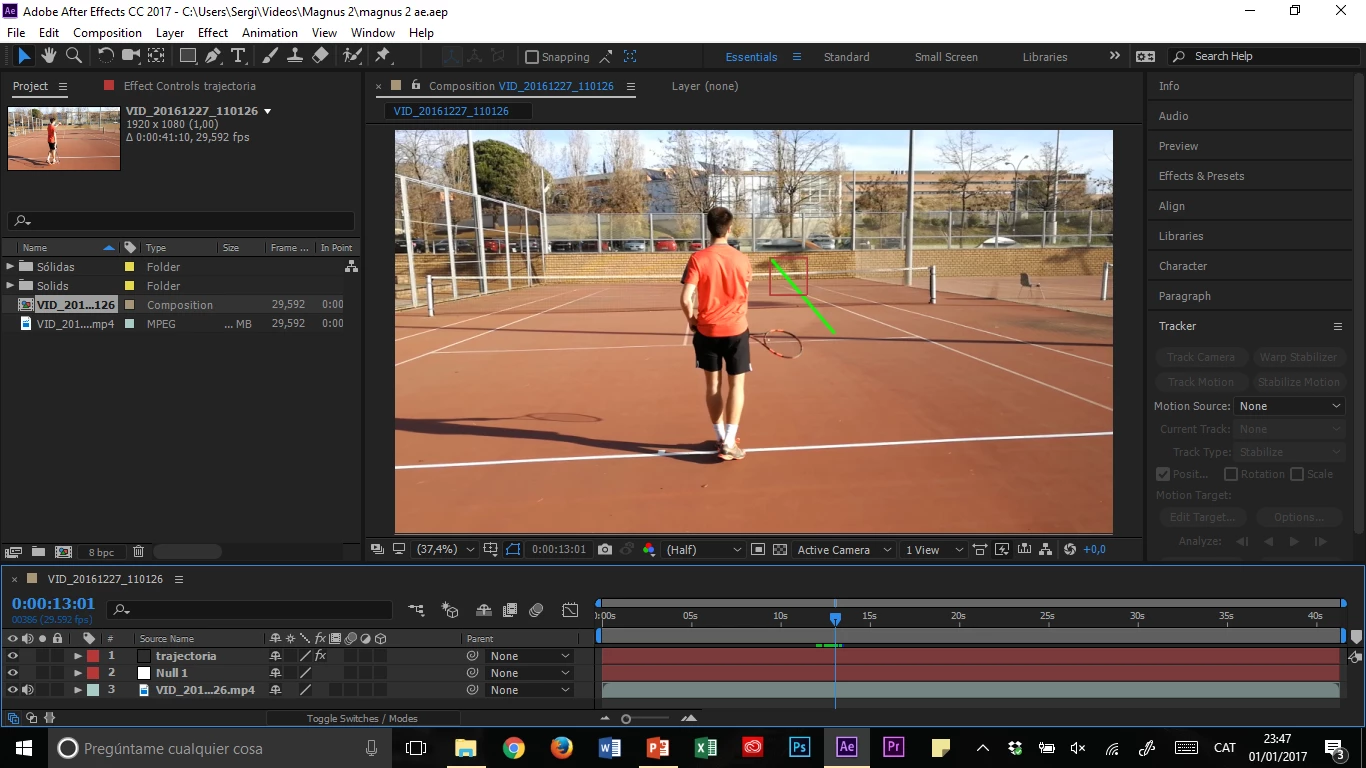
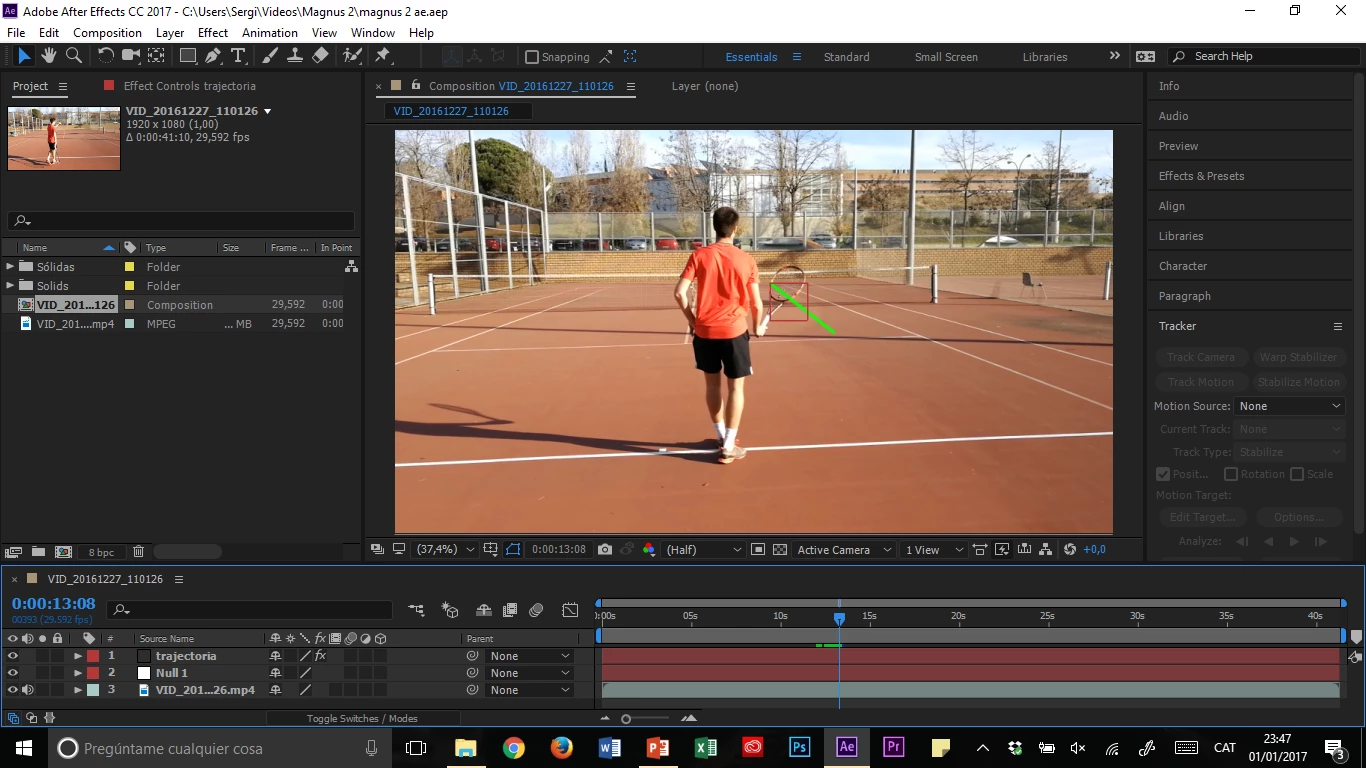
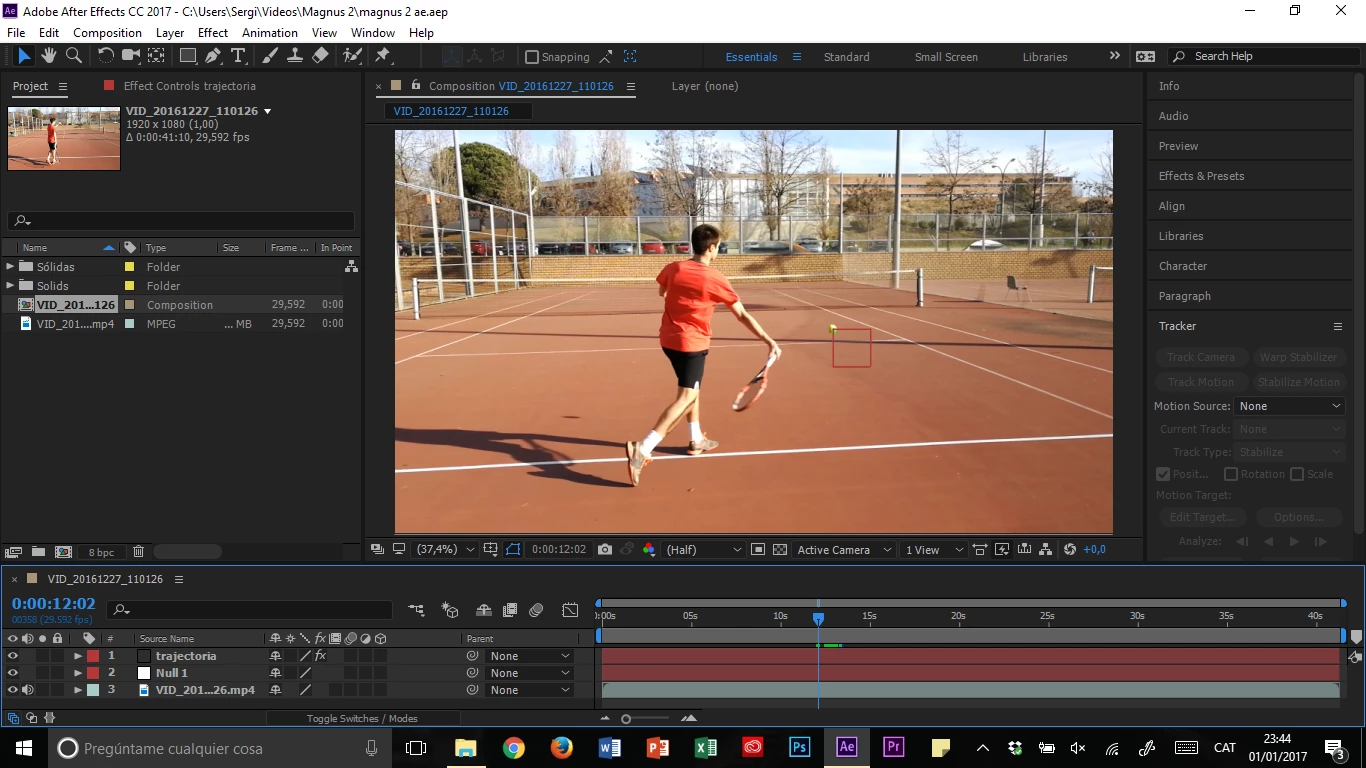
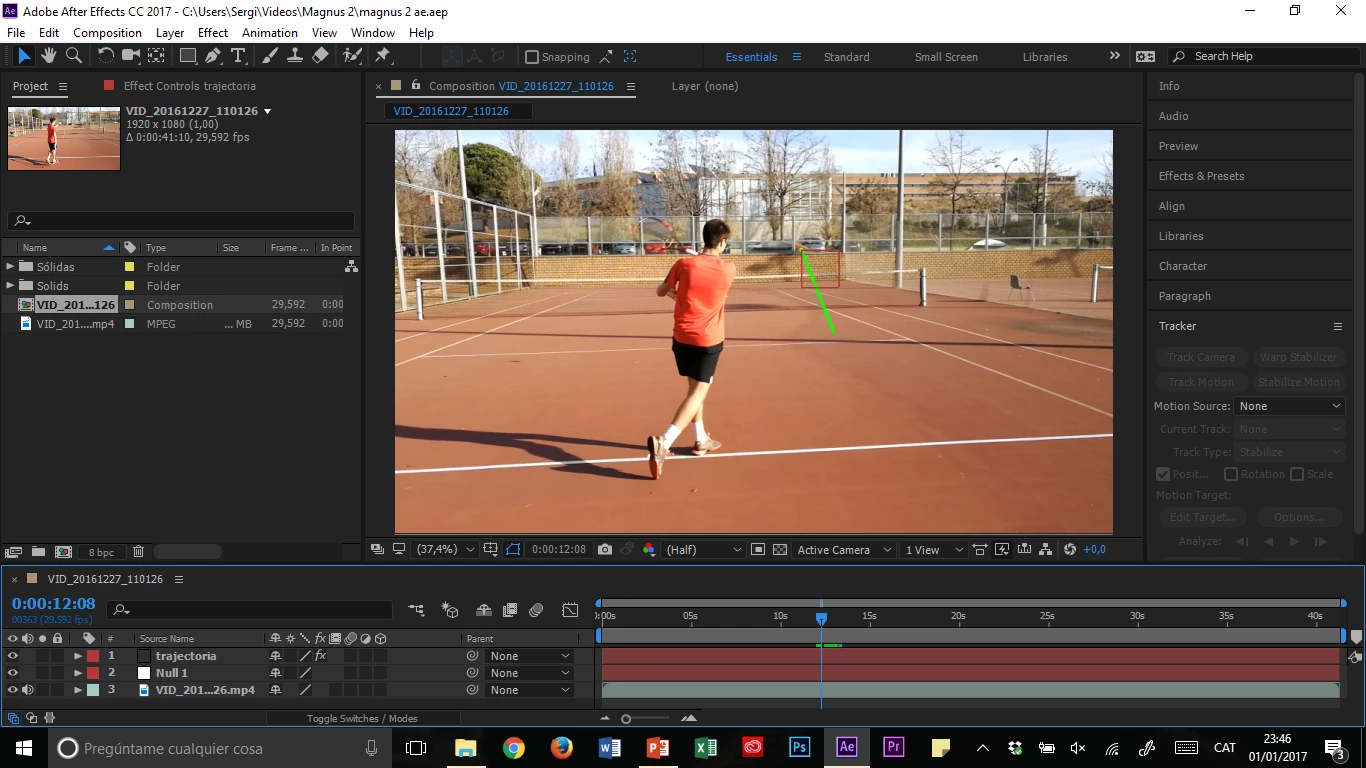
So I've got this physics video project in which I would like to show the difference between flat and topspin shots thanks to the Magnus effect. My idea is to make the tennis ball draw its trajectory so the difference can be clearly seen, but I'm new to AE and the best I have acheived is the end of a beam following the ball (looks like this):
I used this tutorial to do it: How to make the end of a line follow an object (Adobe After Effects animation) - YouTube

Could someone explain step by step (if it isn't much trouble) how to do it? Instead of a straight line I'd like the ball to draw a curved trajectory that remains where it was drawn.

    This topic has been closed for replies.
    Correct answer Roei Tzoref

    Instead of beam effect, use write-on effect.

    2 replies

    Community Expert
    August 14, 2023

    I would work this problem a little differently. It only takes a copy and paste plus setting the position value to 0, 0 to accurately turn any motion path created by keyframes into a shape layer path. Add Trim Paths, and you have your path traces the ball's path composition. 


    Here's a new tutorial I just made.

    Participant
    August 15, 2023

    Thank you so much for this video!

    Roei Tzoref
    Roei TzorefCorrect answer
    Legend
    January 1, 2017

    Instead of beam effect, use write-on effect.

    Participant
    January 2, 2017

    Thank you so much! Works perfectly!

    Participant
    August 14, 2023

    Hello! I am trying to do what you are doing but in terms of a tennis serve. Could you possibly guide me how to do what you did. I saw the youtube video, but it seems like you have made some adjustments.