
Inspiring
November 3, 2022
Answered

How to make object dissapear using length() and opacity parameter

  • November 3, 2022
  • 3 replies
  • 474 views

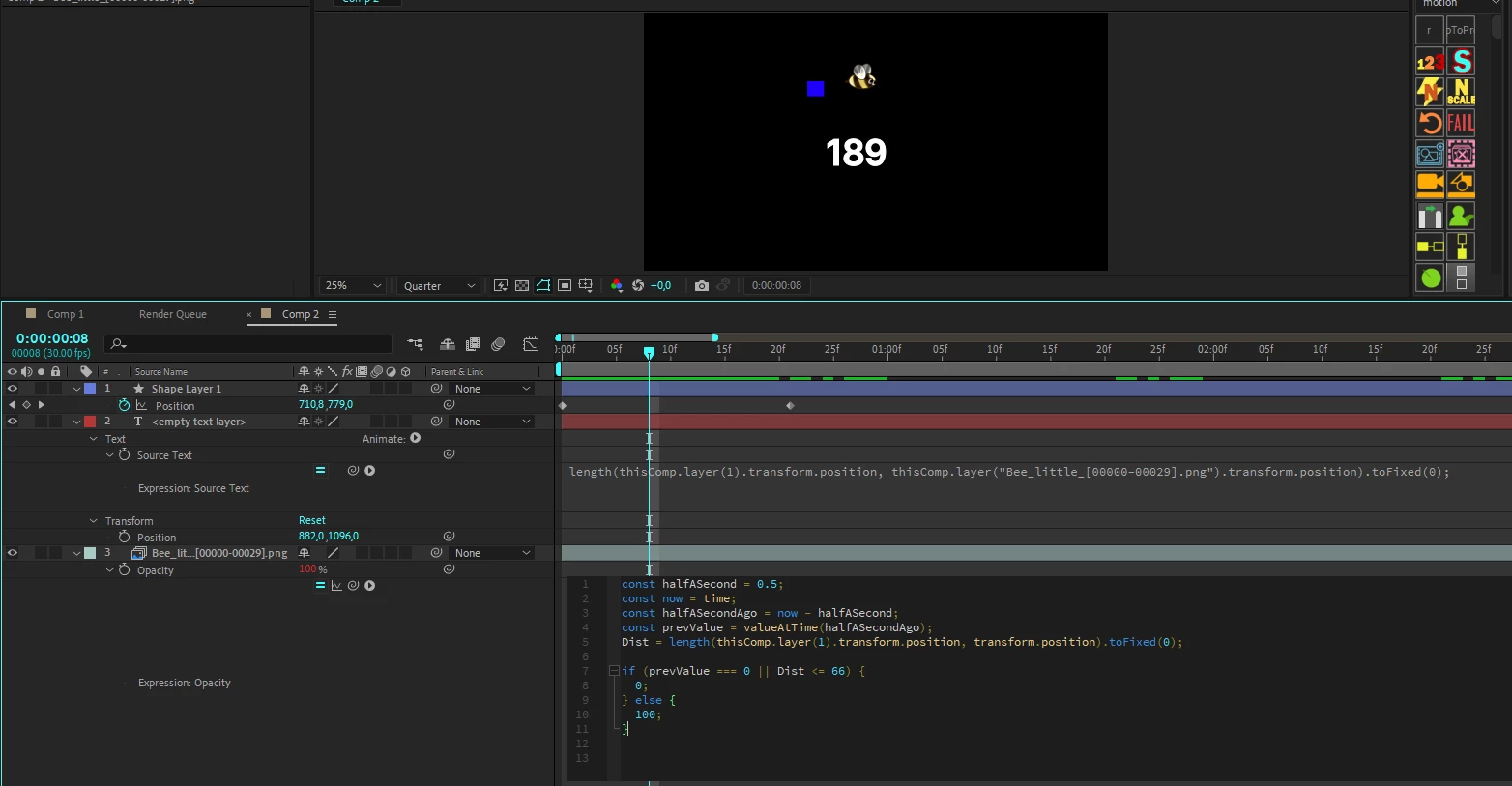
I have a certain structure:

With the Text layer, I display the distance between the two layers and, starting from the minimum number, I prescribe in my condition at what distance the opacity of my object will be 0 and he disappear 

(Blue square is moving and bee need to dissapear when square come close to my bee) 
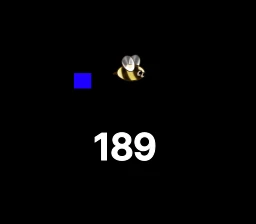


But the problem is that the object does not disappear forever and after increasing the distance the object reappears, I tried to fix it using valueAtTime() but I dont understand rly how it works 

I really need help, maybe I didn’t explain well, because I don’t speak English very well, if you have questions, ask

const halfASecond = 0.5;
const now = time;
const halfASecondAgo = now - halfASecond;
const prevValue = valueAtTime(halfASecondAgo);
Dist = length(thisComp.layer(1).transform.position, transform.position).toFixed(0);

if (prevValue === 0 || Dist <= 66) { // Number in my Dist var. is the closest distance i can see in my Source Text
  0;
} else {
  100;
}


This topic has been closed for replies.
Correct answer Moistoff


This is structure


3 replies

Community Expert
November 5, 2022

If you want the layer above another to disappear when it gets close, and you want the layer to fade out, try this expression:

t = length(thisComp.layer(index - 1).position, position);
tMin = 60; // End of Fade Out
tMax = 300; // Start of fade out
linear(t, tMin, tMax, 0, 100)

When the layers are 300 pixels apart, the opacity will start to decrease. When the layers are 60 pixels apart, the top layer's opacity is at zero.


As the layers start to move apart, opacity increases when they are 60 pixels apart, and the top layer is 100% when it is 300 pixels from the center of the top layer. 


If you want the layer to stay invisible after the layers separate, the easiest thing to do is set an outpoint. 

Mylenium
Legend
November 3, 2022

length() measures in any direction, so of course the bee will respond accordingly. If you want it to be permanent, you have to filter the output trhrough a linear() expression so the value overflow simply stops responding.


linear(Dist,0,66,0,100);


Mylenium

MoistoffAuthor
Inspiring
November 3, 2022

And after what line should I enter this?

MoistoffAuthor
Inspiring
November 3, 2022

This is expression in set on my bee in Opacity 

MoistoffAuthorCorrect answer
Inspiring
November 3, 2022


This is structure


Dan Ebberts
Community Expert
Community Expert
November 3, 2022

You probably need somethng like this:

t = time;
val = value;
while (t >= 0){
  if (length(thisComp.layer(1).position.valueAtTime(t),position.valueAtTime(t)) < 66){
    val = 0;
    break;
  }
  t -= thisComp.frameDuration;
}
val