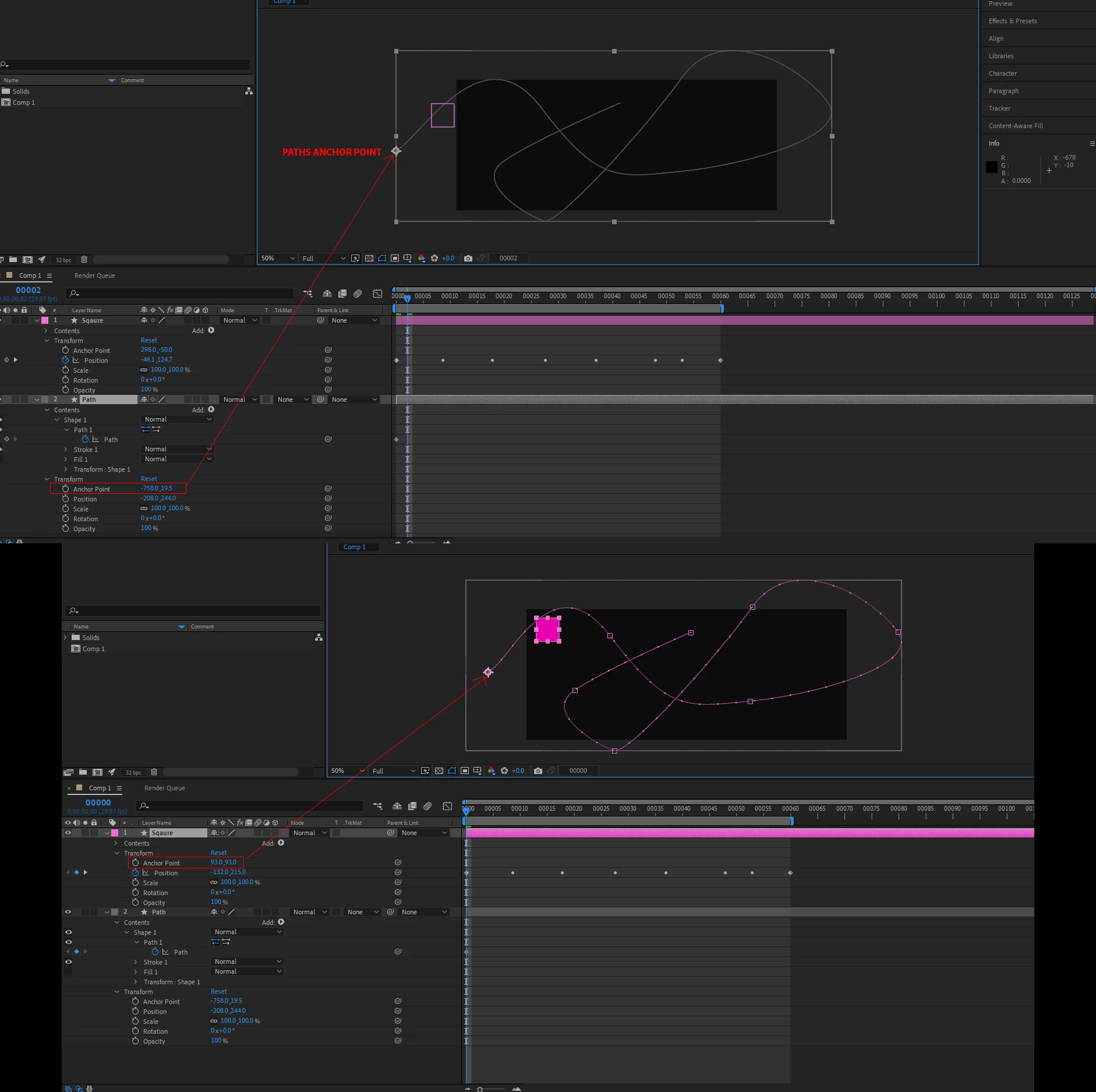
The default Anchor Point for a shape layer is 0, 0. The default layer size is the comp frame size. You have moved your layers, then copied a vector path and tried to use it as a motion path. If you want things to line up easily, you cannot do that. You cannot move the layer, even if it is a layer with a mask, and have the position of the motion match the path.
If you are stuck with having to move the layer, rotate it, or even scale the layer, you can fix the path offset by following these steps.
- Select the path you want to turn into a motion path and set a keyframe (the path should not be animated).
- Cut the keyframe Ctrl/Cmnd + X
- Select the layer you want to follow the path and move the CTI (current time indicator) to the spot where you want the motion to start.
- With the layer selected, press Alt/Option + p to set a position keyframe, then paste using Ctrl/Cmnd + v
- Add a new null to the composition (Shift + Alt/Option + Ctrl/Cmnd + v)
- Parent the layer you are moving to the null
- Shift + Parent the null to the layer containing the original path you want to use as a motion path
There you go. You have fixed the problem caused by transforming a layer with a path you want to use as a motion path. When you hold down the Shift key when you select the parent layer (the original shape layer with the path), the child snaps to the same position, orientation, and scale as the parent layer. The motion path will also be scaled, rotated, and lined up with the original layer.
I hope you followed that. It should take about 30 seconds to line up the moving layer with the original vector path.

 AdChoices