

Answered
how to open properties of multiple contents
Hi,
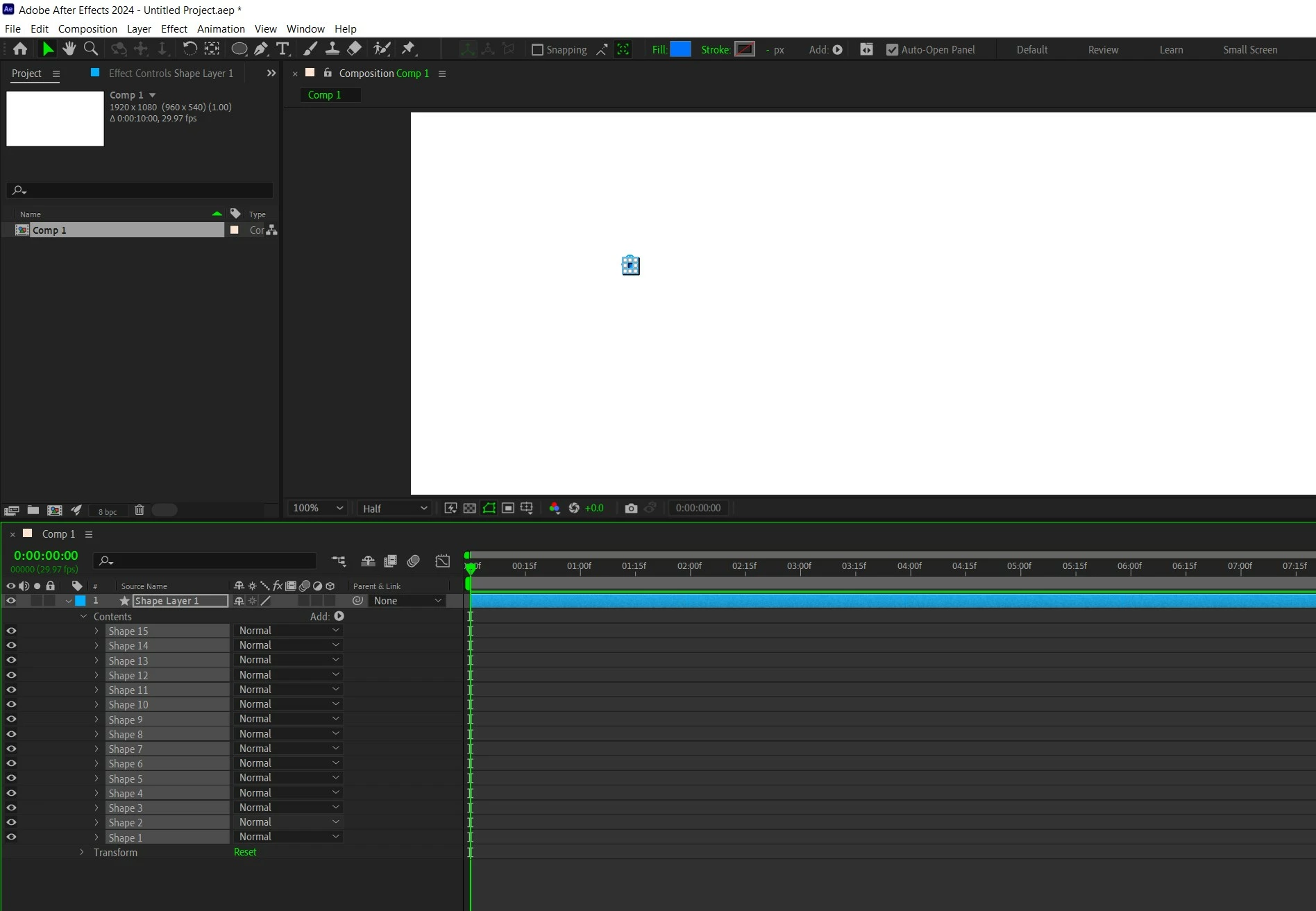
I am animating stars, very simple animation. so instead of drawing a lots of stars individually, creating lots of layers, I thought why not draw them all under one layer by duplicating the shape under content, and then am gonna apply necessary expressions on that perticular layer, so that all of them (duplicated shapes) have same effects and expression.
but. I notice I cant open properties like scale or opacity isung hotkeys, like I can with multiple layers. so is there any way I can select them all and press 't' to open their opacity all together, or 'S' to scale them individually.
Thank you.


 AdChoices