
How to Playback in After Effects?
Hi,
It has been awhile since I've used After Effects and I'm trying to figure out how to playback a composition.
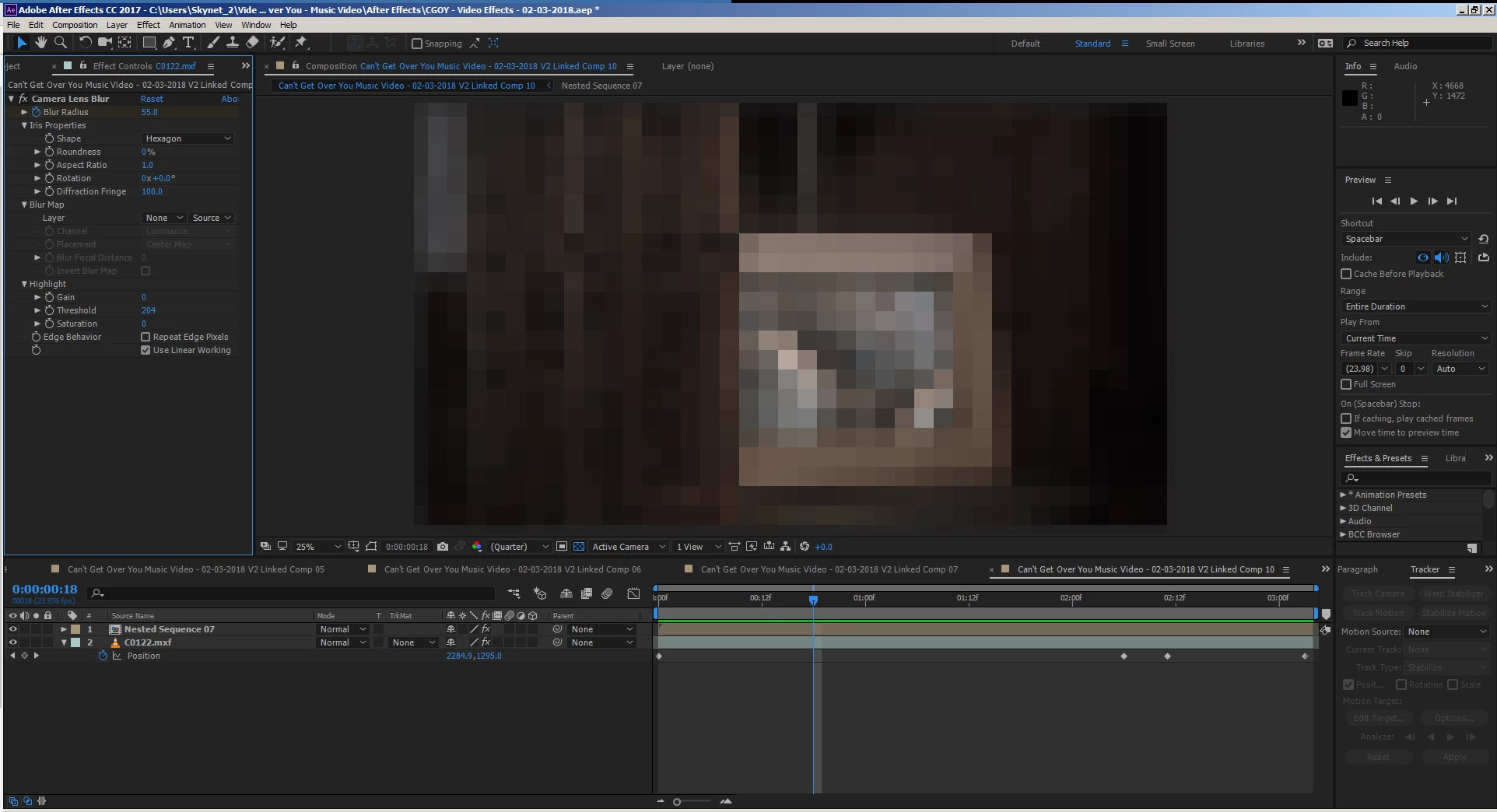
Pressing the spacebar doesn't do anything, it moves the play head 1 frame back if I press it a few times in quick succession.
The work area is green and has been rendered.
Manually clicking the play button in the Preview panel changes it into a square icon (for stop I assume) but the timeline does not play, the play head sits on the same frame indefinitely.
If I restart after effects and press the spacebar while the composition is unrendered it will play back once not in real-time, but as soon as the entire composition has rendered and has the green line it won't playback anymore.
Am I missing something?
Zach
Specs:
After Effects 2017.2 release
Version 14.2.1.34
Windows 7 Ultimate SP 1 64-bit. 6.1, Build 7601
Intel Core i7, 5930K CPU, OC using Auto-OC in BIOS
Asus X99-A Mobo
Asus GTX Strix 970 GPU
Seagate X850 PSU
32GB RAM: Corsair HyperX Predator DDR4 2133mHz (x4 8gb sticks)
Sandisk SDSSDXPS480G, 480GB SSD (for OS and program files)
4TB HDD (for media files and software backups)
 AdChoices