
Known Participant
February 24, 2020
Answered

How to Reflect a Layer?

  • February 24, 2020
  • 3 replies
  • 3338 views

I have pair of cartoon characters in a live action fish tank.
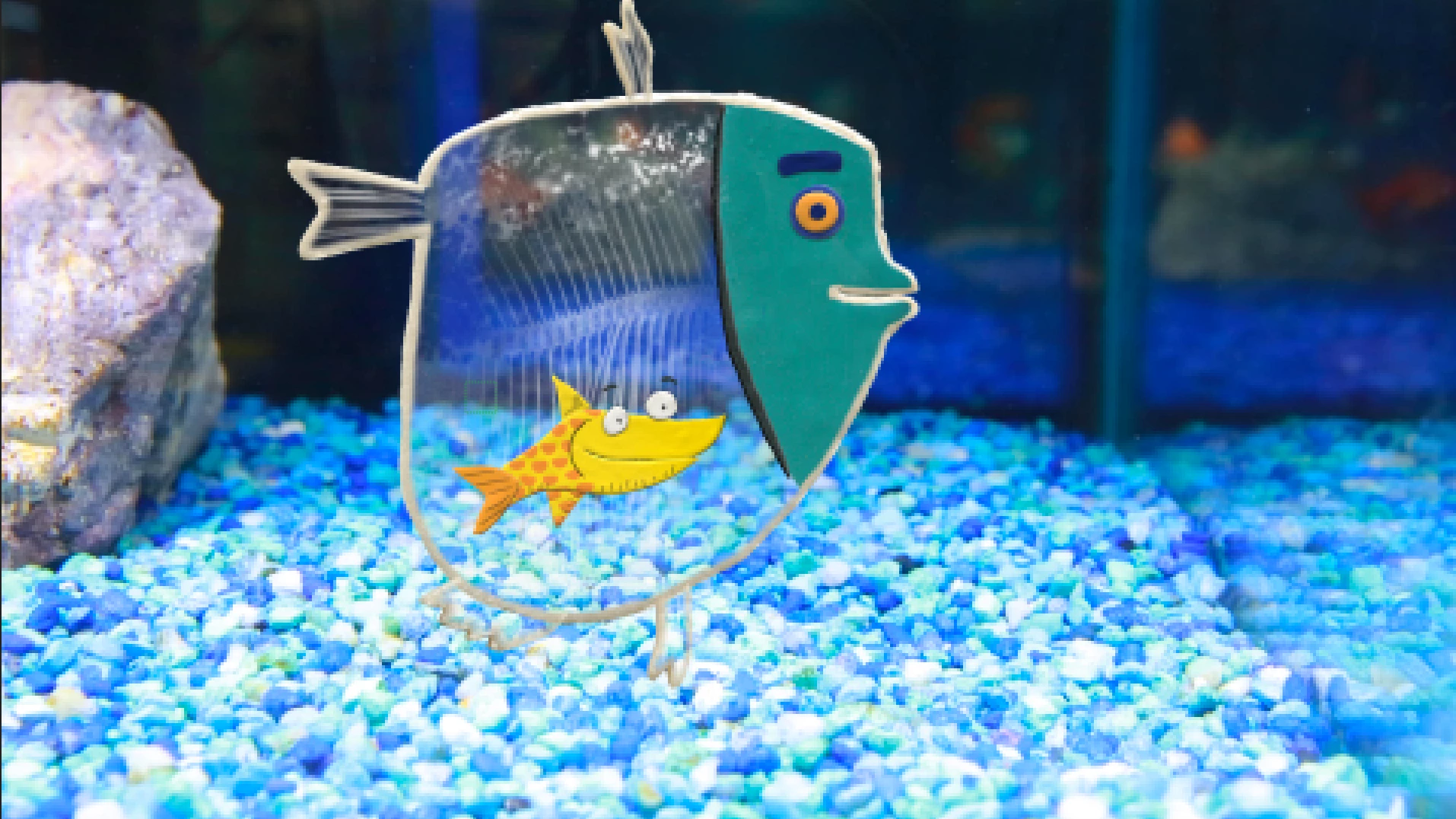
I have added a copy of the character layer to look like it is reflected in the glass. (Along with a couple of added effects to look more like a reflection.)
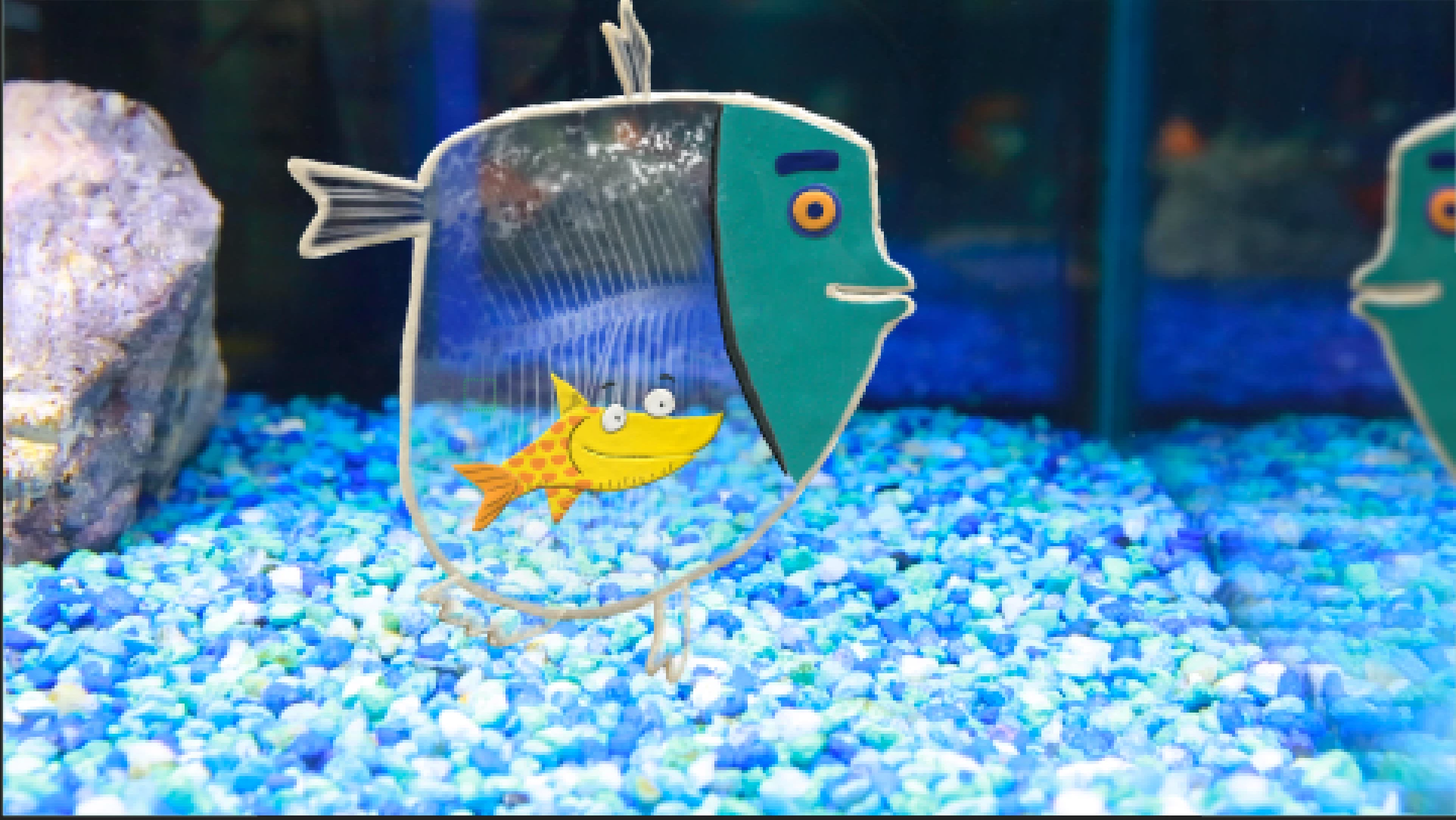
How can I get the reflection character to move in the identical opposite way of the original layer? I know I can't simply parent the reflection to the original layer, because the reflection will always go the wrong way.


Do I have to do this manually?

This topic has been closed for replies.
Correct answer Rick Gerard

I didn't say it was a C4D file, I said if you make the layers 3D then you can use the C4D rendering option to create a reflection as I did in the screenshot.


If you want to keep your layers 2D then set the scale of the copy to -100, 100 and edit the expression by removing the reference to Z like this:


src=thisComp.layer("Shape Layer Fish").position;
cx = src [0] - thisComp.width/2;
x =  value[0] - cx;
y = value [1];

[x * 2, y]


The reason you are getting the error in the expression is that there is a typo. Src should not be capitalized. 


The Anchor Point on your body layer should be right on the nose of the fish.

3 replies

VFXbear
Inspiring
February 24, 2020

Just get the free Videocopilot Reflect plugin.
No need to muck around with expression, and WAY more options ...

http://www.videocopilot.net/presets/reflection_plug-in/

Community Expert
February 25, 2020

VFXbear, Completely forgot about that free plug-in from Video Copilot. It's a very easy option. It would be even better if you could set the blend modes for only the reflection without duplicating the layer and setting the copy to reflection only.

Ko.Maruyama
Community Expert
Community Expert
February 24, 2020

Is there something prohibiting you from creating the animation of the (non-reflected) characters, then move that entire animation into a precomp?

Use one precomp as the main fish, and the second (scaled -100% on x) as the reflection?

I think it'd be easier to control multiple components of animation in that reflection. (plus easy use of effects/trackmattes)

Known Participant
February 24, 2020

Hi, thank you for asking. I am animating the fish movements in the context of the scene that he is in, so it will be better for me to animation him there, and use Rick's expression for the position of the fish reflection. For the rotations, I will just copy the rotation keyframes for the original, paste them into the reflection layer, and add a minus sign in front of all of them!

Ko.Maruyama
Community Expert
Community Expert
February 24, 2020

If you animate the fish with the background layer set as a Guide Layer, that entire composition can be used as your precomp, without the need to address each layer individually.

Just dump it into a new comp. duplicate it. flip the duplicate. add your background.

Community Expert
February 24, 2020

I am assuming these are 3D layers. If they are then you can set up reflections if you can deal with the sluggish performance of the C4D render engine by setting up a comp like this:

I have shown you all of the properties you have to modify. Make sure you understand the limitations of using the C4D rendering engine. You'll have to figure out how to deal with any effects and blend modes you need to sell the effect.


Another option would be to use Standard 3D and set up parenting and add this expression to the reflection layer copy.


src=thisComp.layer("Shape Layer Fish").position;
cx = src [0] - thisComp.width/2;
x =  value[0] - cx;
y = value [1];
z = value[2];
[x * 2, y, z]


This is what that would look like. You adjust where the reflection meets the master by manipulating the x value of the anchor point on the reflection layer. Blend modes and distortion effects will help you sell the reflection. That setup would look like this:

If your layers are 2D just delete the Z references from the expression to remove the error and scale the reflection layer by -100% in X.

Known Participant
February 24, 2020

Thank you for your reply. This was not in C4D, and it wasn't a 3D layer, but I changed it from 2D to 3D to use the expression you gave me.


Do you know why it would give me the error that says "src is not defined"? The layer with the reflection is layer 3, and the source is "body" on layer 4.


Rick GerardCommunity ExpertCorrect answer
Community Expert
February 24, 2020

I didn't say it was a C4D file, I said if you make the layers 3D then you can use the C4D rendering option to create a reflection as I did in the screenshot.


If you want to keep your layers 2D then set the scale of the copy to -100, 100 and edit the expression by removing the reference to Z like this:


src=thisComp.layer("Shape Layer Fish").position;
cx = src [0] - thisComp.width/2;
x =  value[0] - cx;
y = value [1];

[x * 2, y]


The reason you are getting the error in the expression is that there is a typo. Src should not be capitalized. 


The Anchor Point on your body layer should be right on the nose of the fish.