S_ A
Inspiring
September 11, 2024
Answered

How to resize comp :'(

  • September 11, 2024
  • 2 replies
  • 784 views

Hi,


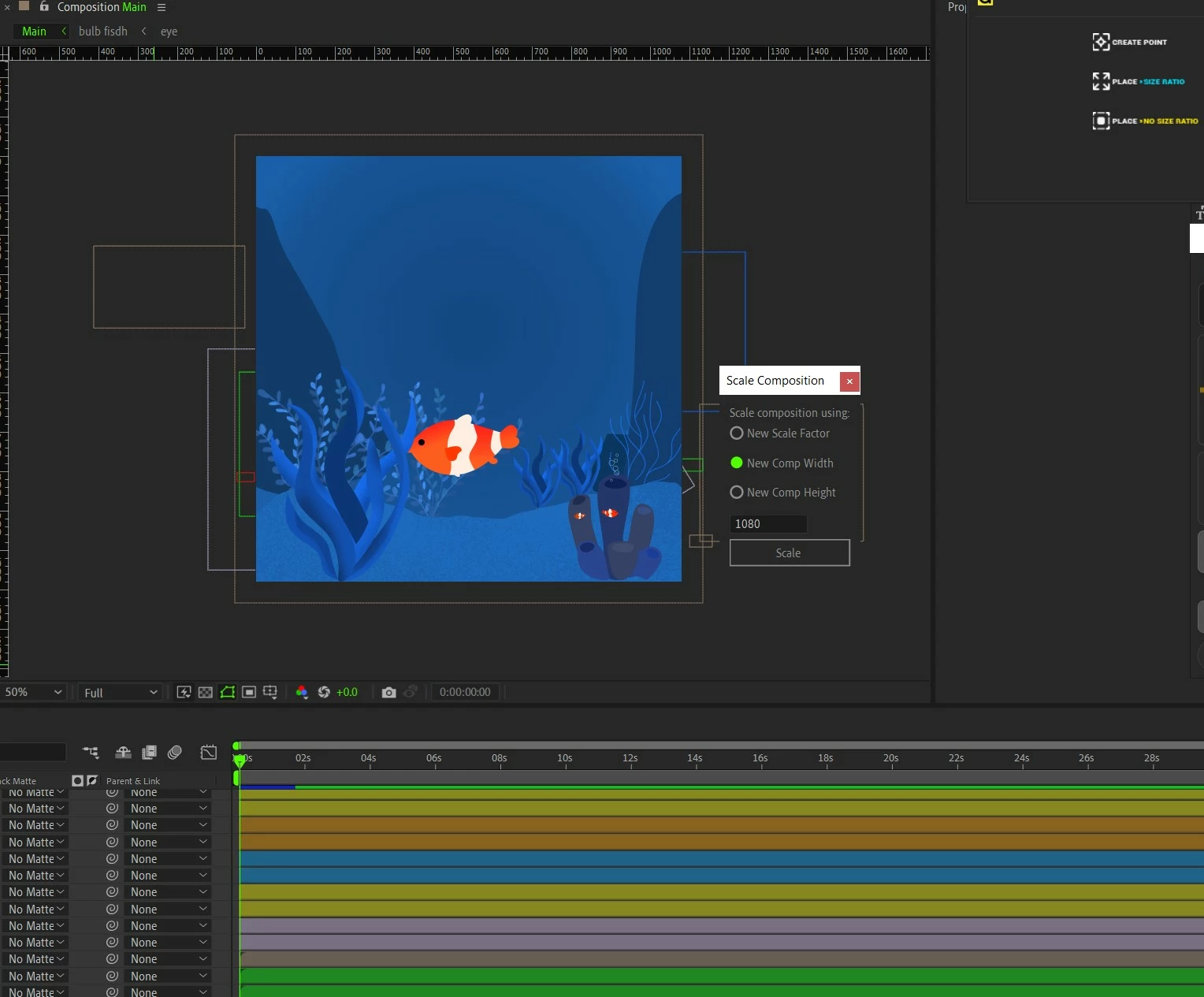
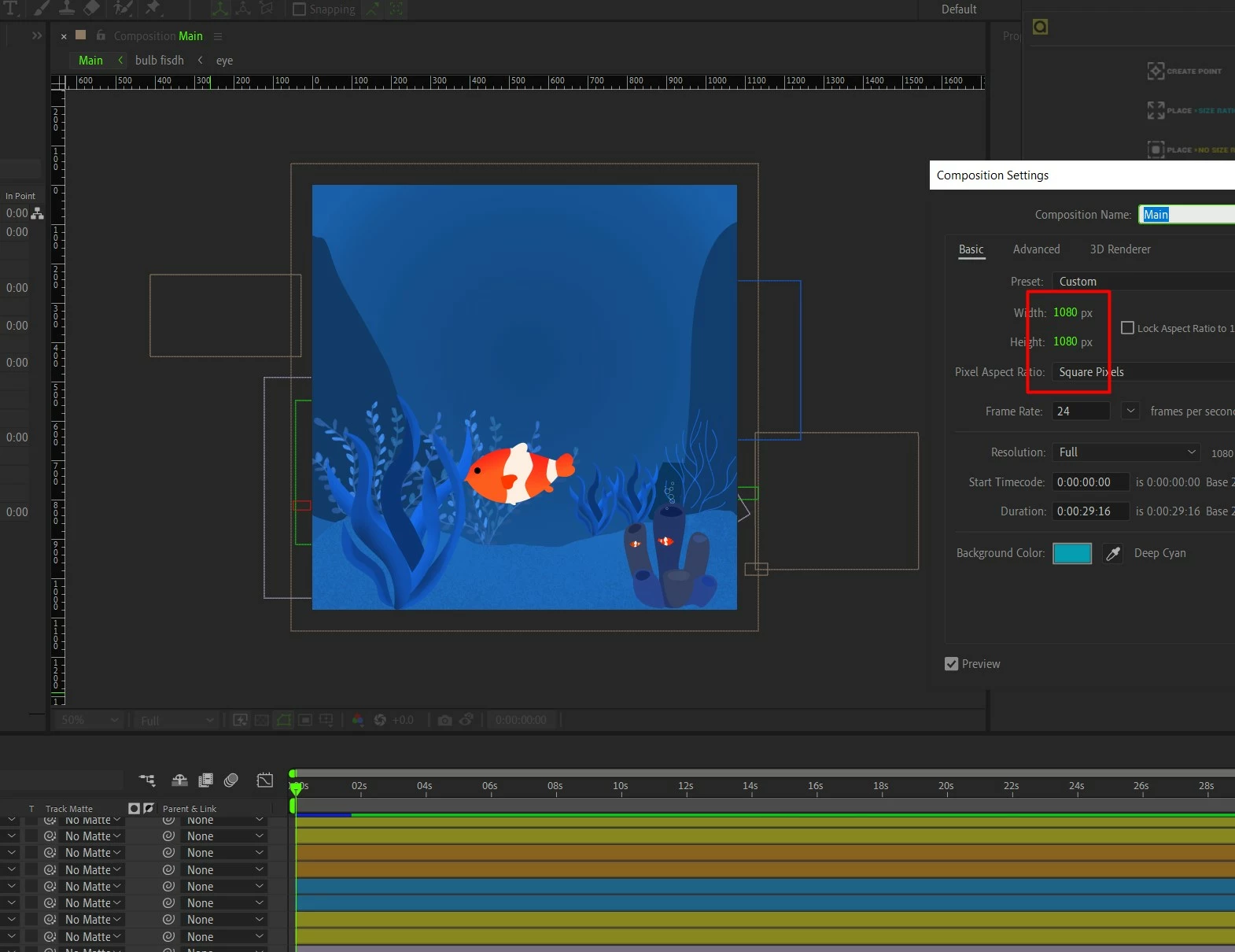
I dnt understand something, After googling much I learn I can scale a comp using an inbuilt script called ' ''scale comp" , but no way I can make it exactly 1920×1080.  Either, it changes both (H and W) into 1920 or 1080!


I can't believe there will not be a way for me to change a comp from 1080×1080 into 1920x1080 without doing it manually!! 😮


Too many layers, too many comps. I dnt wanna do it from square again! Looked for scripts to buy, but they want me to null all layers individually! crazy!


Please I need help.
This topic has been closed for replies.
Correct answer thepixelsmith

Smart Resize - https://aescripts.com/smart-resize/

Might do what you want.

All the other resize comp add ons I have seen preserve the aspect ratio.

2 replies

thepixelsmith
Community Expert
thepixelsmithCommunity ExpertCorrect answer
Community Expert
September 12, 2024

Smart Resize - https://aescripts.com/smart-resize/

Might do what you want.

All the other resize comp add ons I have seen preserve the aspect ratio.

S_ A
S_ AAuthor
Inspiring
September 12, 2024

Thank you so much. I am eternally grateful. 

thepixelsmith
Community Expert
Community Expert
September 13, 2024

glad I could help


Mylenium
Legend
September 12, 2024

Look up one of the comp changing scripts on AEScripts.com.


Mylenium

S_ A
S_ AAuthor
Inspiring
September 12, 2024

 if its not too much Please suggest me a name. there are too many. I will be grateful. I am lost. :'(