Legend
October 22, 2021
Answered

How to Return to an Entire Composition from within a Layer?

  • October 22, 2021
  • 2 replies
  • 713 views

I have been finding it very inefficient timewise when I am working within a layer to go back to the main composition. Each time I have to find the main composition from the project panel. Alot of times I do this to simply see how the layer I am editing looks so far amongst my project's entirety. Then I have to go back it, and repeat.

There must be a simpler way. A back button would be nice. Would also be nice if there was a way, and perhaps there is, to see a background layer beneath the text when I am within a text layer, rather than having to go back out of the precomp, and right back in. 


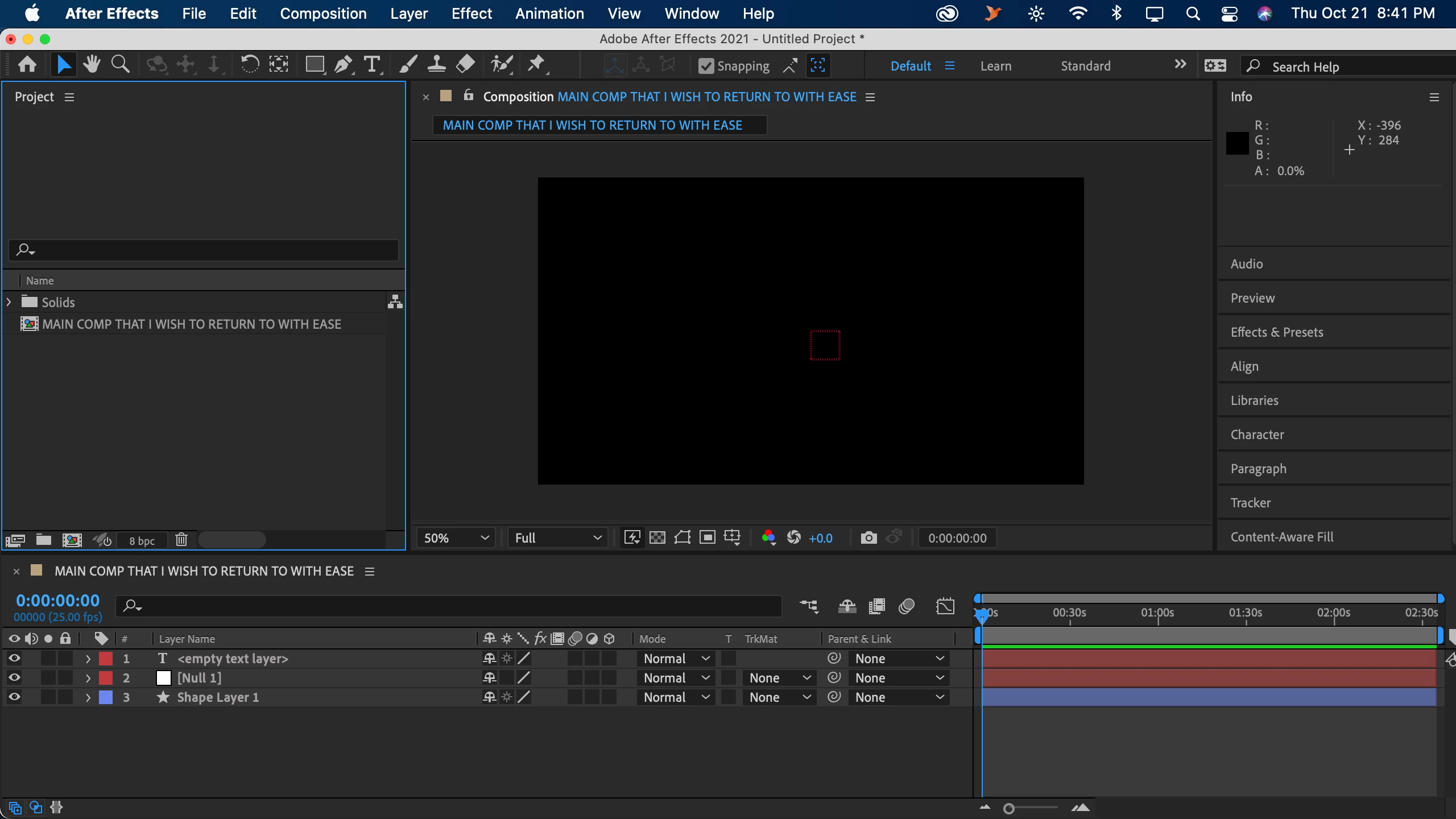
I have included a basic setup of what I am referring to. 


No smartasses please, thank you 🙂 
 

This topic has been closed for replies.
Correct answer Rick Gerard

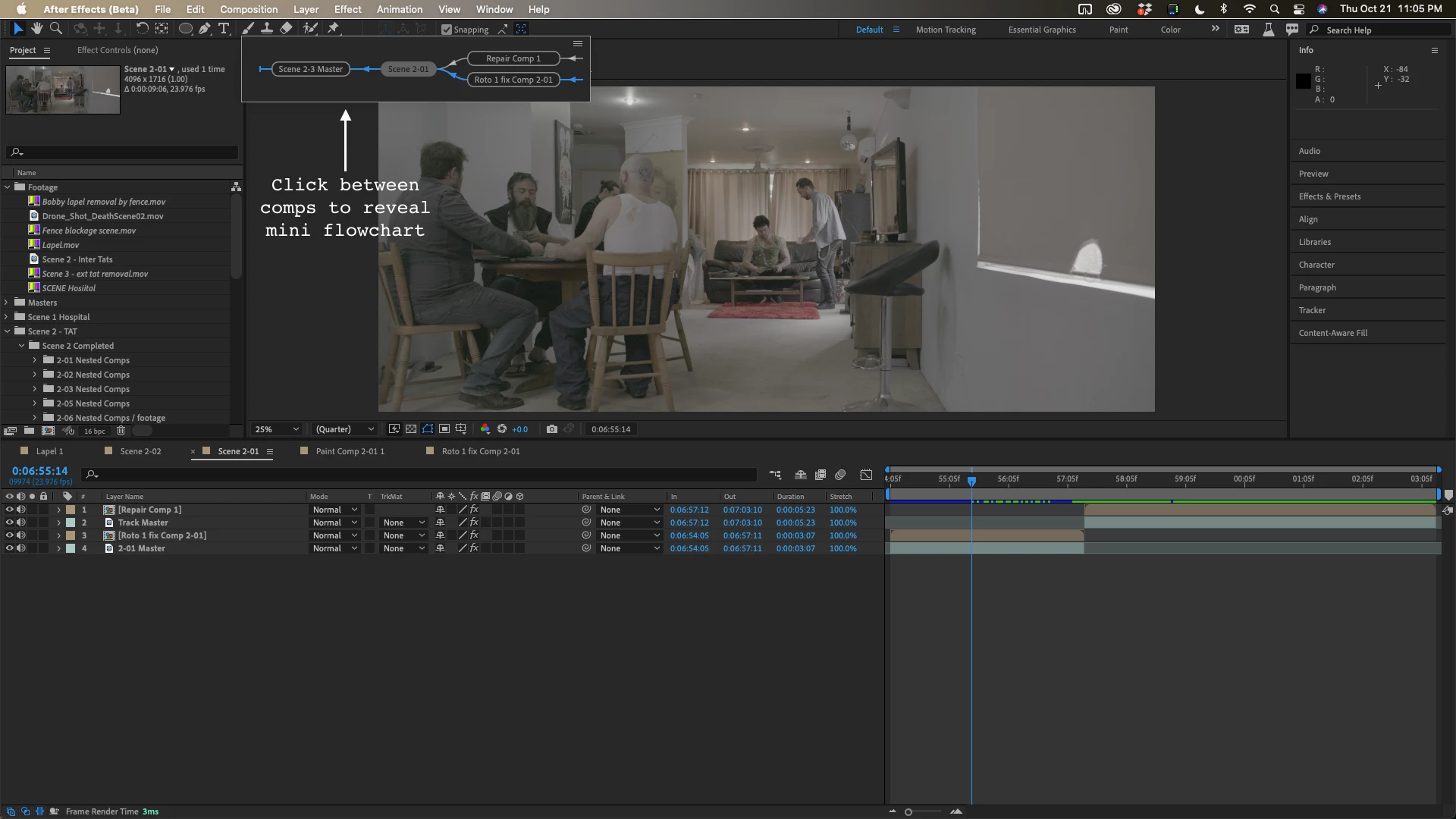
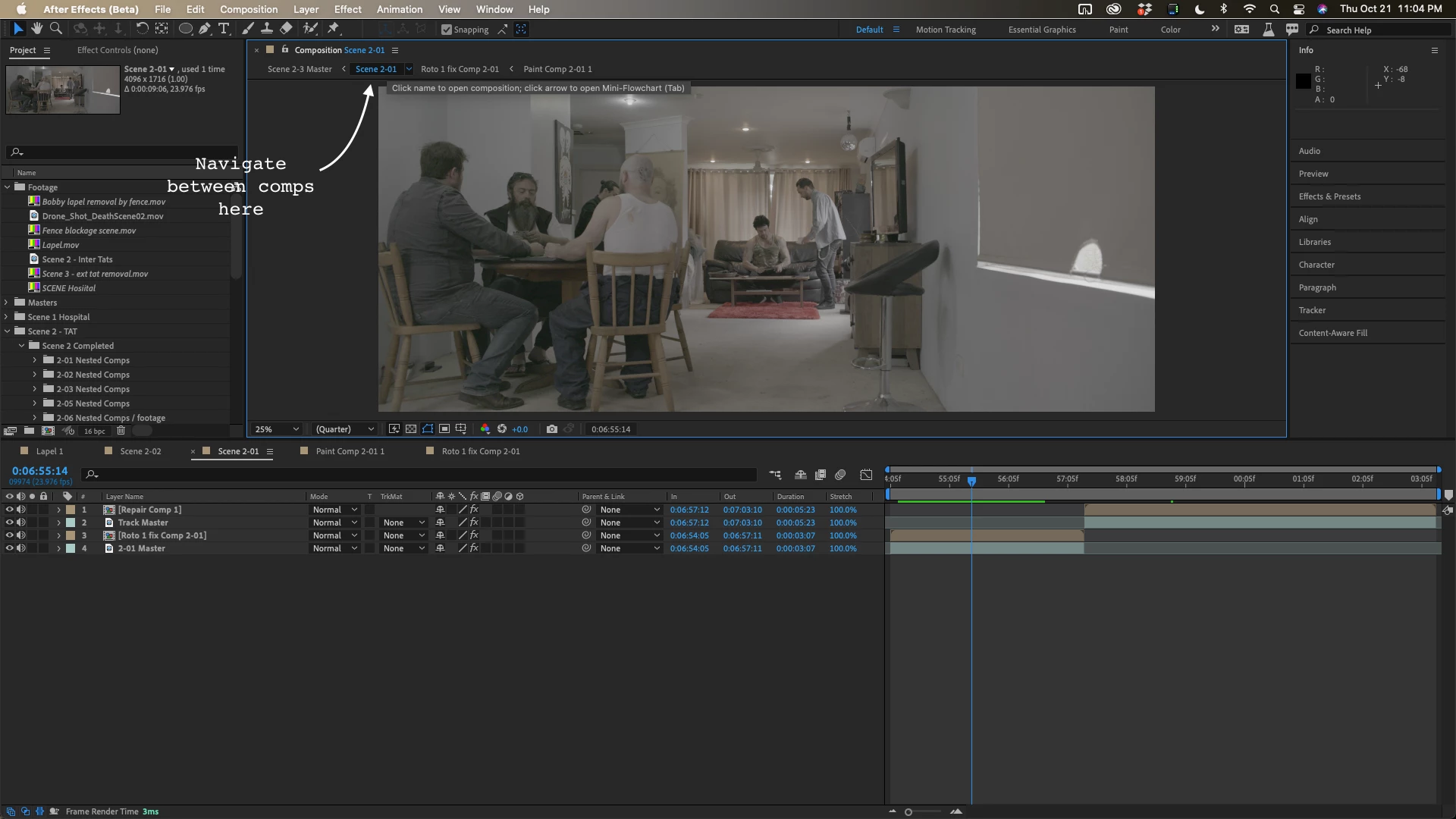
At the top of the composition panel, you can see breadcrumbs for all comps in the main comp. Click on anyone and you jump directly to that comp.

If you roll over a comp name in the breadcrumbs the < will spin down and you can click on the comp name to reveal a mini flow chart that will take you immediately to the comp you click on

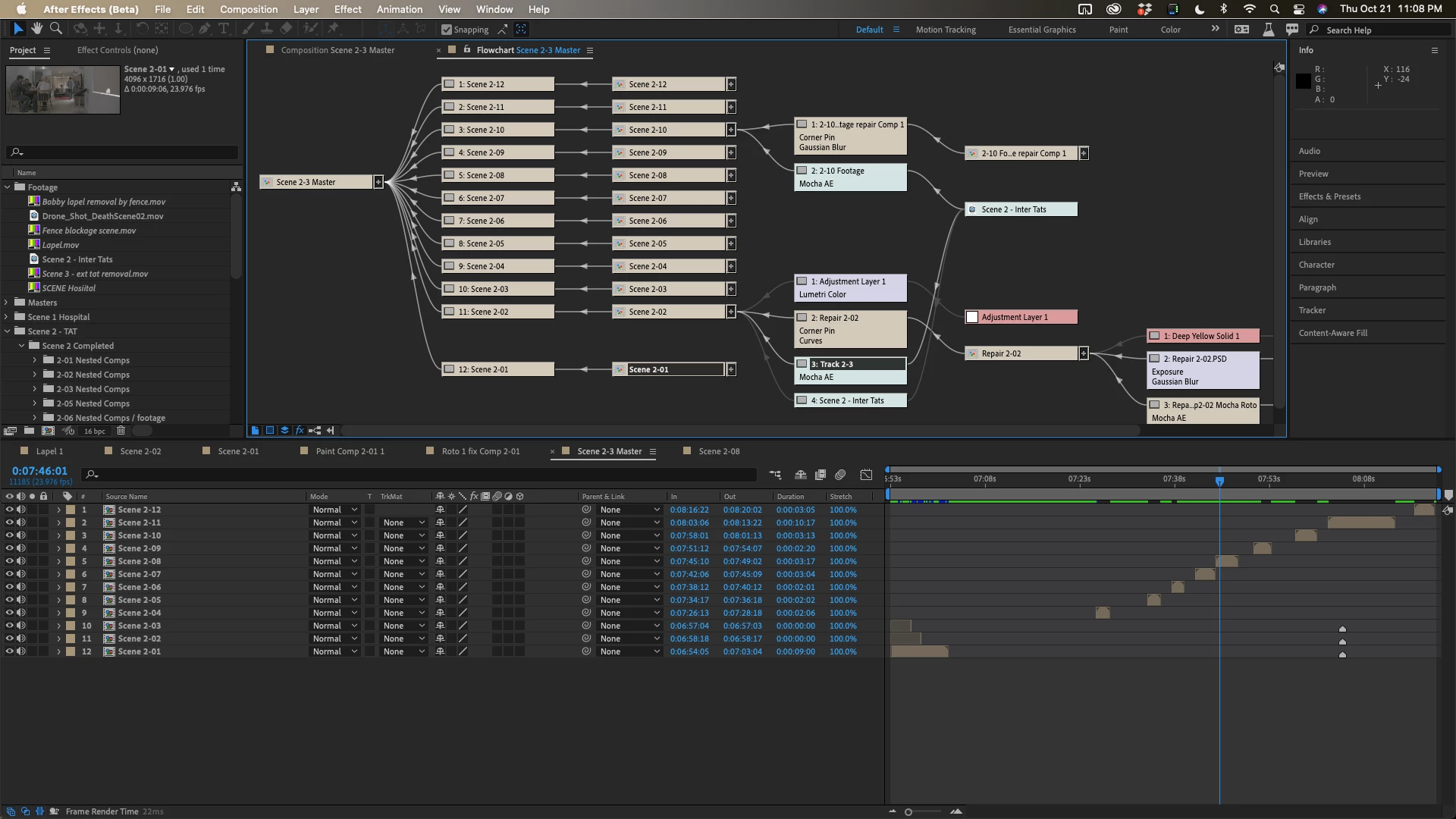
If you expand the comp flow chart you can even click on any layer in any comp to jump to that layer or open the selected comp.

I use all of these tools all the time because most of my VFX shots contain multiple nested comps and it is the easiest way to jump around quickly and by far the easiest way to find things in nested comps (pre-comps).

2 replies

Rick GerardCommunity ExpertCorrect answer
Community Expert
October 22, 2021

At the top of the composition panel, you can see breadcrumbs for all comps in the main comp. Click on anyone and you jump directly to that comp.

If you roll over a comp name in the breadcrumbs the < will spin down and you can click on the comp name to reveal a mini flow chart that will take you immediately to the comp you click on

If you expand the comp flow chart you can even click on any layer in any comp to jump to that layer or open the selected comp.

I use all of these tools all the time because most of my VFX shots contain multiple nested comps and it is the easiest way to jump around quickly and by far the easiest way to find things in nested comps (pre-comps).

One&DoneAuthor
Legend
October 23, 2021

Oh wow! Good to know!


This helps, thank you!!

Mylenium
Legend
October 22, 2021

You can create multiple comp and layer viewers and lock them just like you can have multiple timelines open. Likewise, you can take temporary composition screenshots to be shown in the background. I would suggest you look it up in the help. Otherwise it's mostly just a case of structuring your project, though I find it odd that you edit so many layers separately to begin with. Most users rarely ever open up the layer viewer these days unless it involves a workflow where it auto-opens liek Rotobrush or Tracking... Perhaps you may want to look into alterantive approaches like hiding the other layers instead, be that manually or with scripts.


Mylenium

One&DoneAuthor
Legend
October 23, 2021

Cool, I will give it a try


Have a ton of layers because they are a ton lyrics as well as importing alot lol