Question
how to revert the color table to the previous version after 2022 ver update
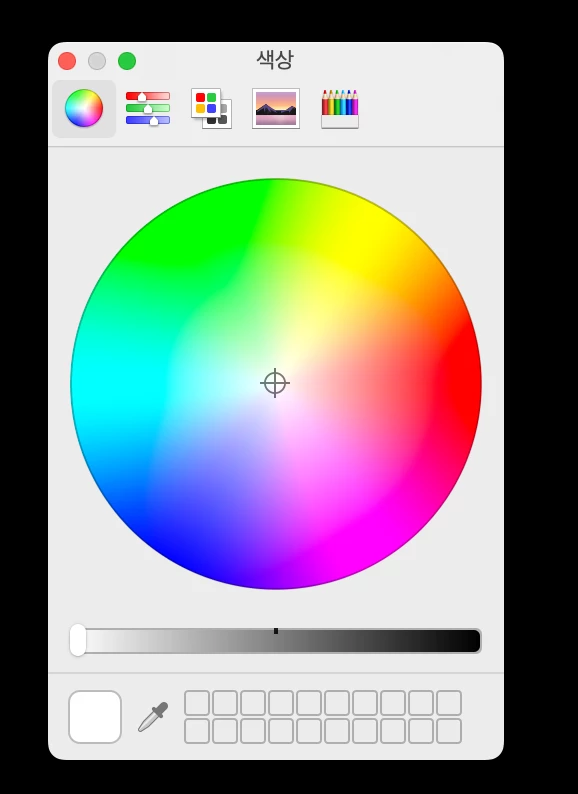
after the update, the color palette is displayed as shown in the photo
is there any way to undo it like the previous version?
can't enter color code
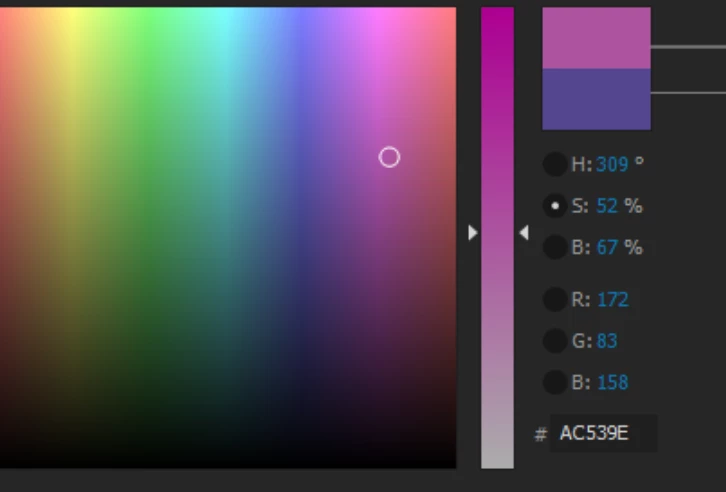

after the update, the color palette is displayed as shown in the photo
is there any way to undo it like the previous version?
can't enter color code
Already have an account? Login
Enter your E-mail address. We'll send you an e-mail with instructions to reset your password.
 AdChoices