Here's a project created with a simple expression that takes the size an ellipse in two different shape layers and comes up with a ratio so that they turn in sync as if gears were meshing. There is also an expression that sets the number of teeth if you use a stroke with gaps and dashes to simulate gears. Feel free to play with it: Dropbox - Funky Gears.aep
To the comp that was created entirely with some animation presets that I have in my collection, I added an additional ellipse in the center of each gear and then converted the ellipse to a path. The paths were selected and the Create Nulls from Paths>Nulls Follow Points script was used to attach nulls to each of the points on each ellipse. I only needed one of the four so the other three were deleted. Then I added another shape layer with a simple 2 point path and a stroke, selected the path then choose Create Nulls from Paths>Points Follow Nulls. All it takes to stick the crankshaft solid to the null on the path for the small and large gear is holding down the shift key when you create the parent.
This is what about 15 minutes of work looks like:
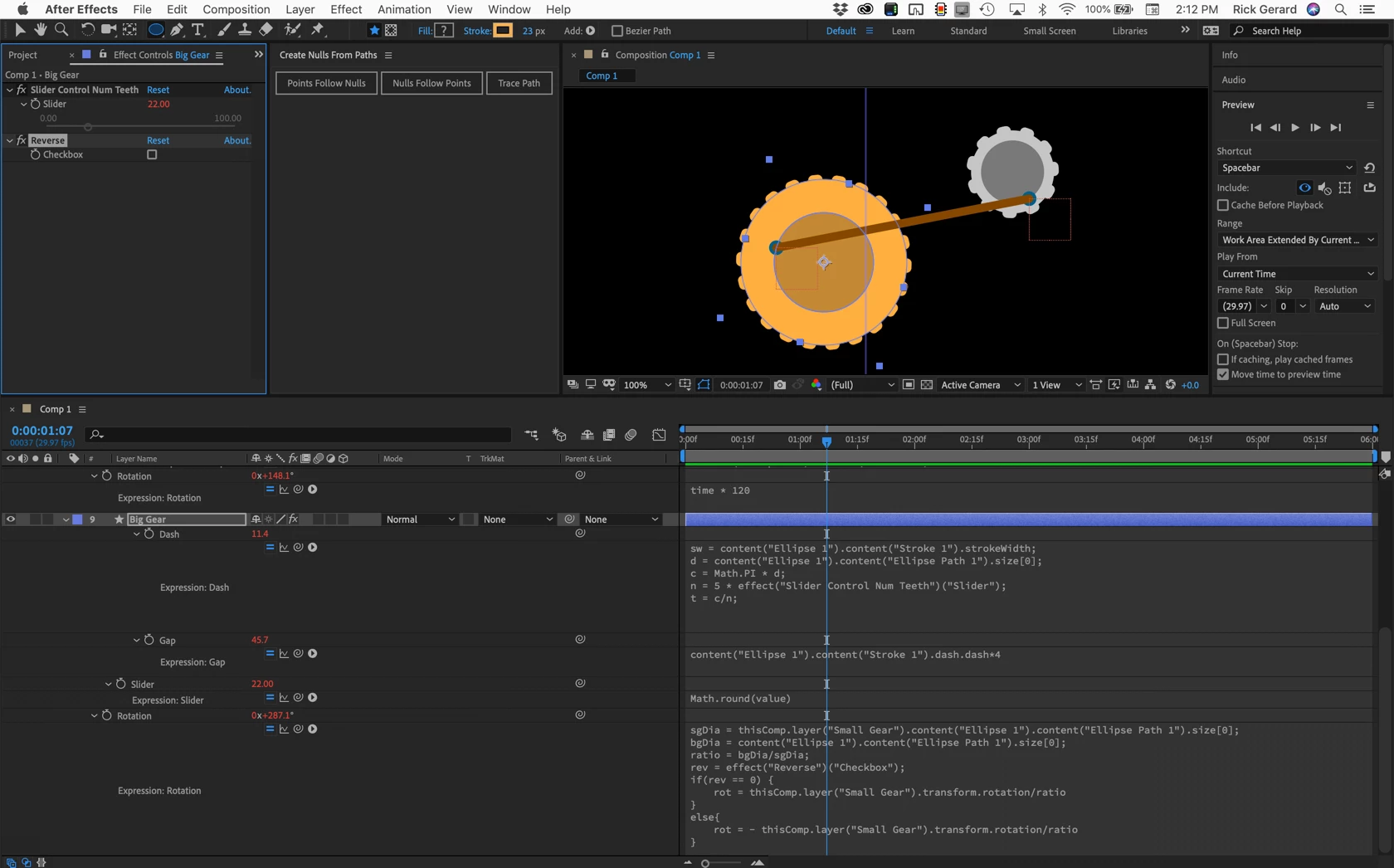
If the gears are turning as they would if they were touching you get some very odd movement in the connecting rod. If you change the size of the big wheel to match the size of the small wheel they will both rotate at the same speed and as long as they both rotate in the same direction and the angles match the shaft looks pretty normal.
I don't have a preset that would connect a crankshaft from one rotating object to another rotating object so that the first rotating object was driving the second. It would take some figuring, but it could be done. Then if the ratio between the size of each object was right you could get one gear to make the other one rotate continuously in one direction. If the ratio changes one gear rotating in one direction would cause the other gear to rotate back and forth. If that ratio changed the other so that the driving gear was larger than the driven gear the connection would fail or the crankshaft would have to stretch and compress as the larger gear tried to rotate the smaller one.
If I knew exactly what kind of motion the OP was trying to achieve I could come up with a solution. If the OP wants to just fake it and lets the laws of physics go out the window then adjusting the size of the paths in this sample comp and fiddling with the speed ratio between the two gears can pull off the effect.
NOTE: If your browser adds a .txt extension to the AEP file just delete it and it should open in the 2019 version of AE.
And I have to agree with Dave Merchant, if you are going to hang a bunch of 2D objects together in a bunch of odd ways the money you spend on Newton will be money well spent. Someday maybe they will release a 3D version...

 AdChoices