
Answered
How to turn off Trim paths in timeline?
Hi,
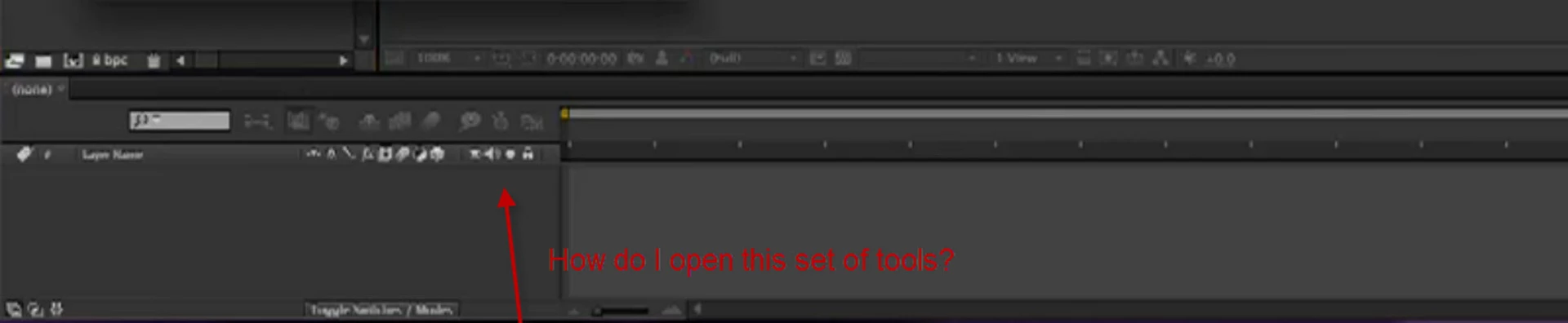
I am doing a tutorial in AE and the person giving the lesson says to turn off the trim path before copying and pasting a copy into the other comp. His timeline has 4 extra icons than mine. Therefore his Interface looks different than mine.
He did this in AE 6 and I am in 2017 AE CC.
I have done a screen cap to show the 4 extra icons, he has, that I cannot find. He gives no alternate way to turn off the trim path.
Thank you.


 AdChoices