

S_ A
Inspiring
February 3, 2025
Answered

How to write expression in such case - 10 (value at time, green locateion icon)

  • February 3, 2025
  • 1 reply
  • 540 views

Hi,

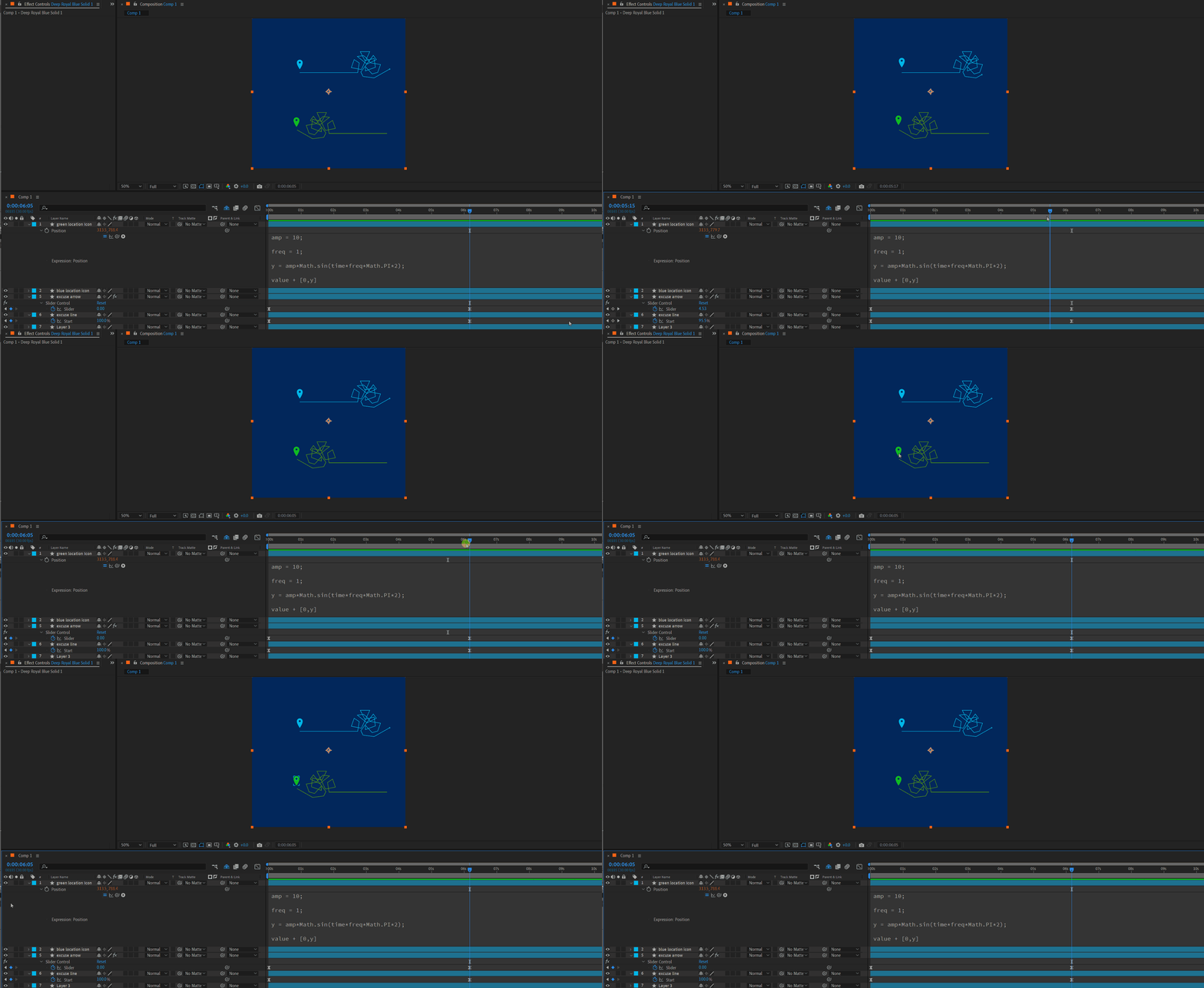
I want a specific location icon to start its y axis  animation (math sin) after a certain time period when the first animation ends. So, my first trim path animation ends at 185 frame. (6 sec 5 frame) , I dnt know how can I write the expression to tell the green location icon 'hey green location icon now you start your animation''. please help me. 😥

I can sense that I have to use value at time expression. but what should I write?😥


Correct answer Dan Ebberts

Wow, sorry. That was some bad typing on my part. Try this:

amp = 10;
freq = 1;
tStart = thisComp.layer("excuse line").content("Trim Paths 1").start.key(2).time;
t = Math.max(time - tStart,0);
y = amp*Math.sin(t*freq*Math.PI*2);
value + [0,y]

1 reply

Dan Ebberts
Community Expert
Community Expert
February 3, 2025

It seems like you should be able to tie it to one of the keyframes you have at that time. Without being able see the way you have it set up exactly, it's hard to know if this is the exact syntax you need, but it's probably going to look like this:

amp = 10;
freq = 1;
tStart = thisComp.layer("excuse line").content("Shape 1").content("Trim Paths 1").end.key(2).time;
t = Math.max(time - tStart,0);
y = amp*Math.sin((t*freq*Mathg.PI*2);
value + [0,y]
S_ A
S_ AAuthor
Inspiring
February 4, 2025

Hi, I could not do it. It shows error. Please help  me. 

Dan Ebberts
Community Expert
Dan EbbertsCommunity ExpertCorrect answer
Community Expert
February 4, 2025

Wow, sorry. That was some bad typing on my part. Try this:

amp = 10;
freq = 1;
tStart = thisComp.layer("excuse line").content("Trim Paths 1").start.key(2).time;
t = Math.max(time - tStart,0);
y = amp*Math.sin(t*freq*Math.PI*2);
value + [0,y]