S_ A
Inspiring
February 16, 2025
Answered

How to write expression in such case - 11 (Skew and position)

  • February 16, 2025
  • 1 reply
  • 350 views

Hi,

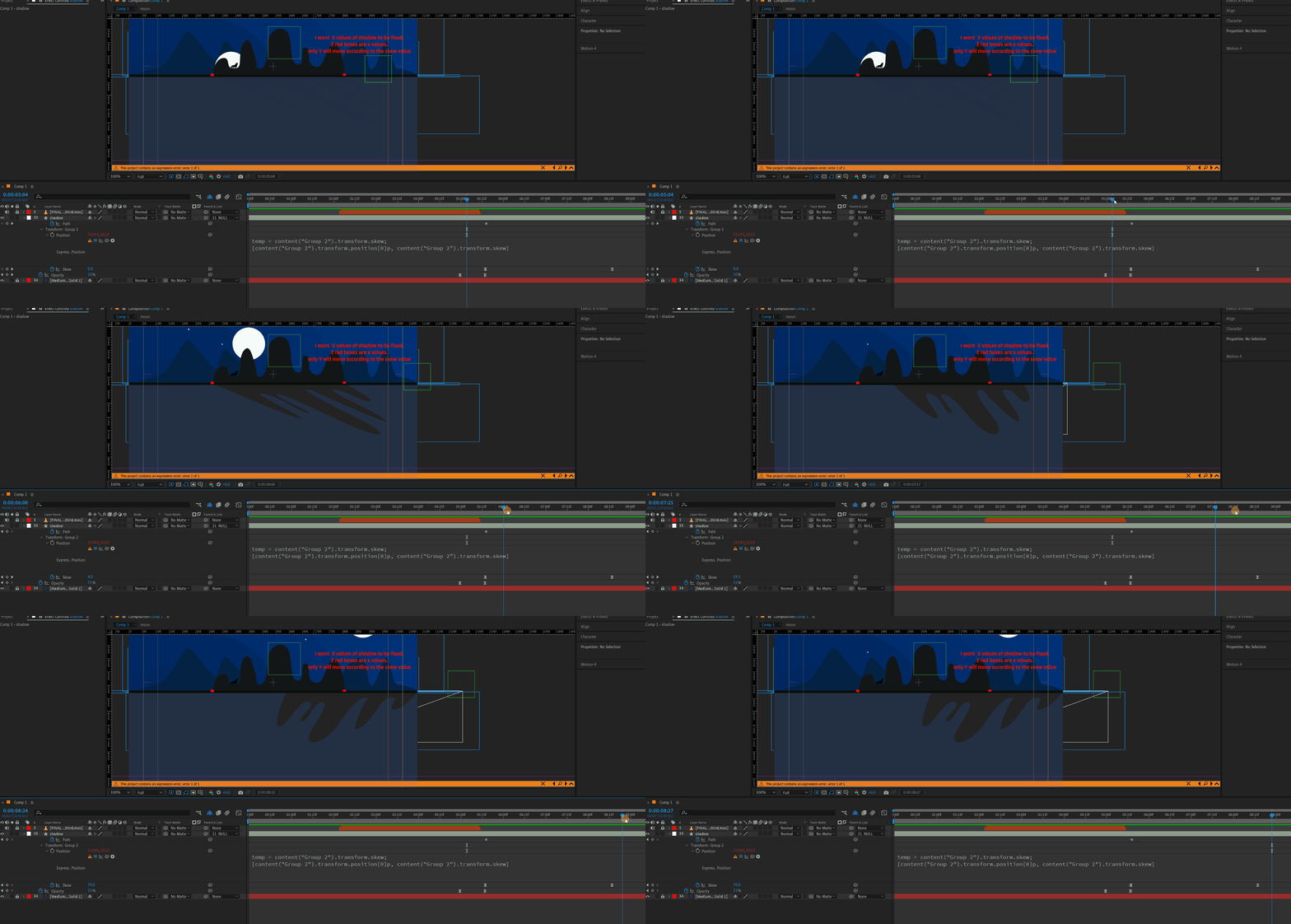
I want a shape layer to take its position value from its  'skew' property. so I write expressions but its not working. I know am making some kind of mistakes as am still learning. 


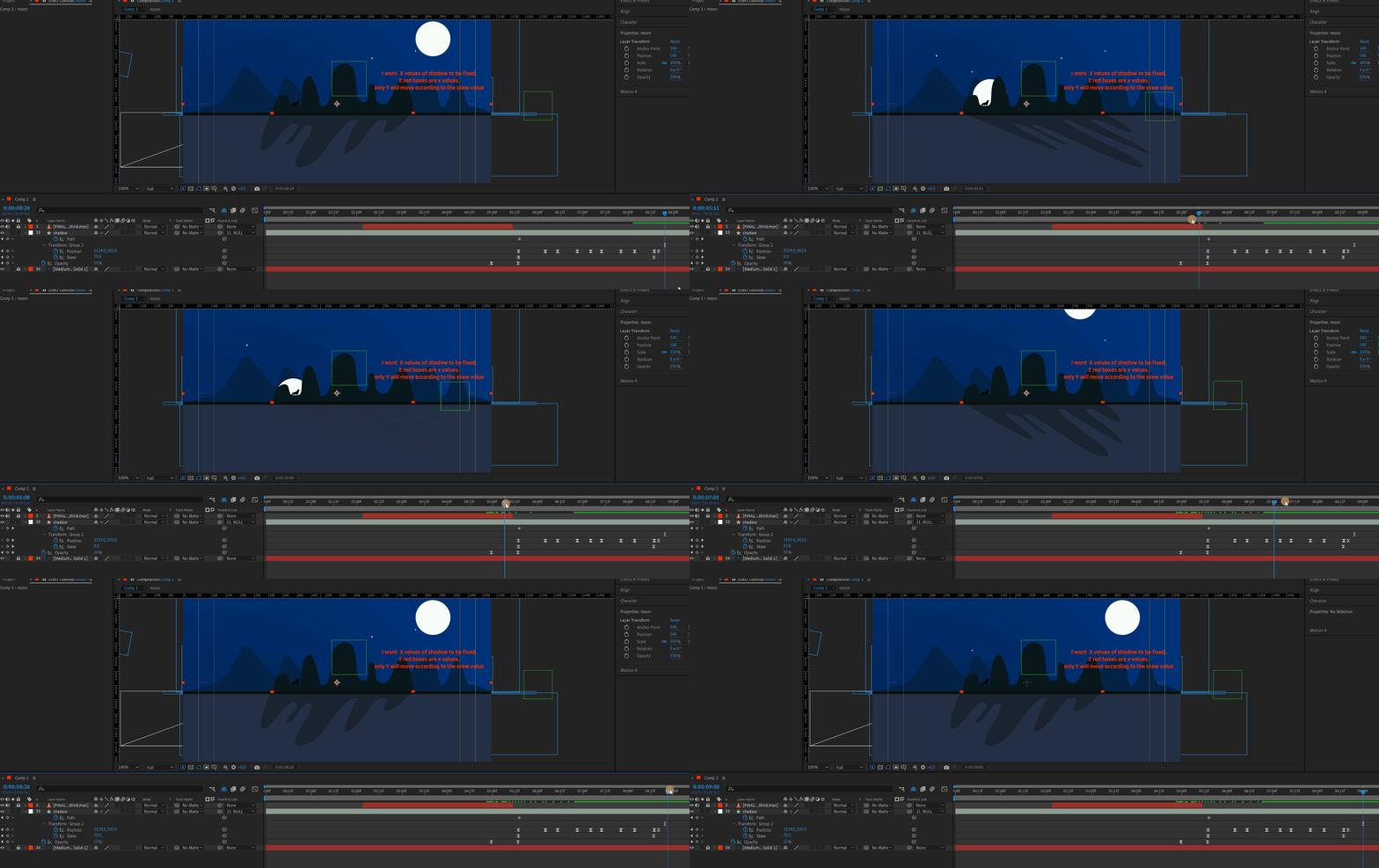
shape layer's (shadow of mountain)  X value should be fixed only Y will move according to skew. But no way its working. Please guide me. I tried manullay to animate the position value. but  no beauty in the movement. My eyes hurting seeing my own work 😠 please guide me. please.


Correct answer Dan Ebberts

It's a tricky geometry problem. If you were using a rectangle shape (with anchor point centered), you could use something like this:

h = content("Rectangle 1").content("Rectangle Path 1").size[1];
angle = degreesToRadians(content("Rectangle 1").transform.skew);
value + [-(h*Math.tan(angle))/2,0]

but that doesn't work with an irregular shape. I tried using sourceRectAtTime() to get the height, but I wasn't able to make that work. I'm stumped, but maybe someone will figure it out.


1 reply

Dan Ebberts
Community Expert
Dan EbbertsCommunity ExpertCorrect answer
Community Expert
February 17, 2025

It's a tricky geometry problem. If you were using a rectangle shape (with anchor point centered), you could use something like this:

h = content("Rectangle 1").content("Rectangle Path 1").size[1];
angle = degreesToRadians(content("Rectangle 1").transform.skew);
value + [-(h*Math.tan(angle))/2,0]

but that doesn't work with an irregular shape. I tried using sourceRectAtTime() to get the height, but I wasn't able to make that work. I'm stumped, but maybe someone will figure it out.


S_ A
S_ AAuthor
Inspiring
February 17, 2025

Thank you so much for your kind reply. Thank you.


I invented another way. I applied CC slant. OMG!!! I got the result exactly what I wanted.. I learn a new thing from your code. That's an extra achievement. Thank you.