

S_ A
Inspiring
August 29, 2025
Answered

how to write expression in such case -15 (trim path looping randomly)

  • August 29, 2025
  • 1 reply
  • 269 views

Hi,


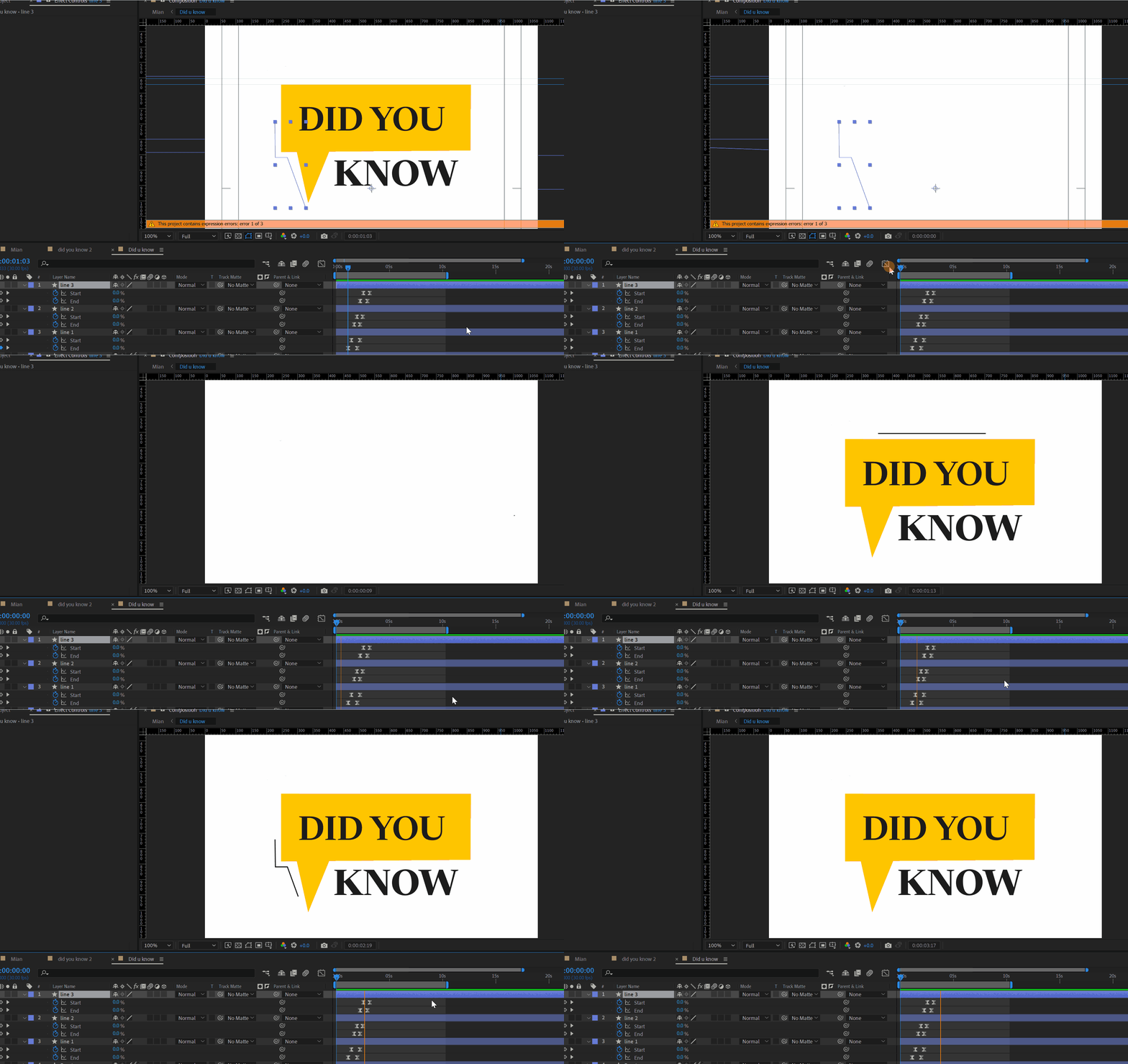
I want to loop the start and end of trim path but randomly for each line.. like line 1 start it's loop at 2 second, line 3 at 4 second. and none of them will overlap with one another's animation timing, I mean suddenly line 2 start its loop and line 3 and line 1 are not looping, again when line 1 looping line 2 and 3 not animating. . they will happen solo at their own time. And I want this to continue for as long as the main comp goining on, say 20 second, each line will be in a loop but different timing... . How can I write the expression? Thank you.
 

Correct answer Dan Ebberts

Here's an example. It's probably not exactly what you're after, but it might be close enough to get you started. Add a null, name it "Controls" and add a Point Control named "Line and Percent". Add this expression to the Point Control:

minLine = 1; // minimum line number participating
maxLine = 3;  // maximum line number participating
runDur = 1; // duration of animation time

seed = Math.floor((time-inPoint)/runDur);
seedRandom(seed,true);
curLine = Math.floor(random(minLine,maxLine + 1));
curPct = (((time-inPoint)%runDur)/runDur)*100;
[curLine,curPct]

For each of the line shape layers (named in the format "Line n") add this expression for the Trim Path's Start parameter:

ctrl = thisComp.layer("Controls").effect("Line and Percent")("Point");
curLine = parseInt(ctrl.value[0],10);
curPct = ctrl.value[1];
if (curLine == index){
  ease(curPct,20,100,0,100)
}else
0

and this for the End parameter:

ctrl = thisComp.layer("Controls").effect("Line and Percent")("Point");
curLine = parseInt(ctrl.value[0],10);
curPct = ctrl.value[1];
if (curLine == index){
  ease(curPct,0,30,0,100)
}else
0

You may need to fiddle with the numbers.

1 reply

Dan Ebberts
Community Expert
Dan EbbertsCommunity ExpertCorrect answer
Community Expert
August 29, 2025

Here's an example. It's probably not exactly what you're after, but it might be close enough to get you started. Add a null, name it "Controls" and add a Point Control named "Line and Percent". Add this expression to the Point Control:

minLine = 1; // minimum line number participating
maxLine = 3;  // maximum line number participating
runDur = 1; // duration of animation time

seed = Math.floor((time-inPoint)/runDur);
seedRandom(seed,true);
curLine = Math.floor(random(minLine,maxLine + 1));
curPct = (((time-inPoint)%runDur)/runDur)*100;
[curLine,curPct]

For each of the line shape layers (named in the format "Line n") add this expression for the Trim Path's Start parameter:

ctrl = thisComp.layer("Controls").effect("Line and Percent")("Point");
curLine = parseInt(ctrl.value[0],10);
curPct = ctrl.value[1];
if (curLine == index){
  ease(curPct,20,100,0,100)
}else
0

and this for the End parameter:

ctrl = thisComp.layer("Controls").effect("Line and Percent")("Point");
curLine = parseInt(ctrl.value[0],10);
curPct = ctrl.value[1];
if (curLine == index){
  ease(curPct,0,30,0,100)
}else
0

You may need to fiddle with the numbers.

S_ A
S_ AAuthor
Inspiring
August 30, 2025

Thank you so much. I needed this guidance. Thank you.