

S_ A
Inspiring
October 4, 2025
Answered

how to write expression in such case-17 (position + opacity)

  • October 4, 2025
  • 2 replies
  • 197 views

Hi,


I want to control the opacity of a layer by the position of another layer. I dnt know why my expression is not working. Please correct me where I am making mistakes. Thank you.


I want the eye corner to be visible only when the eyes moved to teh last positinon (here 990,403), before this it's opacity will be zero, 


Thank you.
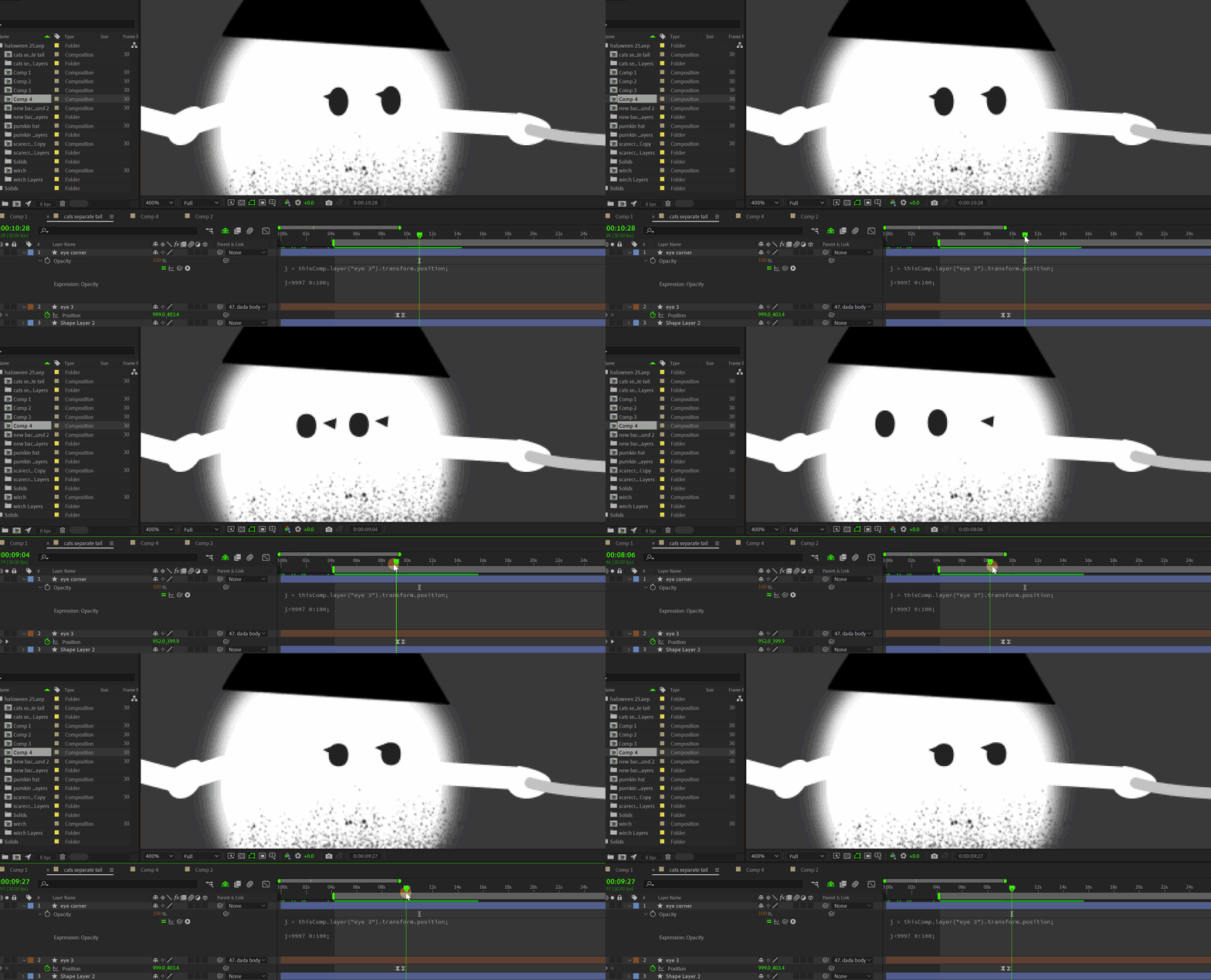


Correct answer S_ A

Thank you so much. 

2 replies

Community Expert
October 4, 2025

Assuming that the Face layer is an ellipse with the anchor point in the center of the ellipse, it is below the Shadow layer, and the Anchor Point of the Shadow layer is at the center of the shadow on the right, this expression should give you the results you want. 

Adjusting the offset with a Slider controls the timing of the fade-in for the shadow layer.

ofst = effect("Slider Control")("Slider"); // adjust value to time fade in
sp = position[0];
face = thisComp.layer(index + 1);
fSiz = face.content("Ellipse 1").content("Ellipse Path 1").size[0]/2;
fPos = face.position[0] + fSiz;
ofst + fPos - sp;

The expression compares the position of the Face layer + the radius of the face with the position of the Shadow layer plus an offset value so the shadow appears with a quick fade in as the face moves into position. Adjusting the offset value will control the timing. It's more complicated than Dan's solution, but it gives you a quick fade-in for the shadow layer. 

S_ A
S_ AAuthor
Inspiring
October 5, 2025

😮 wow! Thank you so much for teaching me this! I never knew!!

Dan Ebberts
Community Expert
Community Expert
October 4, 2025

I think you just need to change the second line to this:

j[0] < 999 ? 0 : 100
S_ A
S_ AAuthorCorrect answer
Inspiring
October 5, 2025

Thank you so much.