

S_ A
Inspiring
February 13, 2026
Answered

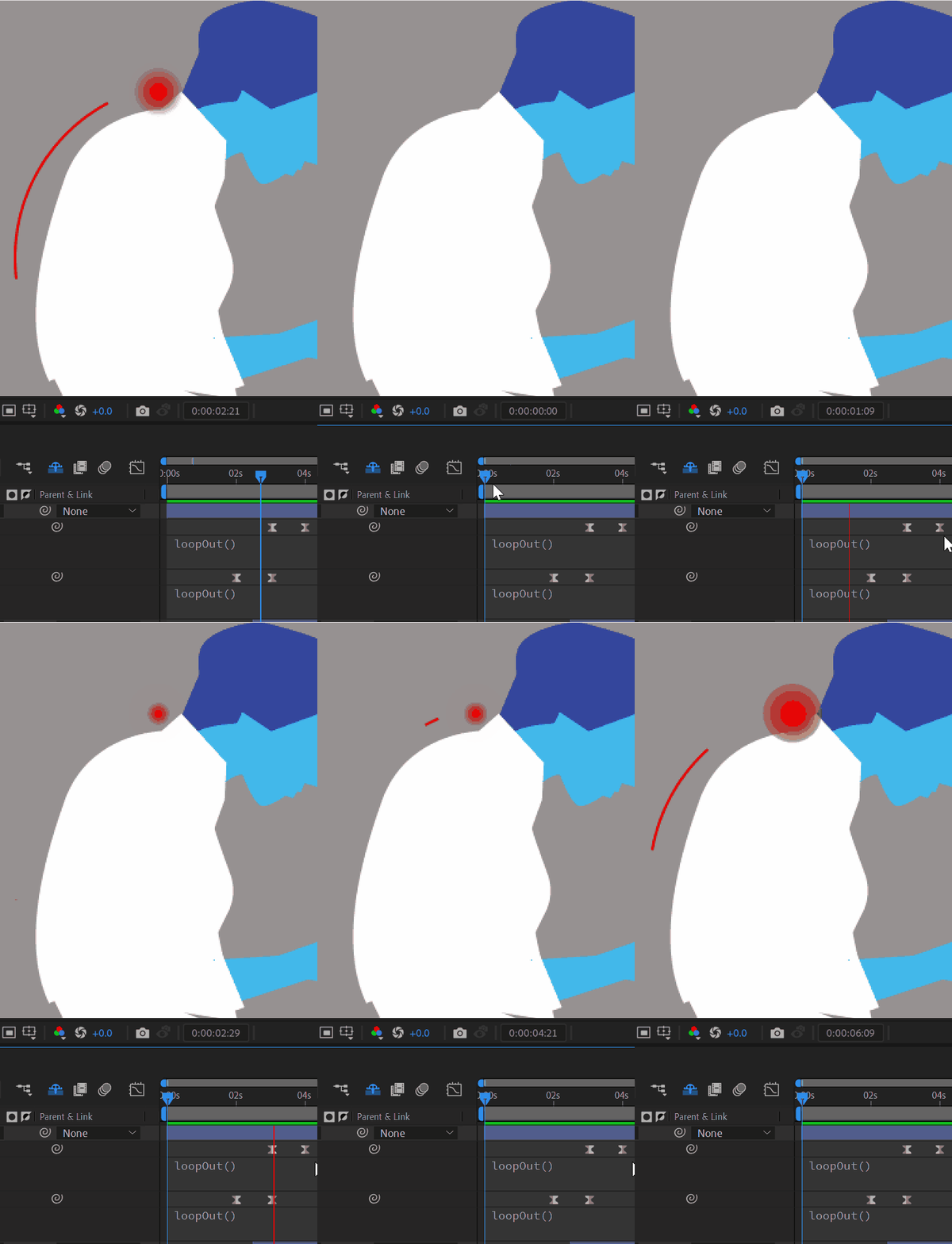
how to write expression in such case -18 (trim path looping exactly at every 2 second)

  • February 13, 2026
  • 1 reply
  • 14 views

Hi,


I want the whole Trim Path animation to loop in a fixed repetition. I want the entire animation (the way I set the keyframes) to finish and then repeat from start to end at every 2 second.
How can I do this with an expression?
I tried everything, but I can’t achieve what I want. Please help.


Correct answer Dan Ebberts

Without knowing the names of the properties with the keyframes, you could hard-code the start and end times like this:

tStart = 2;
tEnd = 4;

t = time;
if (time > tEnd){
t = tStart + (time - tEnd)%(tEnd-tStart);
}
valueAtTime(t)

Here’s a stab at what it might look like with the property names:

tStart = content("Shape 1").content("Trim Paths 1").end.key(1).time;
tEnd = content("Shape 2").content("Trim Paths 1").end.key(2).time;

t = time;
if (time > tEnd){
t = tStart + (time - tEnd)%(tEnd-tStart);
}
valueAtTime(t)


1 reply

Dan Ebberts
Community Expert
Dan EbbertsCommunity ExpertCorrect answer
Community Expert
February 13, 2026

Without knowing the names of the properties with the keyframes, you could hard-code the start and end times like this:

tStart = 2;
tEnd = 4;

t = time;
if (time > tEnd){
t = tStart + (time - tEnd)%(tEnd-tStart);
}
valueAtTime(t)

Here’s a stab at what it might look like with the property names:

tStart = content("Shape 1").content("Trim Paths 1").end.key(1).time;
tEnd = content("Shape 2").content("Trim Paths 1").end.key(2).time;

t = time;
if (time > tEnd){
t = tStart + (time - tEnd)%(tEnd-tStart);
}
valueAtTime(t)


S_ A
S_ AAuthor
Inspiring
February 13, 2026

Thank you so much.