S_ A
Inspiring
December 5, 2023
Answered

How to write expression in such case-3

  • December 5, 2023
  • 1 reply
  • 309 views

Hello,

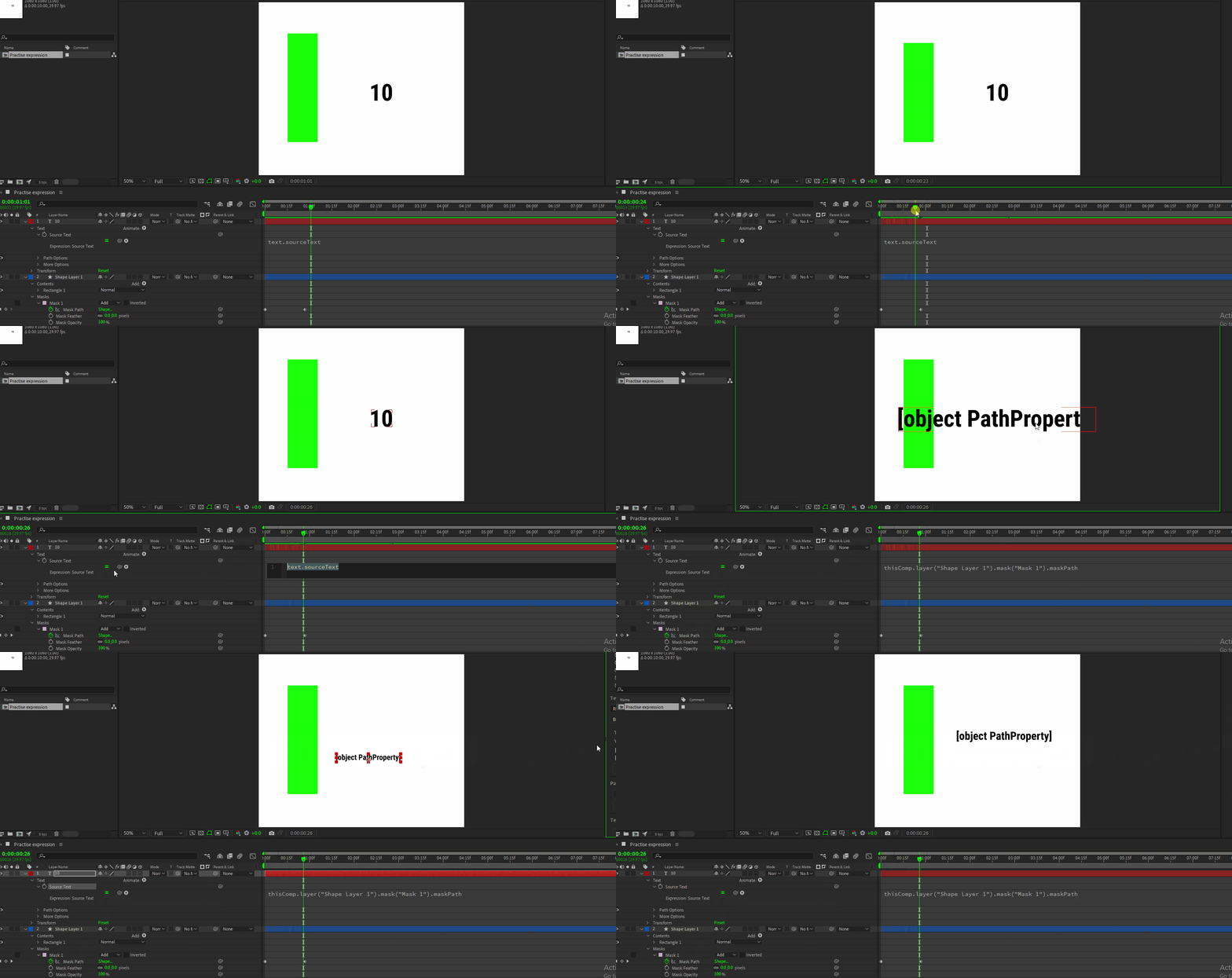
I was animating a bar using mask and suddenly I think if I can link a digit's  increasement  with the mask's  path.

like I did with trim path 'end', I linked source text with trim path 'end' and then the  animate the digit .

but now,  I want the digit to be '0' when the mask's upper point two vertex points is same as the bottom vertex points, and then as the mask grows the digit will increase along with it.


is it possible in after effects. or am imagining too much?  😰
 

This topic has been closed for replies.
Correct answer Rick Gerard

That is much easier to do with a shape layer using a single Stroke and Trim Paths than it is to do with a mask. 


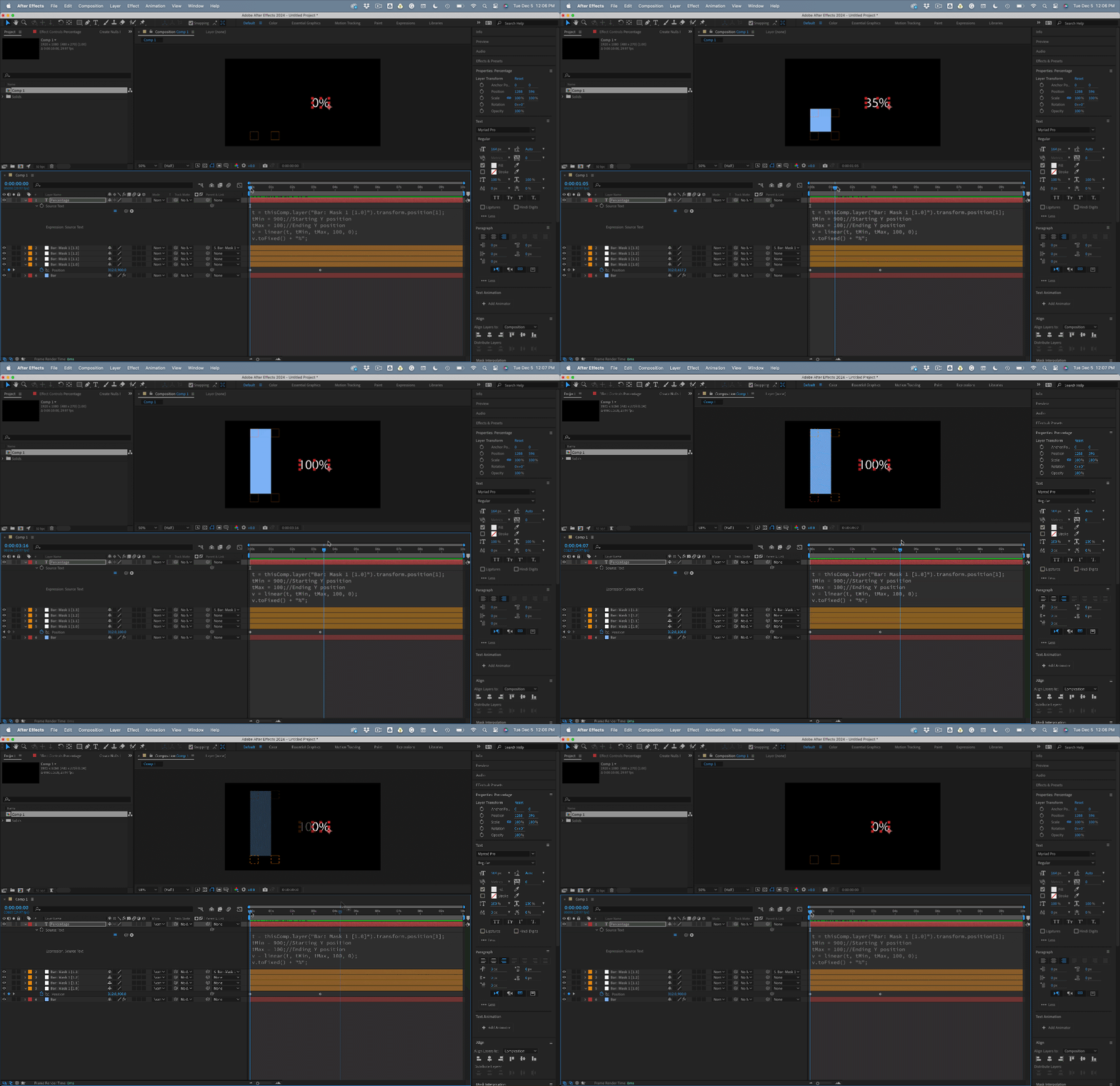
If you must use a mask, select the Mask Path, then open and use Window/Create Nulls From Paths. Points follow nulls. This will give you four nulls that will control the path. Then, you need to parent the top right null to the top left one and animate the top left null position to adjust the mask's size. Animate the top left null's position to expand the mask, then set up a linear function that takes the top left null's starting and ending positions and converts them into percentages.


Something like this:


t = thisComp.layer("Bar: Mask 1 [1.0]").transform.position[1];
tMin = 900;//Starting Y position 
tMax = 100;//Ending Y position
v = linear(t, tMin, tMax, 100, 0);
v.toFixed() + "%";


It is a lot easier to do with a shape layer.

1 reply

Rick GerardCommunity ExpertCorrect answer
Community Expert
December 5, 2023

That is much easier to do with a shape layer using a single Stroke and Trim Paths than it is to do with a mask. 


If you must use a mask, select the Mask Path, then open and use Window/Create Nulls From Paths. Points follow nulls. This will give you four nulls that will control the path. Then, you need to parent the top right null to the top left one and animate the top left null position to adjust the mask's size. Animate the top left null's position to expand the mask, then set up a linear function that takes the top left null's starting and ending positions and converts them into percentages.


Something like this:


t = thisComp.layer("Bar: Mask 1 [1.0]").transform.position[1];
tMin = 900;//Starting Y position 
tMax = 100;//Ending Y position
v = linear(t, tMin, tMax, 100, 0);
v.toFixed() + "%";


It is a lot easier to do with a shape layer.

S_ A
S_ AAuthor
Inspiring
December 5, 2023
Unbelievable!!  😮 this  is soo cool!
 
Thank you soooooooooooooooo much.