

S_ A
Inspiring
August 11, 2024
Answered

how to write expression in such case-7

  • August 11, 2024
  • 1 reply
  • 590 views

Hi,


So I am playing with expressions.


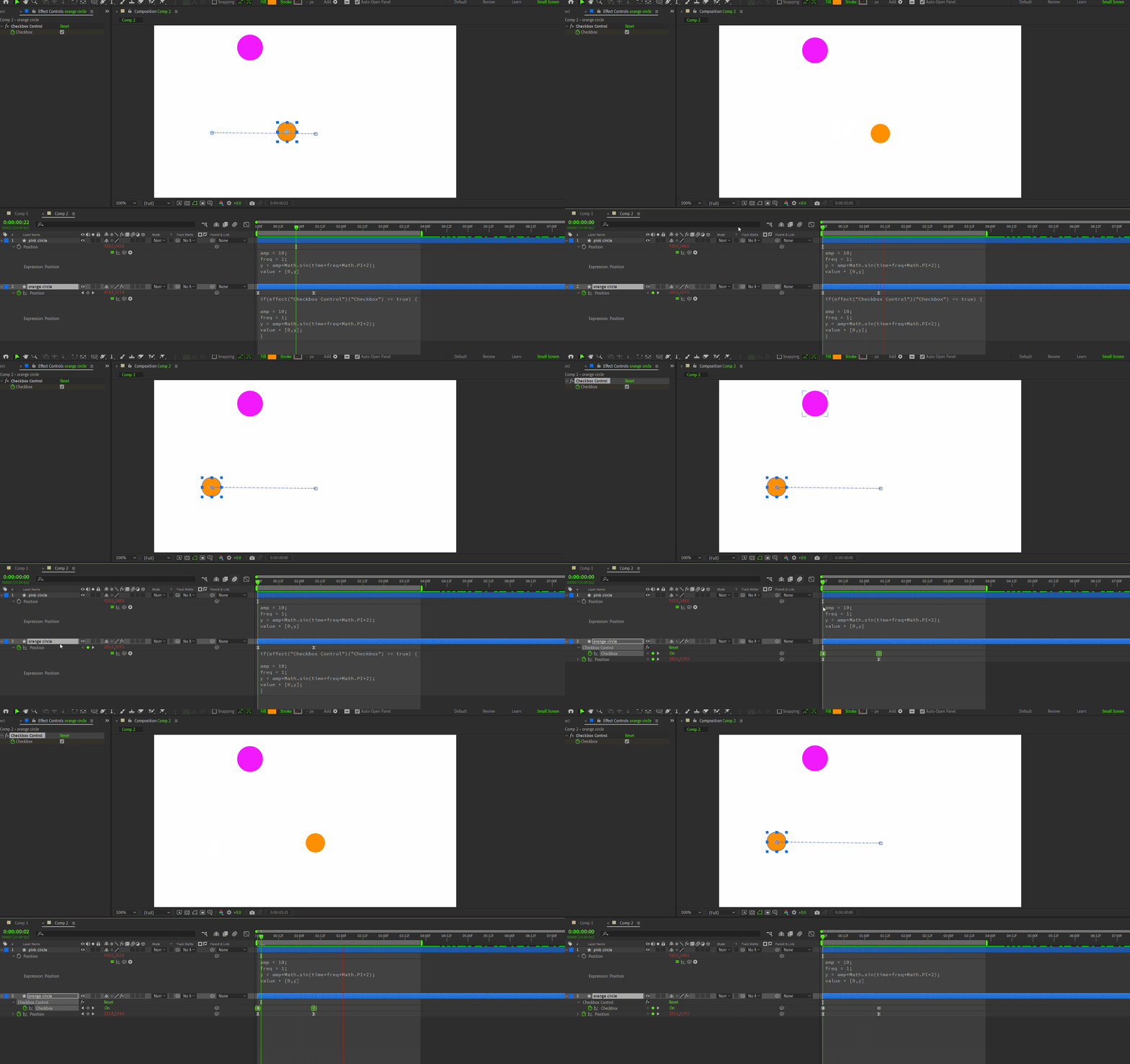
To make my life more difficult I imagine Why dnt I stop the position animation at a certian point. After googling sometimes I learned that I can use 'Checkbox Expression' to control/manipulate/on-off expression. So,  I did that, but dnt like the result. I want the orange circle to stop in a smooth manner not like the one I got using chekbox control. How can I apply  easy ease on checkbox keyframes. If thats not possile what can I do to make the stopping velocity smooth and also I want the circle  animation stops as well. 


I mean the orange circle will start its animation with ''Math.sin'', it will reach a certain point and in a smooth manner and then stops.


Please guide me. 😥


This topic has been closed for replies.
Correct answer Dan Ebberts

This may be what you want, but I'm not quite sure:

p = thisLayer.effect("Checkbox Control")("Checkbox");
t = 0;
if (p.numKeys > 0){
  n = p.nearestKey(time).index;
  if (p.key(n).time > time) n--;
  if (n > 0){
    for (i = 1; i <= n; i++){
      if (p.key(i).value == true){
        if (i < n){
          t += p.key(i+1).time - p.key(i).time;
        }else{
          t1 = p.key(n).time;
          if (n < p.numKeys){
            t2 = p.key(n+1).time;
            t += ease(time,t1,t2,0,t2-t1);
          }else{
            t2 = thisComp.duration;
            t += easeIn(time,t1,t2,0,t2-t1);
          }
        }
      }
    }
  }
}
amp = 10;
freq = 1;
y = amp*Math.sin(t*freq*Math.PI*2);
value + [0,y]


1 reply

Dan Ebberts
Community Expert
Dan EbbertsCommunity ExpertCorrect answer
Community Expert
August 11, 2024

This may be what you want, but I'm not quite sure:

p = thisLayer.effect("Checkbox Control")("Checkbox");
t = 0;
if (p.numKeys > 0){
  n = p.nearestKey(time).index;
  if (p.key(n).time > time) n--;
  if (n > 0){
    for (i = 1; i <= n; i++){
      if (p.key(i).value == true){
        if (i < n){
          t += p.key(i+1).time - p.key(i).time;
        }else{
          t1 = p.key(n).time;
          if (n < p.numKeys){
            t2 = p.key(n+1).time;
            t += ease(time,t1,t2,0,t2-t1);
          }else{
            t2 = thisComp.duration;
            t += easeIn(time,t1,t2,0,t2-t1);
          }
        }
      }
    }
  }
}
amp = 10;
freq = 1;
y = amp*Math.sin(t*freq*Math.PI*2);
value + [0,y]


Dan Ebberts
Community Expert
Community Expert
August 11, 2024

If you don't actually need the easing, then this might suffice:

p = thisLayer.effect("Checkbox Control")("Checkbox");
t = p.value ? time : 0;
if (p.numKeys > 0){
  n = p.nearestKey(time).index;
  if (p.key(n).time > time) n--;
  if (n > 0){
    t = p.key(1).value ? p.key(1).time : 0;
    t += p.value ? time - p.key(n).time : 0;
    for (i = 2; i <= n; i++){
      t += p.key(i-1).value ? p.key(i).time - p.key(i-1).time : 0;
    }
  }
}
amp = 10;
freq = 1;
y = amp*Math.sin(t*freq*Math.PI*2);
value + [0,y]