Question
Huge gamma shift. CC 2020 Issue with color space when importing jpg.
Hello,
So after struggling to find why I found a big gammashift in my export. I found that actually Adobe After Effects and media Encoder don't interpret jpg file as it should. Indeed,there is a huge gammashift and if you export video from a jpg sequence, you are screwed. You can see the difference just by importing a jpg with srgb profile in After effects 2020 and comparing with 2019.
Here is an exemple with a working space in 32 bit srgb linearized 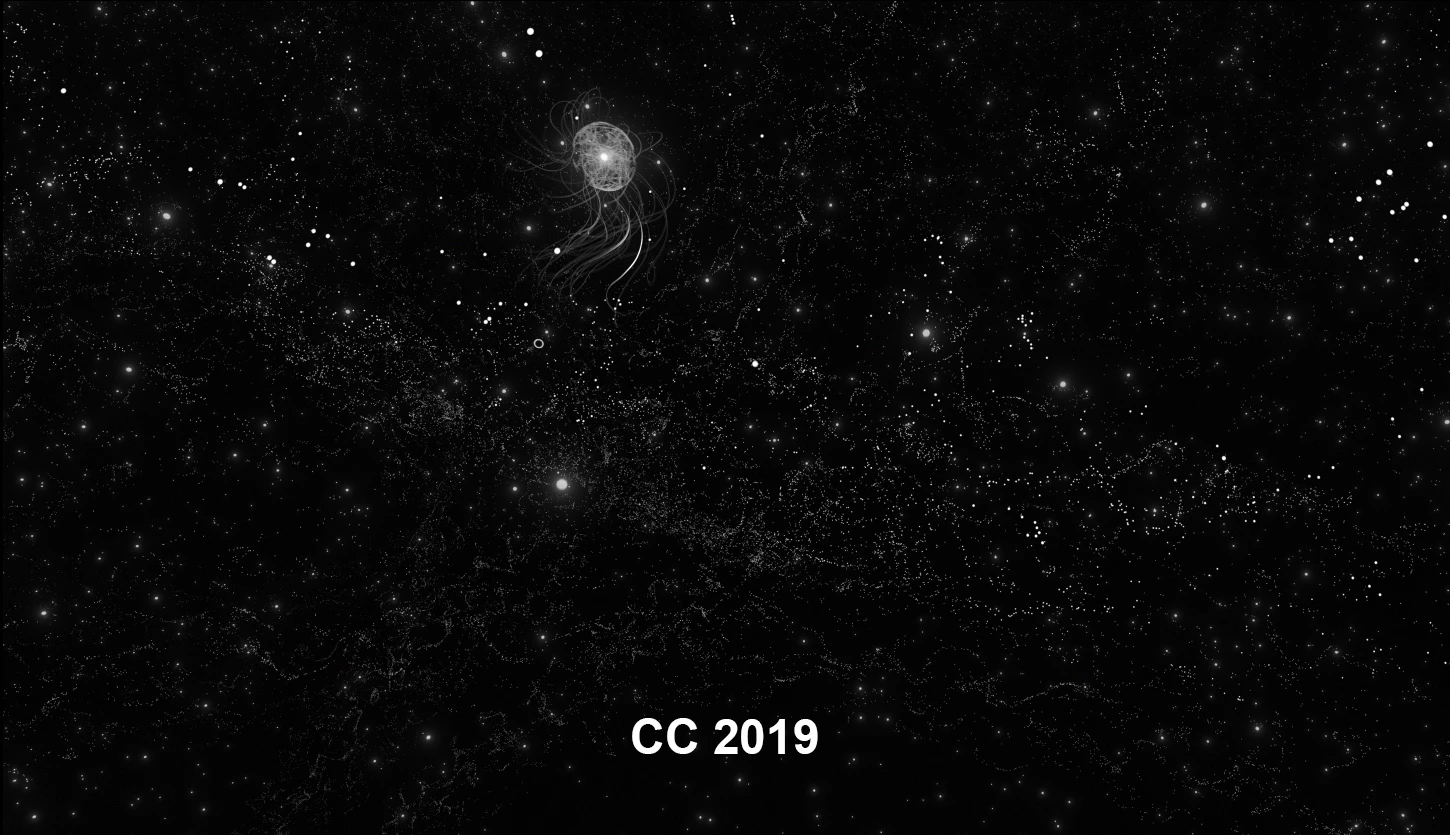
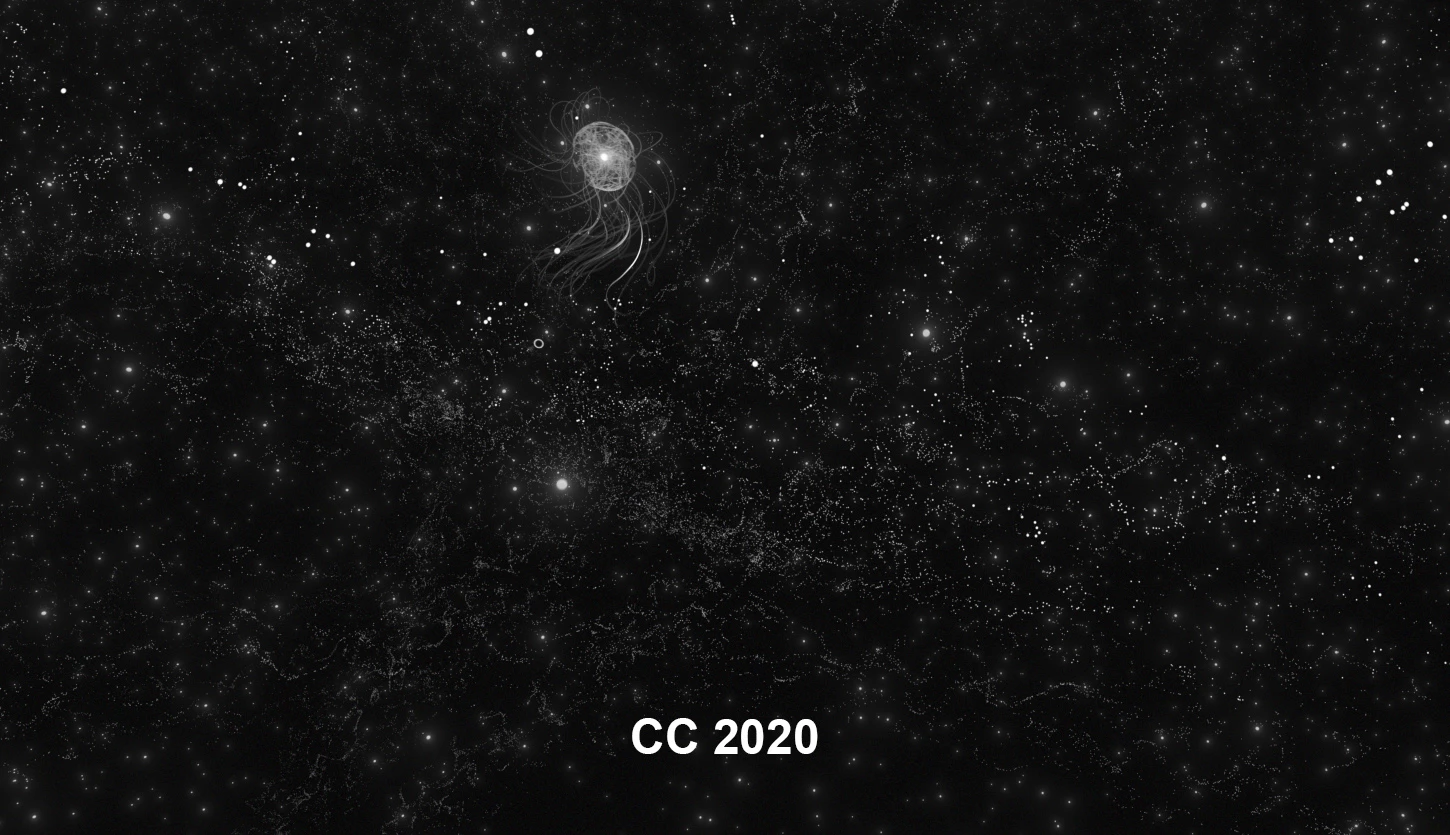
I could fix the pb by interpreting the jpg colorspace input as rec709.. Si I guess that Adobe 2020 wrongly reads srgb as rec709.
Does anyone can confimr the pb. Or is there a fix for that ?
 AdChoices