Question
I can't move keyframe.... HELP...
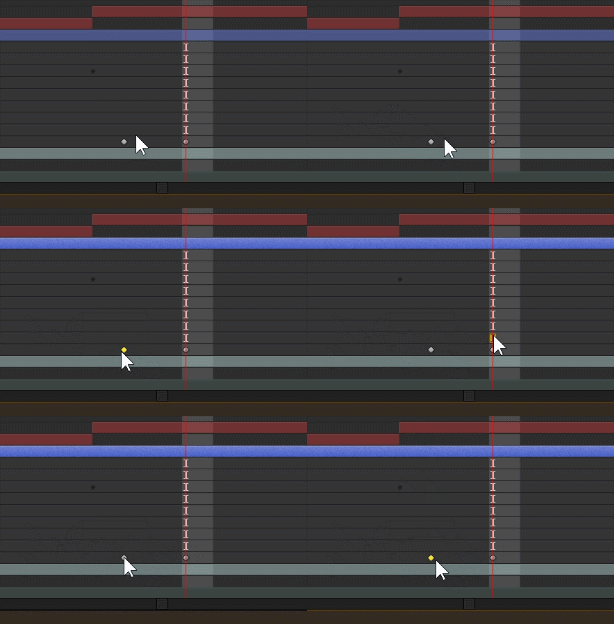
AS that GIF, It is not possible to select or move key frame.
I kept searching but couldn't find a solution.
If anyone knows how to fix it, please help.
AS that GIF, It is not possible to select or move key frame.
I kept searching but couldn't find a solution.
If anyone knows how to fix it, please help.
Already have an account? Login
Enter your E-mail address. We'll send you an e-mail with instructions to reset your password.
 AdChoices