


Participant
June 12, 2024
Question

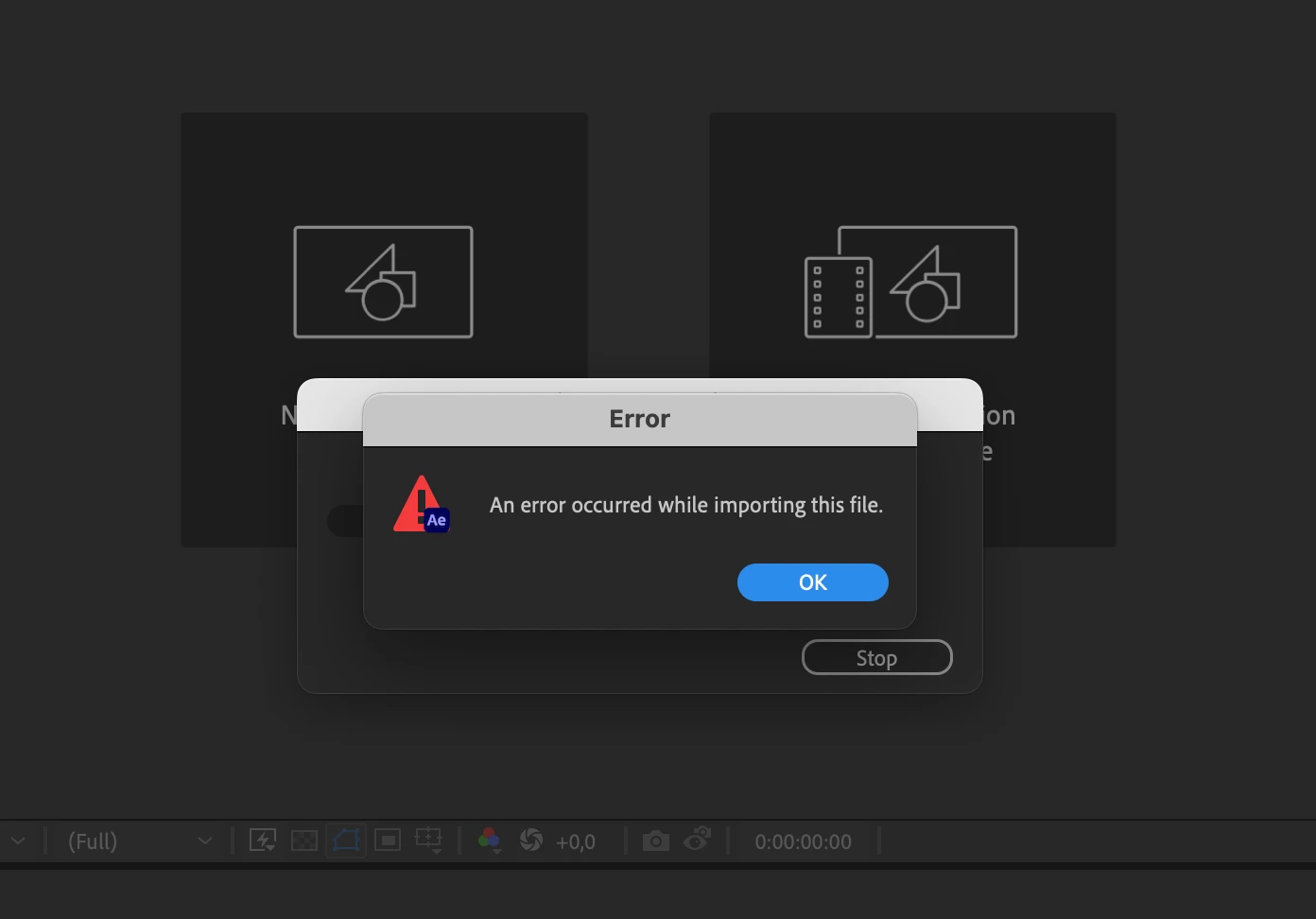
I can't transfer my Animate project in After Effects "An error occurred while importing this file"

  • June 12, 2024
  • 3 replies
  • 201 views

I started a 2D animation project in Adobe Animate because i thought the compatibility between adobe programs would be simple and helpful. I want to transfer a project from Adobe Animate into After Effects to continue the animation and do compositing and effects, but this error shows up "An error occurred while importing this file". This happens with every file I've tried so it doesn't seem to be an issue with the project itself.


Is there a way to fix this and transfer my work from Animate to After Effects? I really need help 😞


This topic has been closed for replies.

3 replies

kglad
Community Expert
Community Expert
June 12, 2024

in the future, to find the best place to post your message, use the list here, https://community.adobe.com/

p.s. i don't think the adobe website, and forums in particular, are easy to navigate, so don't spend a lot of time searching that forum list. do your best and we'll move the post (like this one has already been moved) if it helps you get responses.


<"moved from using the community">
kglad
Community Expert
Community Expert
June 12, 2024

to test where the issue lies, create a new fla, add something to the screen, save the fla and import that into ae.

Participant
June 12, 2024

Just to list what I've already tried to solve the issue:

- reinstalling the programs

- updating the programs

- restarting computer

- clearing storage and cache space (I got warnings about this in AE, I dodn't know if it could be connected)


:((((