I downloaded the same template from Motion Array to take a look.
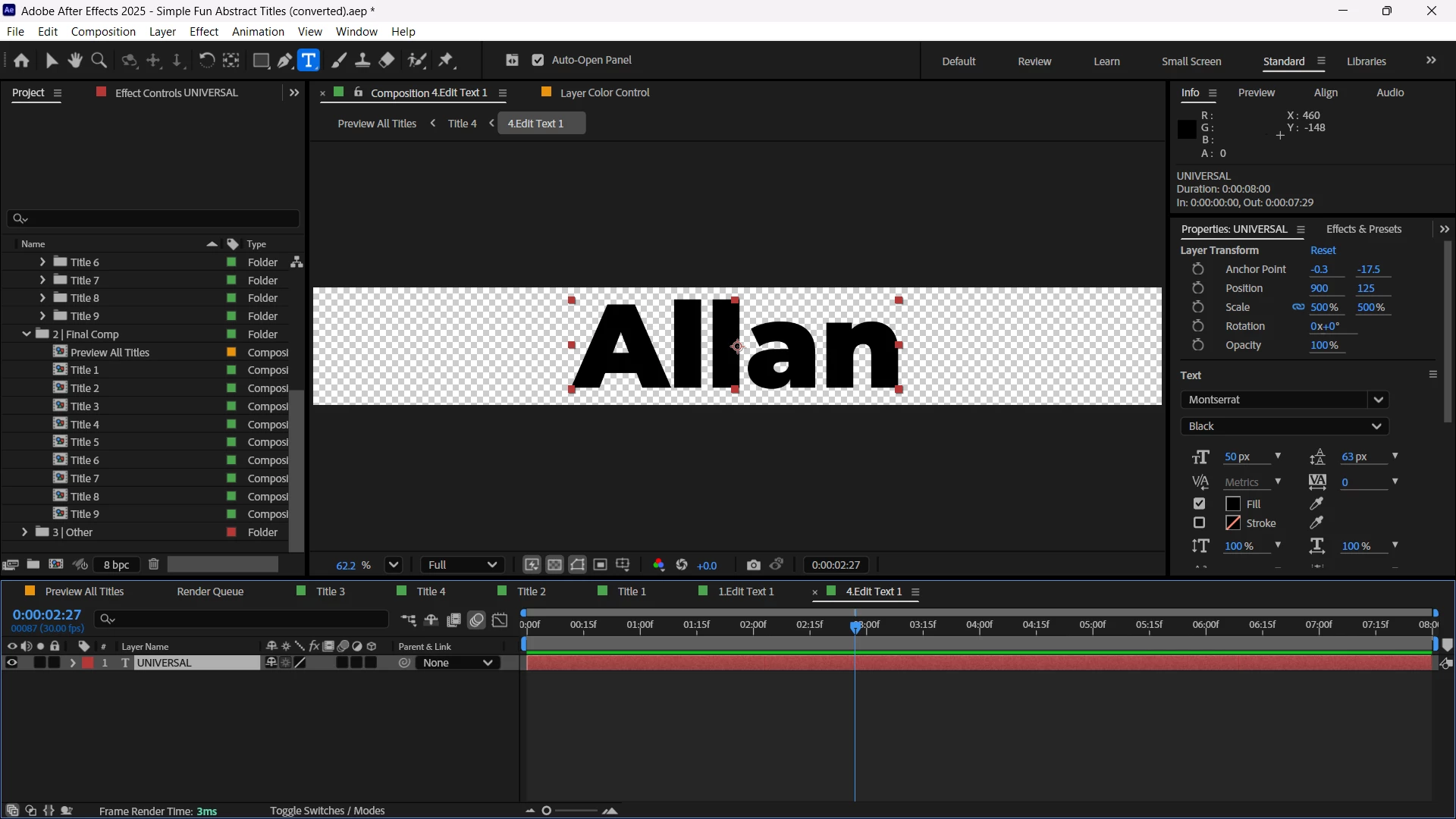
You should be able to manipulate it (no expressions on it or anything). Hopefully I'm seeing the same thing you are. Make sure to double click the text so it is all selected (highlighted with red overlay) to change the font.
Sorry you're being a bit unclear with "manipluate" The person who made this project tried to hide a bunch of UI so that users can't break the project by hiding the parameters that someone might want to manipulate in order to customize. Meaning all the transforms.
First this project has "Expand or Collapse the Transfer Controls pane" switched off. That needs to be switched back to on.
Second, the Effects dropdown is hidden in each layer. The control panel is controlling a transform effect on the text pre comps. On the Color Control layer, delete Text 1 Postion and Text 2 Position effects. This will cause expression errors.
Dig into each expression. This will make the broken expression appear in the Transform effect.
Actually, all transforms can be manipluted within the comps in the 3|Other/Elements folder. But not the within the comps in the 1|Edit/Edit Colors folder. Don't bother breaking the expression.
When you say manipulate, are you trying to change the font and size?
If so, twirl down the text layer on the timeline until you can see Source Text. Does it look like this:
If it does, click on the blue equals sign, so that it breaks the connection to the expression which is setting the size and font type and you should be good to change it.
If it does not look like the picture above, can you reply with a description of the issue and a screen shot of the text layer expanded?



 AdChoices