


D.U.I.
Known Participant
February 4, 2024
Question

I dont know the terminology

  • February 4, 2024
  • 1 reply
  • 154 views

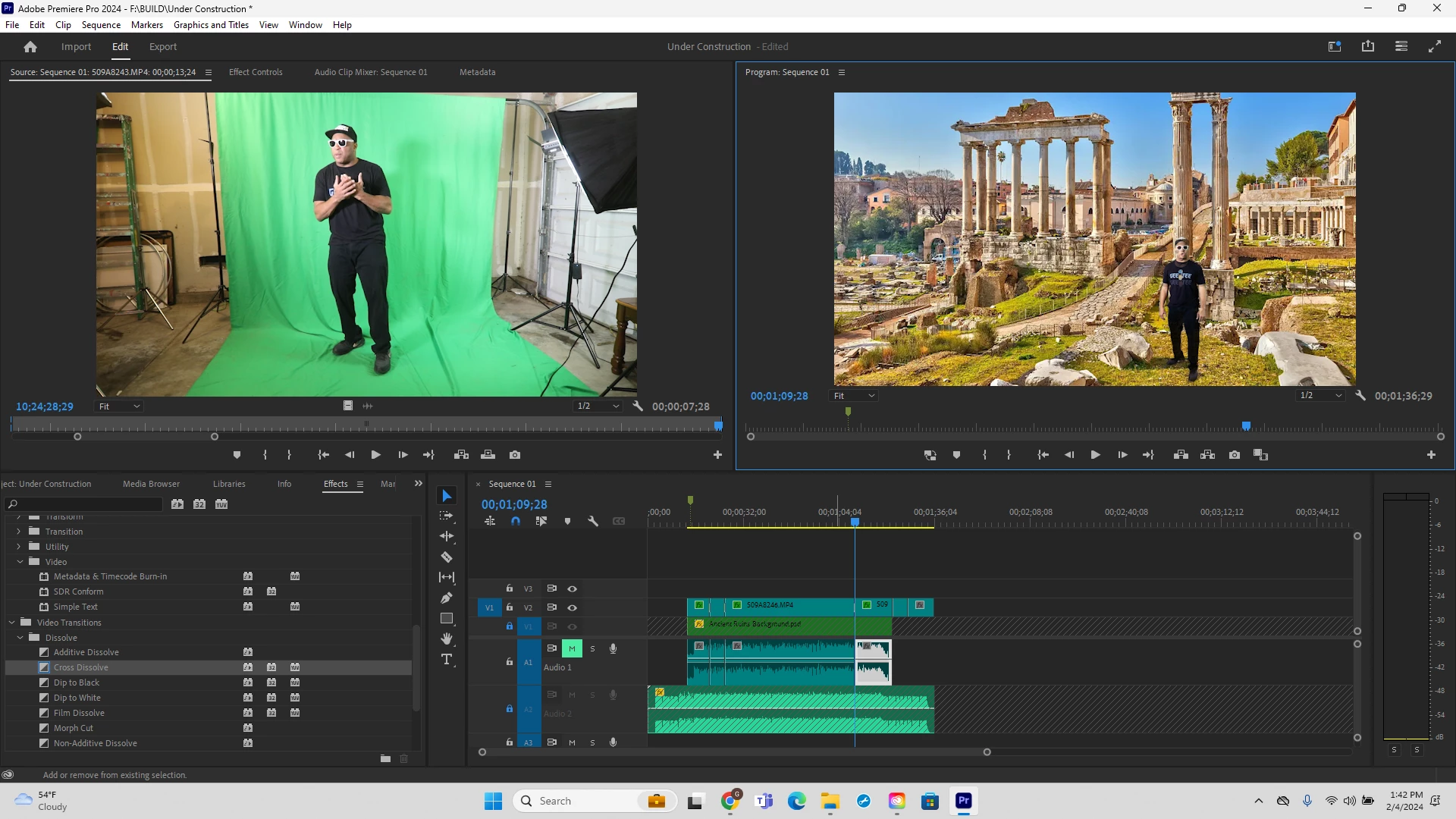
So I want to take a person I have Green Screen out in Premiere and make him a person made out of rocks with the same principles that you can do someone in Photoshop in. like mask or layer stone over the subject but they move in video. Can this be done ?
This topic has been closed for replies.

1 reply

Warren Heaton
Community Expert
Community Expert
February 4, 2024

You could try generating a person made out of rocks from your green screen shot in Runway ML Gen-1 and then composite the results in Premiere Pro or After Effects.


I'm thinking that you would want to do a garbage matte pass on the green screen shot shown in your screen shot so that the subject is surrounded entirely by green for the reference video for Runway ML.  That is, key the subject over green and export that for the Runway ML reference video. 

This Gen-1 Basics tutorial video shows how to leave the background unaffected toward the end of the video.  In this example, a dog shot in front of a green screen is used for the reference that is turned into a generated lion.  Similar steps should work to turn your subject into a person made out of rocks.  


https://youtu.be/I4OeYcYf0Sc