Participant
October 7, 2023
Question

I have a essential graphics template from after effects that is not respecting the add layer mode

  • October 7, 2023
  • 2 replies
  • 244 views

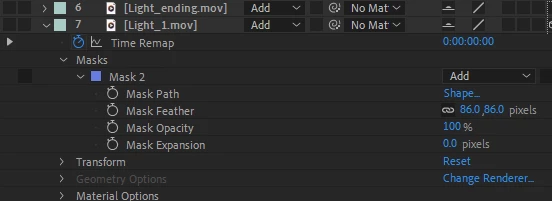
I have an essential graphics book template with light blasts that are light against a black background. I used 'add 'to composite them into the scene, but in Premiere they aren't compositing correctly. I dropped a grey solid to demonstrate the problem in the pictures below. in AE
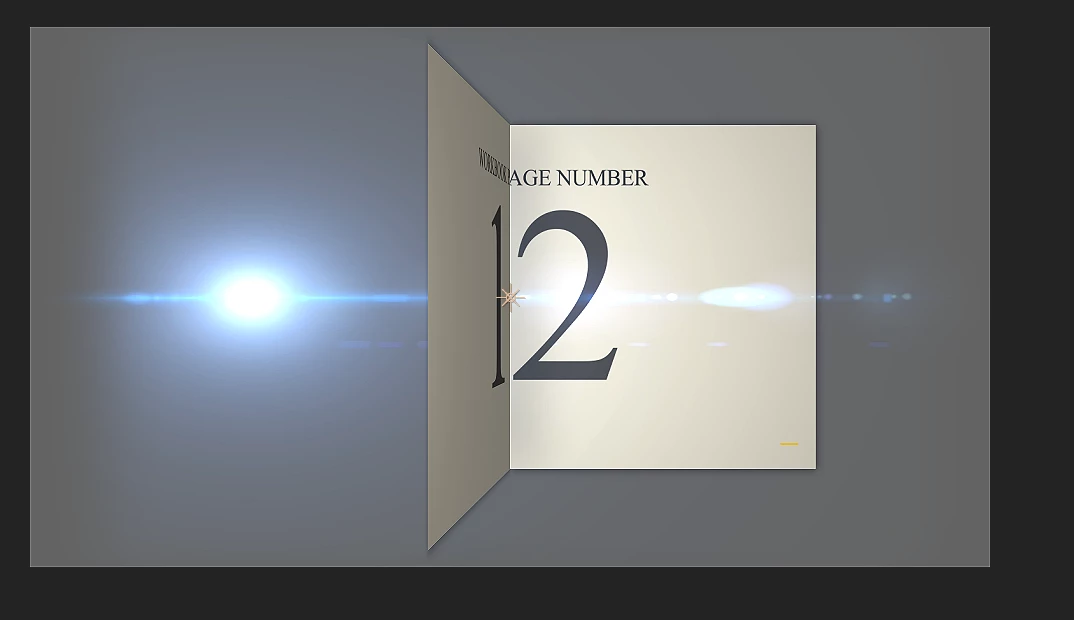
 

The light blast is not compositing correctly. I am open to ideas.


This topic has been closed for replies.

2 replies

Kyle Hamrick
Community Expert
Community Expert
October 8, 2023

Yep, unfortunately blending modes don't pass through Mogrts.
Option 1: Find a way to matte the lens flare within After Effects (so there's only transparency behind it).
Option 2: Separate the Mogrt - You could literally export it as two separate templates (one with the flare only, one with the other elements), so you'll be able to apply the correct blending mode directly in Premiere. You could also build everything into a single Mogrt and give yourself Opacity sliders/checkboxes to accomplish effectively the same thing. Yes, it adds some extra clicks in Premiere, but doesn't make the workflow *too* clunky if approached correctly.

C-WeberAuthor
Participant
October 7, 2023

I guess the fundamental issue is that It's not able to get the pixel values from the underlying layer in Premiere so its substating the NAN values with 0s, and thus there is nothing to 'add' to. Again, I don't know how to fix it. But after reading and seeing the issue in After Effects with the transparency grid turned on, I have a better idea of what the underlying issue is.

\