
Participant
June 7, 2022
Question

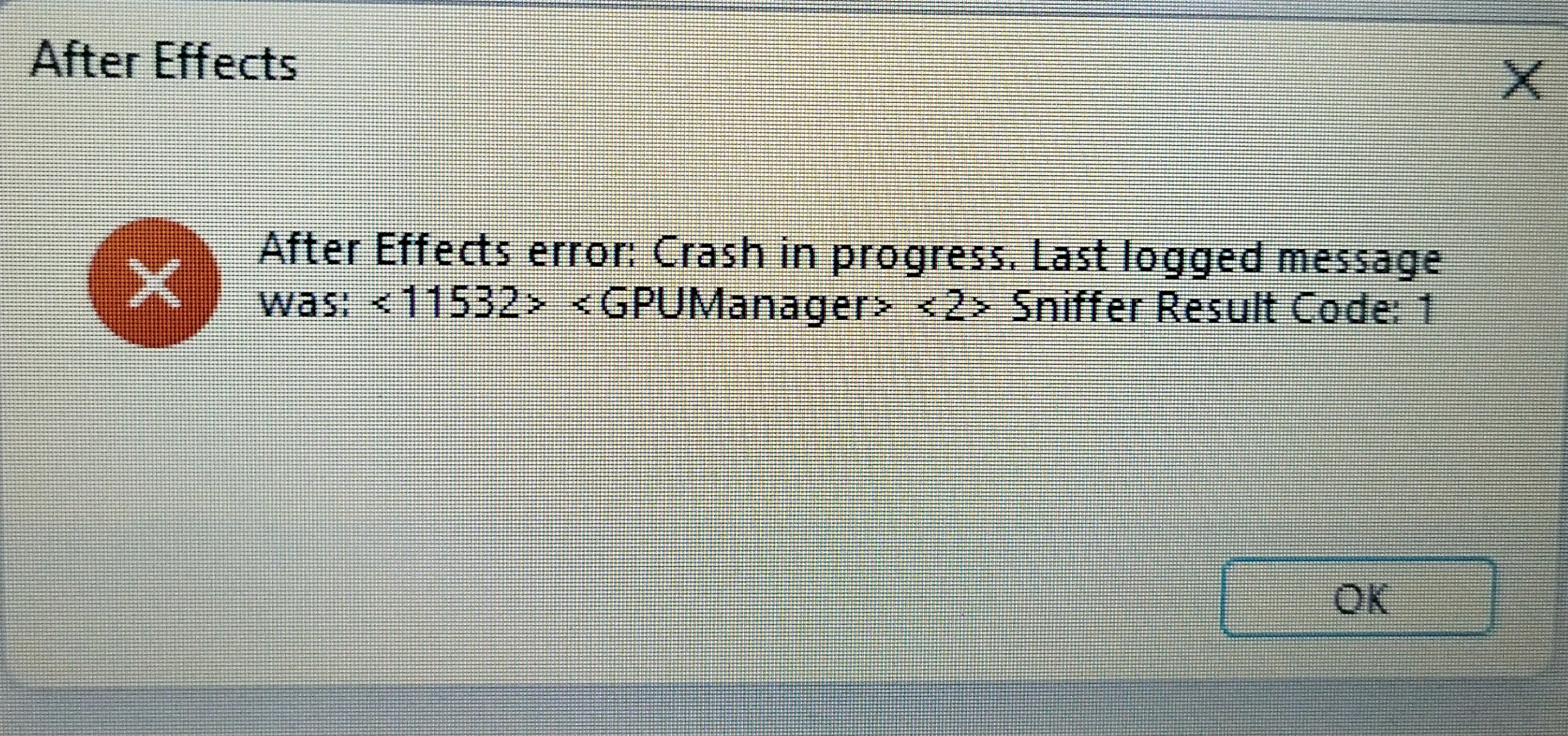
I need help, after effects error: crash in progress. last logged message was: <11532> <gpumanager> <
  • June 7, 2022
  • 1 reply
  • 241 views

I just updated the windows 11 drivers, after that I opened after effects v.12.1, and got an error like the picture below.


Before I update my windows. After effects run smoothly.


Here are my laptop specs:


- Intel® Core™i3-1115G4 Processor 6M Cache, up to 4.10 GHz - Windows 11 Home & OHS 2019 - 14" HD resolution Acer ComfyView™ - 4GB DDR4 - 512GB SSD NVME Pcie - Intel® UHD Graphics - Bluetooth® 5.0 - HDMI® port with HDCP support - Intel® Wireless Wi-Fi 6 AX201, Dual Band (2.4 GHz and 5 GHz), 2x2 MU-MIMO technology - Camera Webcam - Two built-in stereo speakers

This topic has been closed for replies.

1 reply

nishu_kush
Community Manager
Community Manager
June 7, 2022

Hi Itsokdontbesad,


Thanks for writing in.

Try running After Effects as administrator (right-click its icon and select Run as administrator). Also, try removing third-party plug-ins if you use any. Let us know the result.

Also, your computer is not meeting the minimum system requirements for After Effects. 32 GB RAM is recommended for After Effects to work properly. You may face issues at launch or while working.

Let us know.


Thanks,

Nishu

Participant
June 8, 2022

I've run after effects by running as administrator, but still error.


and I've also deleted the plugin I used and still can't run the software.


for specifications, I use After Effects for my motion graphics needs, and it runs smoothly without any lag.