Answered

Time Remapping is applied to the whole clip. It ignores the in and out points.
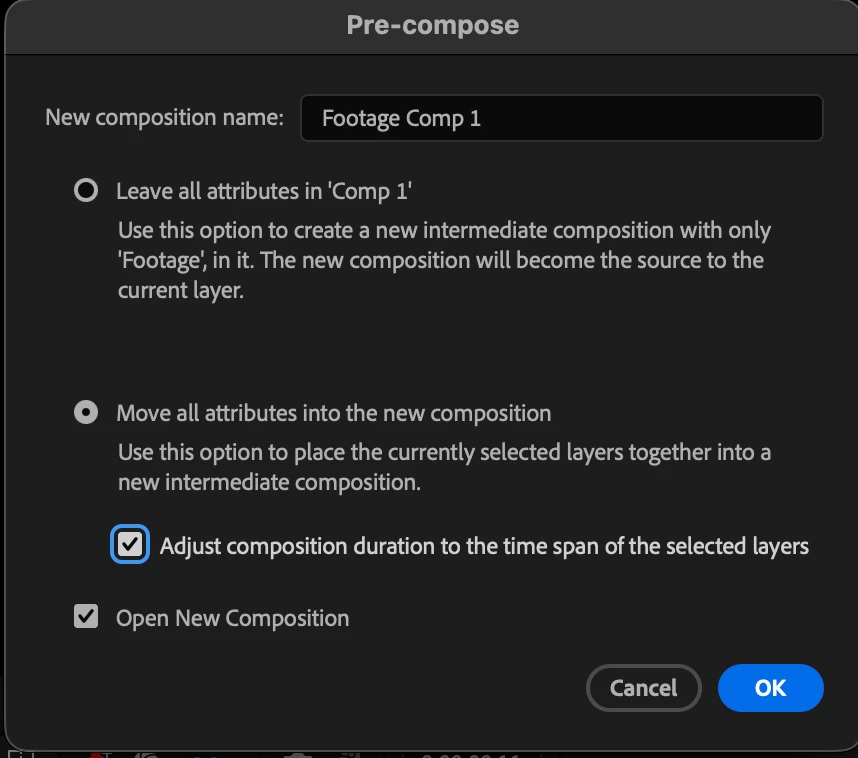
If you have trimmed a clip, before applying Time Remappint, pre-compose, move all attributes and trim the pre-comp to the length of the layer.


Sign up
Already have an account? Login
To post, reply, or follow discussions, please sign in with your Adobe ID.
Sign inSign in to Adobe Community
To post, reply, or follow discussions, please sign in with your Adobe ID.
Sign inEnter your E-mail address. We'll send you an e-mail with instructions to reset your password.
 AdChoices