Enes MUSTAFA
Participant
November 10, 2021
Question

I want to help you with my problem ... I removed it several times ... And the problem is still

  • November 10, 2021
  • 2 replies
  • 223 views

This topic has been closed for replies.

2 replies

Nuno Caroco
Participating Frequently
November 10, 2021

Check if you´re using third party scripts or a.e plugins that can create some conflict in your system. Those can be the cause. Remove or backup everything.
Uninstall AE ; use Adobe´s Creative Cloud Cleaning tool, and install AE again.
If that does not help contact Adobe Support line or online. Also can be a GPU issue so update your graphic card drivers.

Adobe After Effects ACP & Digital Compositor
nishu_kush
Legend
November 10, 2021

Hi Enes MUSTAFA,


Thanks for reahcing out.

Could you share more details on what's happening? Is After Effects crashing at launch? What are your system specifications (CPU, GPU, RAM, OS).

Please share more details, we're here to help.


Thanks,
Nishu

Enes MUSTAFA
Participant
November 10, 2021

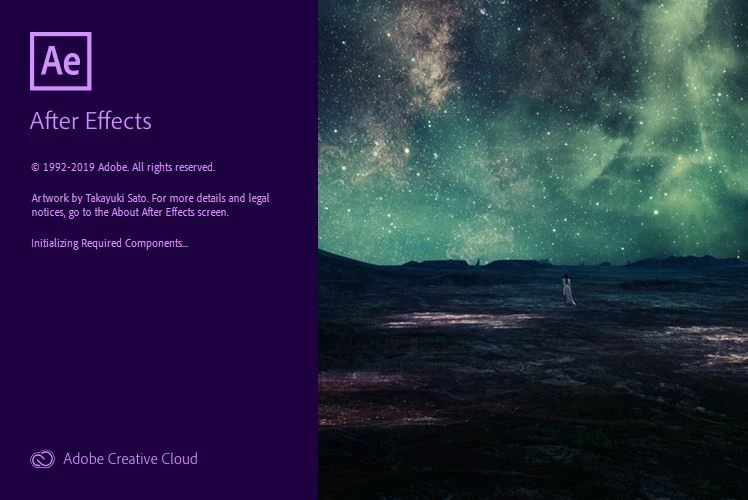
It stops when starting, as shown in the picture


Use the cpu  system


RAM   32 gb

Enes MUSTAFA
Participant
November 10, 2021

WİNDOWS  10
