
Participating Frequently
October 22, 2025
Question

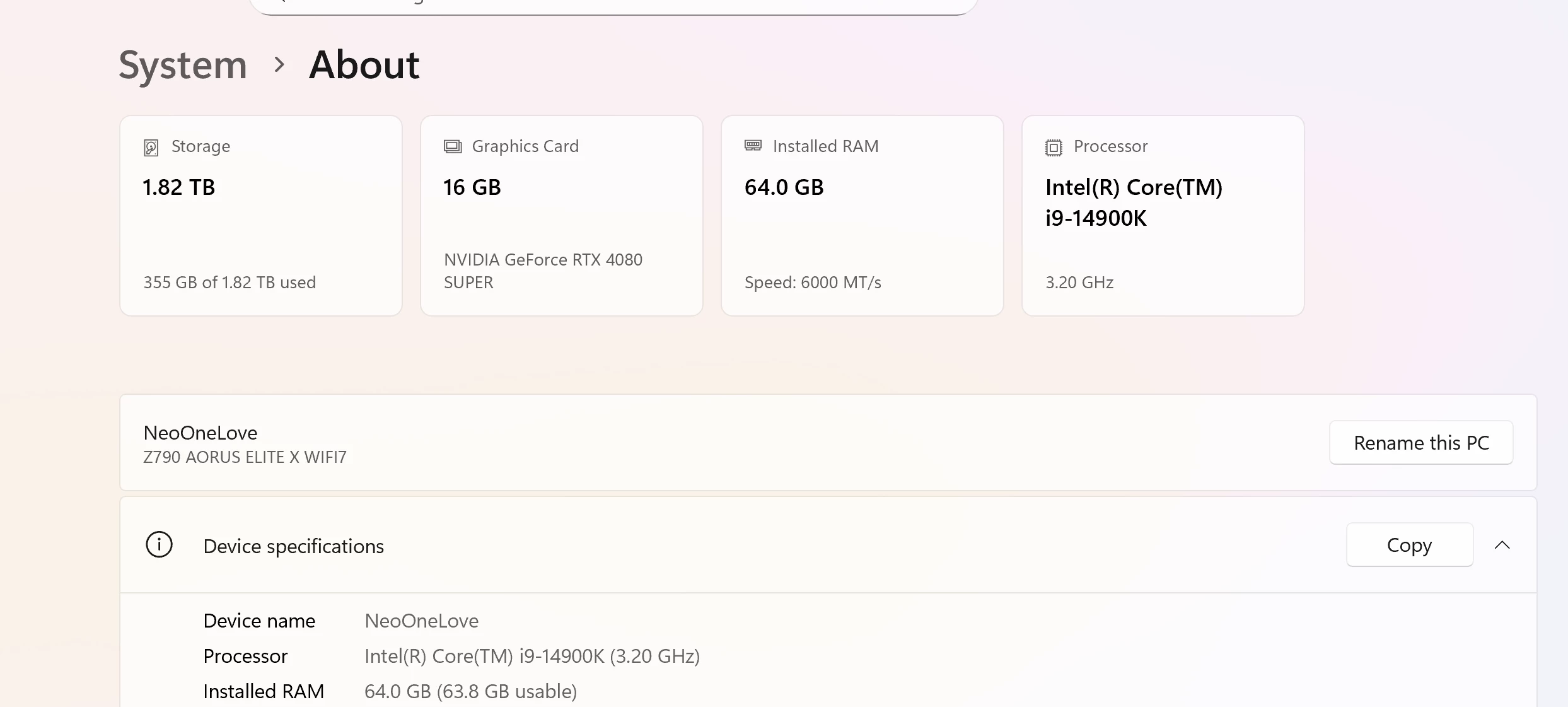
I9 14900k 4080 super can't render in AE

  • October 22, 2025
  • 3 replies
  • 137 views

I have been trying to render in After Effects with various different file types. I tried media encoder as well. Both Crash. I'm using an external hd. Bought a new SSD USB C thinking the other drive may have been the issue. Still same thing. Can the Cache files be on the external hard drives or should they stay on the local drive? 
 

3 replies

Participating Frequently
October 25, 2025

I dropped $5,000 on a computer, subscribed to creative cloud and still can't render a simple composition. This is a major set back 😞  I also saw another post with a similar issue..it looks like no one ever got the problem solved.  Pretty much the same setup as mine. And I don't even know which part of my setup is the issue. I'm kinda upset to say the least. 

Participating Frequently
October 23, 2025

keep your cache on your local drive, not the external one. AE crashes a lot when caching or rendering to external drives, even fast SSDs. Move your cache folders back to your internal drive in Preferences Media & Disk Cache, clear them, and then try rendering to your local drive first. Once it’s done, copy the final file to your SSD. That usually fixes it.

Participating Frequently
October 24, 2025

I moved everything to the local ssd drive and rendered to desktop and it's been over 7 hours and it seems frozen. But it didn't give an error yet; however it's saying 46 hours remaining. The video is about 45 min in total, I have a rotoscope, auto color, and a blur for the background. 


Community Expert
October 23, 2025

Can you try rendering it to your desktop to see if that works and help determine where the problem may be?

Participating Frequently
October 23, 2025

I will try that when I get home