Constable_Comfortable
Participant
July 8, 2022
Question

Ideas on how to make 2D animations look more gritty and dark

  • July 8, 2022
  • 2 replies
  • 218 views

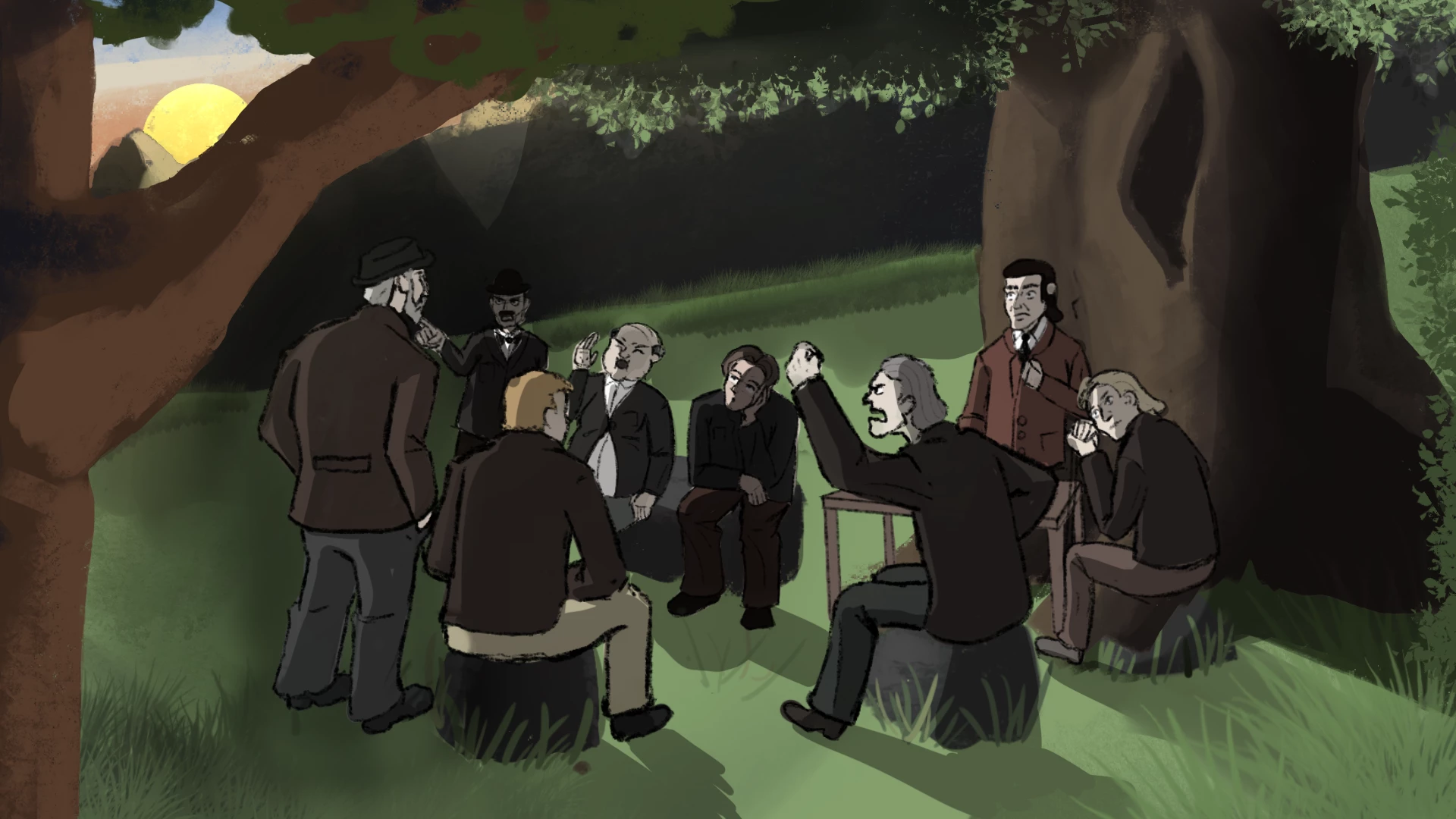
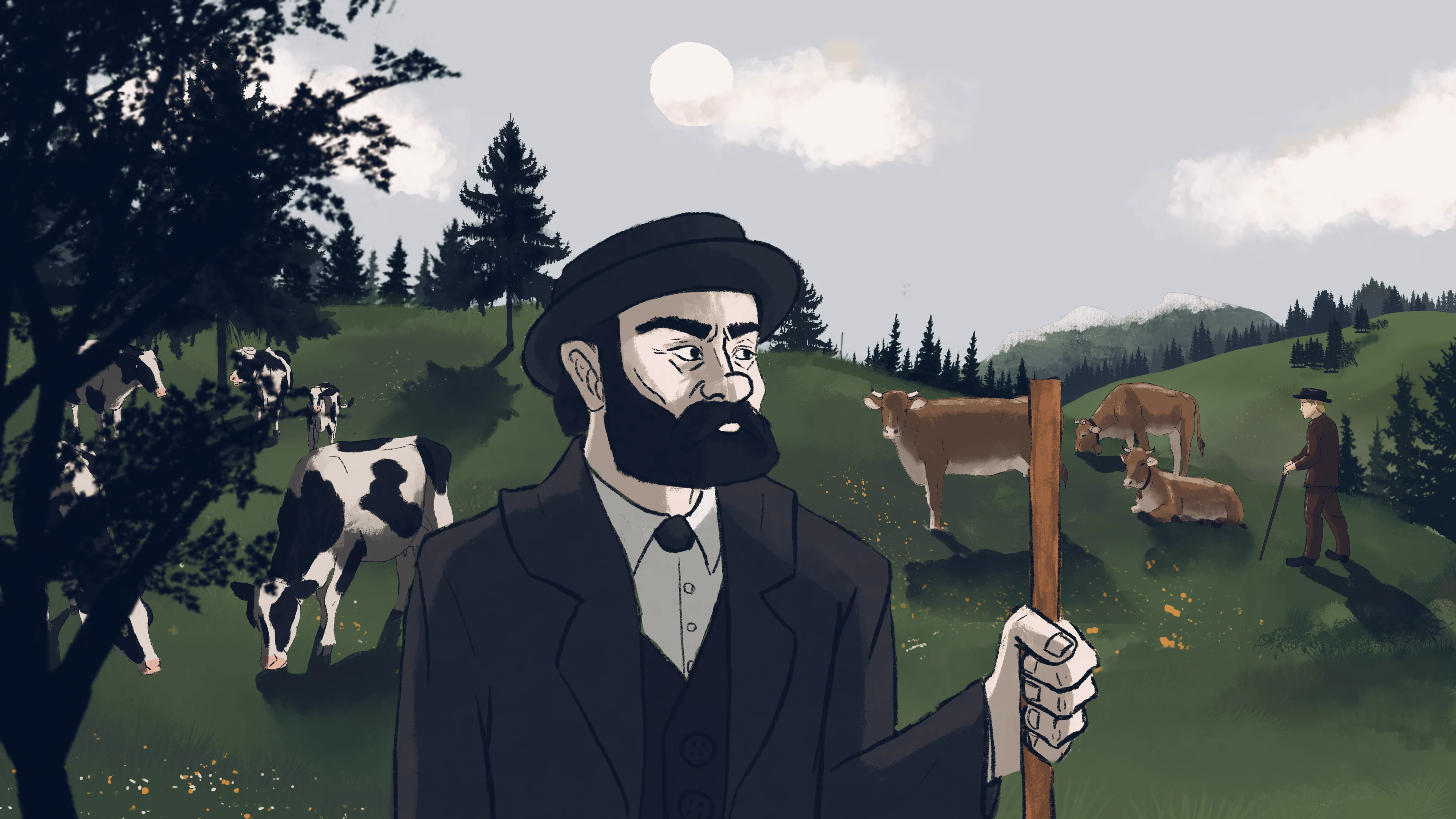
I'm working on a documentary with 2 seperate animation sequences. Unfortunately one of the Sequences Illustrations look a lot more childish and not as gritty as i wanted them to turn out. 

I'm looking for ideas on how to make these images be more gritty and dark. 

Anything I can do with textures or color effects that can help?
 

This topic has been closed for replies.

2 replies

ShiveringCactus
Community Expert
Community Expert
July 10, 2022

Everything Mylenium plus "Distraction".  Consider projecting the animations onto a cave / stone wall or make it part of a 3D scene or possibly pages in a book.  Basically give your audience a secondary focus, then any "for children" vibes will come across as a deliberate decision.

Mylenium
Legend
July 8, 2022

Hatching instead of solid fills. Gritty & grungy typically means some noisy pattern changing from frame to frame. So if you can somehow extract the shadow regions and use that as a track matte for a stretched out Fractal Noise at an angle and quickly cycling, this could massively make it more sinister. That and of course your images have no real depth. The color shifts as objects get farther away are unrealistic because there is no haze and the initial source colors are too pastell-y anyway. Some harsh color corrections and scrunching up the contrast would certainly help, too. If you have access to the original layered files, also get rid of those awful dark mountains in teh second picture. That's not how you draw such stuff and it just looks flat.


Mylenium

Constable_Comfortable
Participant
July 12, 2022

Thank you sir. I will try these suggestions and send post the resulting update.