Participant
February 13, 2018
Answered

Illustrator style blend with specified steps in After Effects

  • February 13, 2018
  • 2 replies
  • 3691 views

Hey everyone,
does anyone know if there's a way of reproducing illustrators blend mode in after effects?
I want to be able to rotate the start and end shapes and have the software calculate the steps in-between.
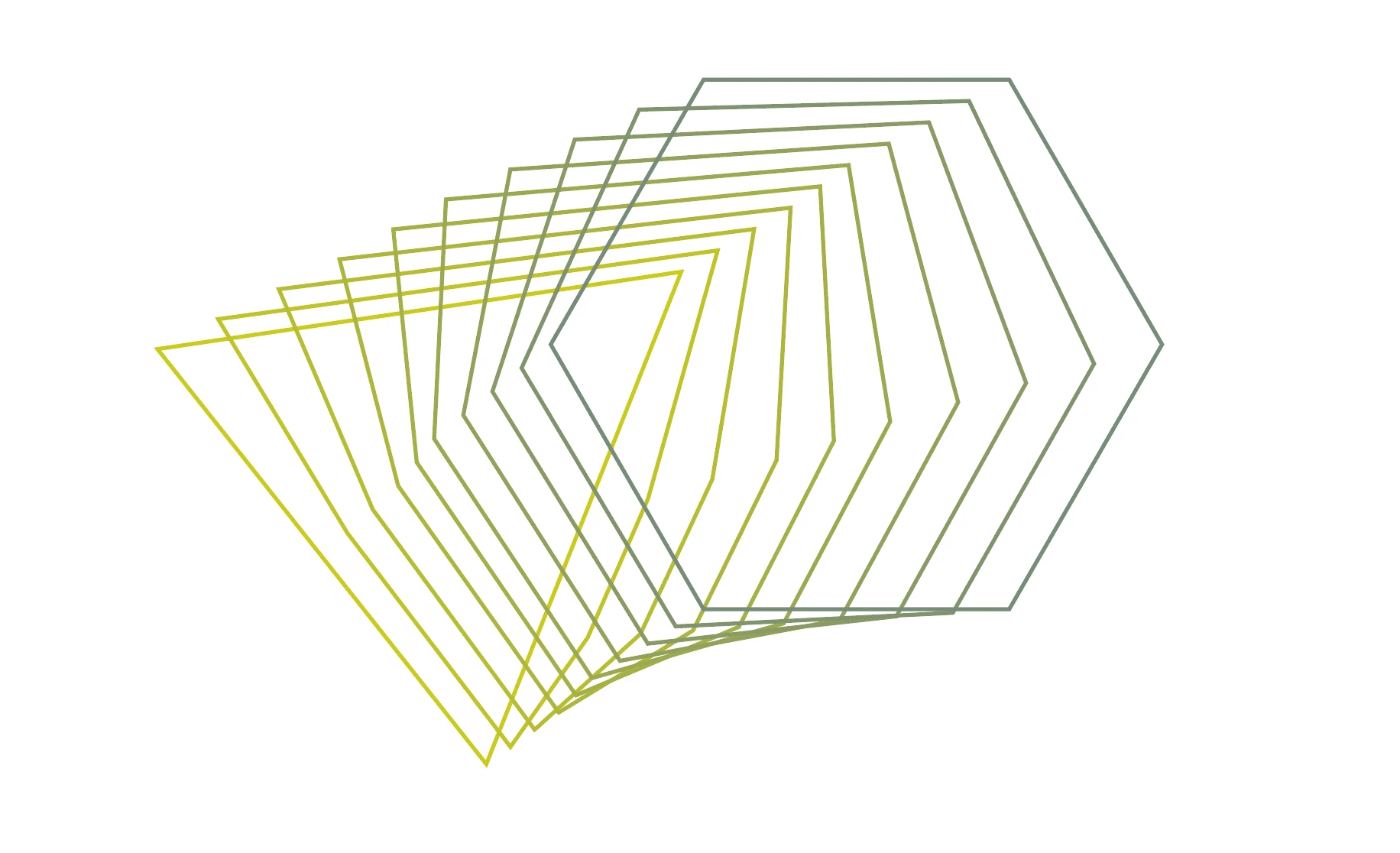
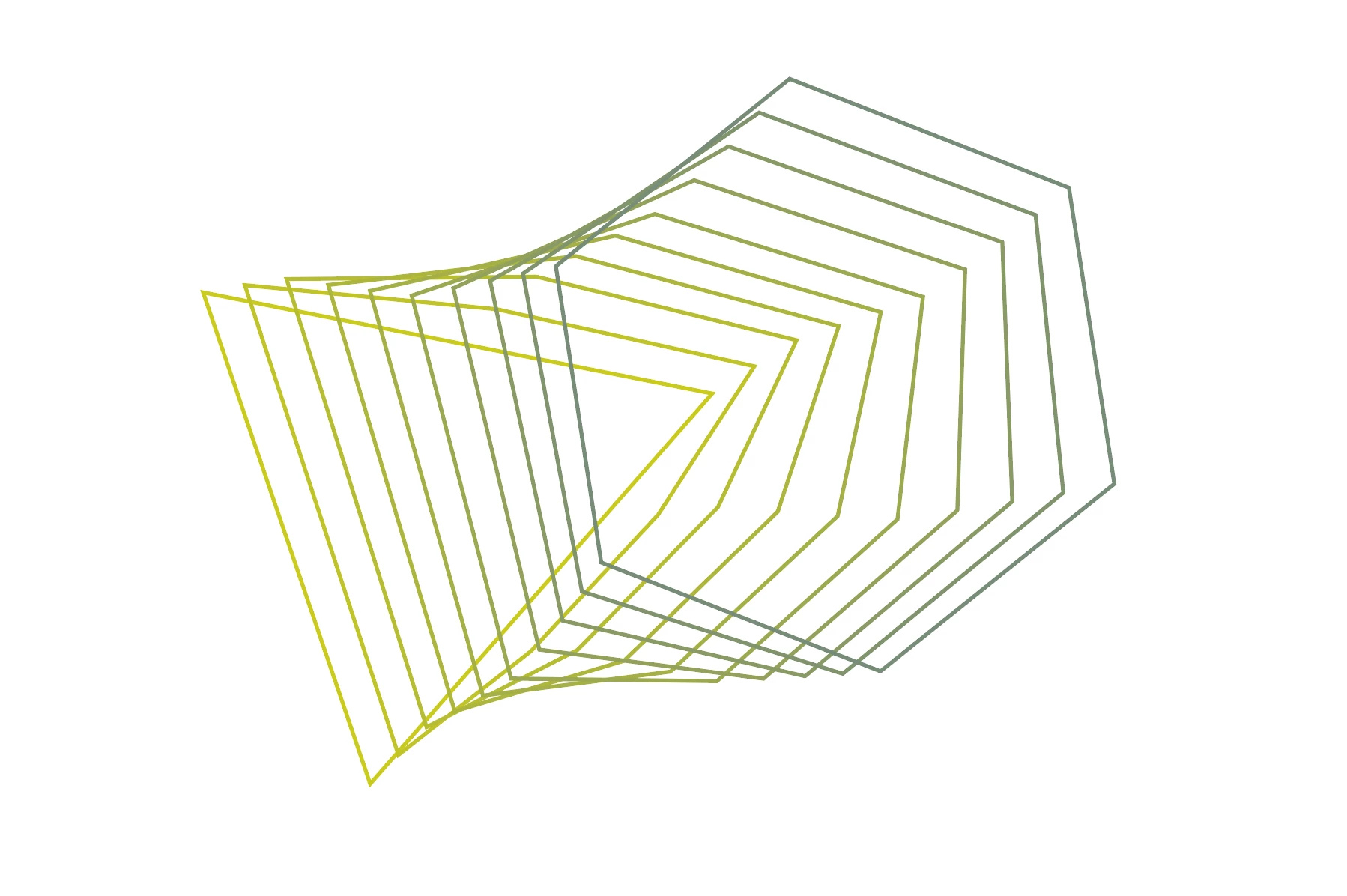
While searching around I found this thread, but it's almost 10 years old and not quite what I'm looking for, I think.
After Effects equivalent to Illustrator shape blend effect?

Any help is appreciated, thanks in advance!

This topic has been closed for replies.
Correct answer Byron Cortez

Here I give you a steps that could be helpful:

Create shapes in Illustrator:

In AE create a Shape Layer:

Copy the shape 1 from Illustrator and paste selecting Shape Layer in AE, put the keyframe in Mask Path:

Copy and paste the shape 2 like the screenshot:

Then make duplicates as much as you need an then use the Sequence Layer tool to put in sequence.

Make a Pre-compose.

Cut the Pre-compose Layer con Shft + Cmd + D in Mac or Shft + Ctrl + D in Windows and delete the Layer of the right.

Enlarge the last frame with the Freeze On Last Frame option.

And that's all. But, if you need, enlarge the In Layers into the Pre-compose like this:

I hope this helps you.

Byron C.

2 replies

Byron CortezCommunity ExpertCorrect answer
Community Expert
February 13, 2018

Here I give you a steps that could be helpful:

Create shapes in Illustrator:

In AE create a Shape Layer:

Copy the shape 1 from Illustrator and paste selecting Shape Layer in AE, put the keyframe in Mask Path:

Copy and paste the shape 2 like the screenshot:

Then make duplicates as much as you need an then use the Sequence Layer tool to put in sequence.

Make a Pre-compose.

Cut the Pre-compose Layer con Shft + Cmd + D in Mac or Shft + Ctrl + D in Windows and delete the Layer of the right.

Enlarge the last frame with the Freeze On Last Frame option.

And that's all. But, if you need, enlarge the In Layers into the Pre-compose like this:

I hope this helps you.

Byron C.

Byron.
Mylenium
Legend
February 13, 2018

Not possible natively. You are going to need the Plexus plug-in if you want it to be responsive and work with arbitrary shapes. Of course the motion could be re-created using expressions if there are only a few shapes, but you'd still need to create the interpolated shapes first by e.g. releasing a blend in AI and importing/ pasting the paths.

Mylenium

Participant
February 13, 2018

Hey Mylenium, thanks a lot for the reply!

Unfortunately there are quite a few shapes in the graphic I have to animate (the pictures above were just to illustrate the problem) else I would have done it with expressions.

I don't have access to plexus, but I'll give it a try in trapcode form or particular.

Thanks again!