


Illustrator to After Effects [Any workaround to show overflowing layers?]
Hi everyone,
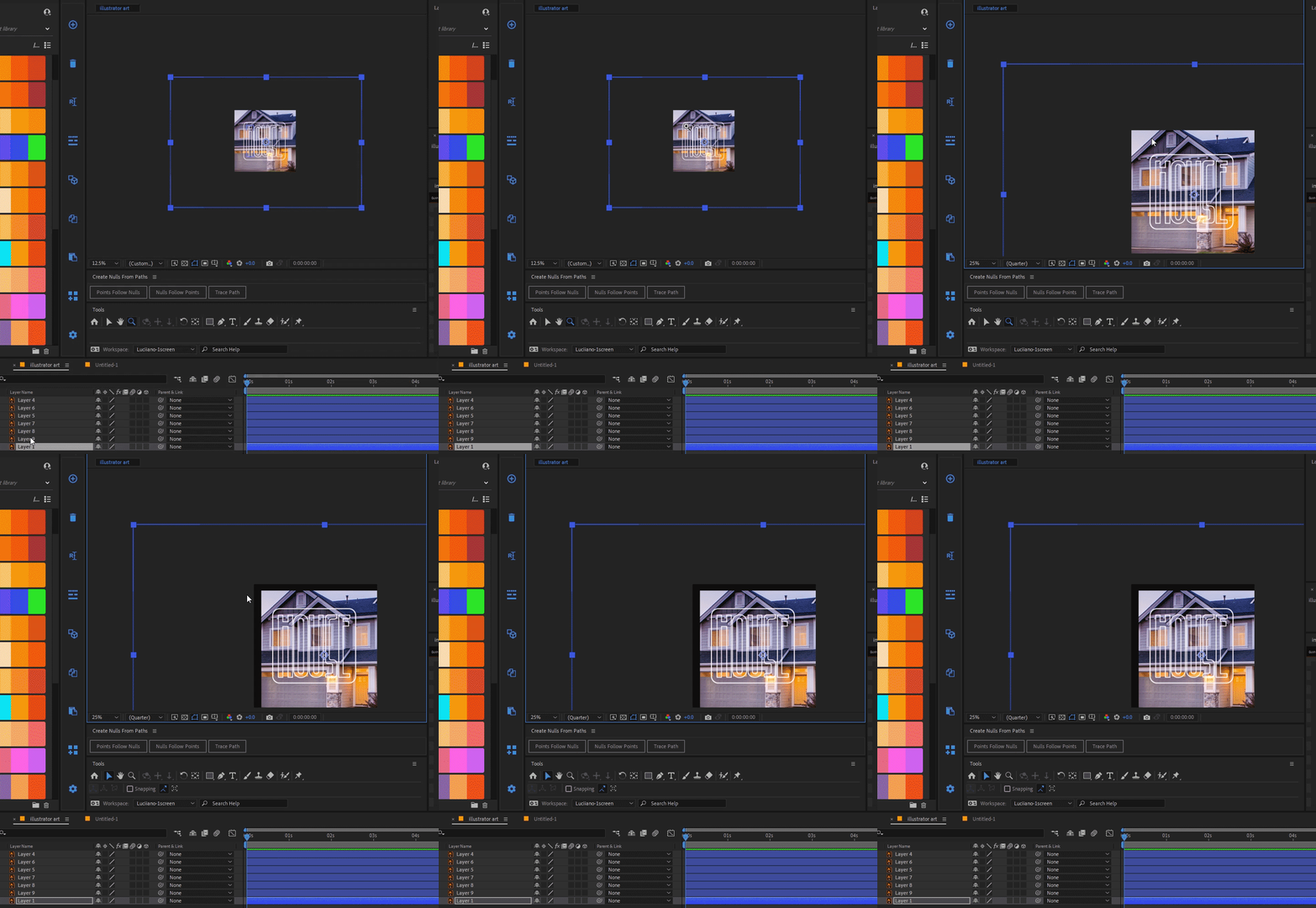
I'm trying to figure out how to make an Illustrator layer with content overflowing the artboard visible in After Effects. Unlike Photoshop, it seems content of Illustrator layers outside the workspace(artboard) are excluded when imported into After Effects, even with the "retain layer size" option selected. Unfortunately, this results in a cropped layer upon import.
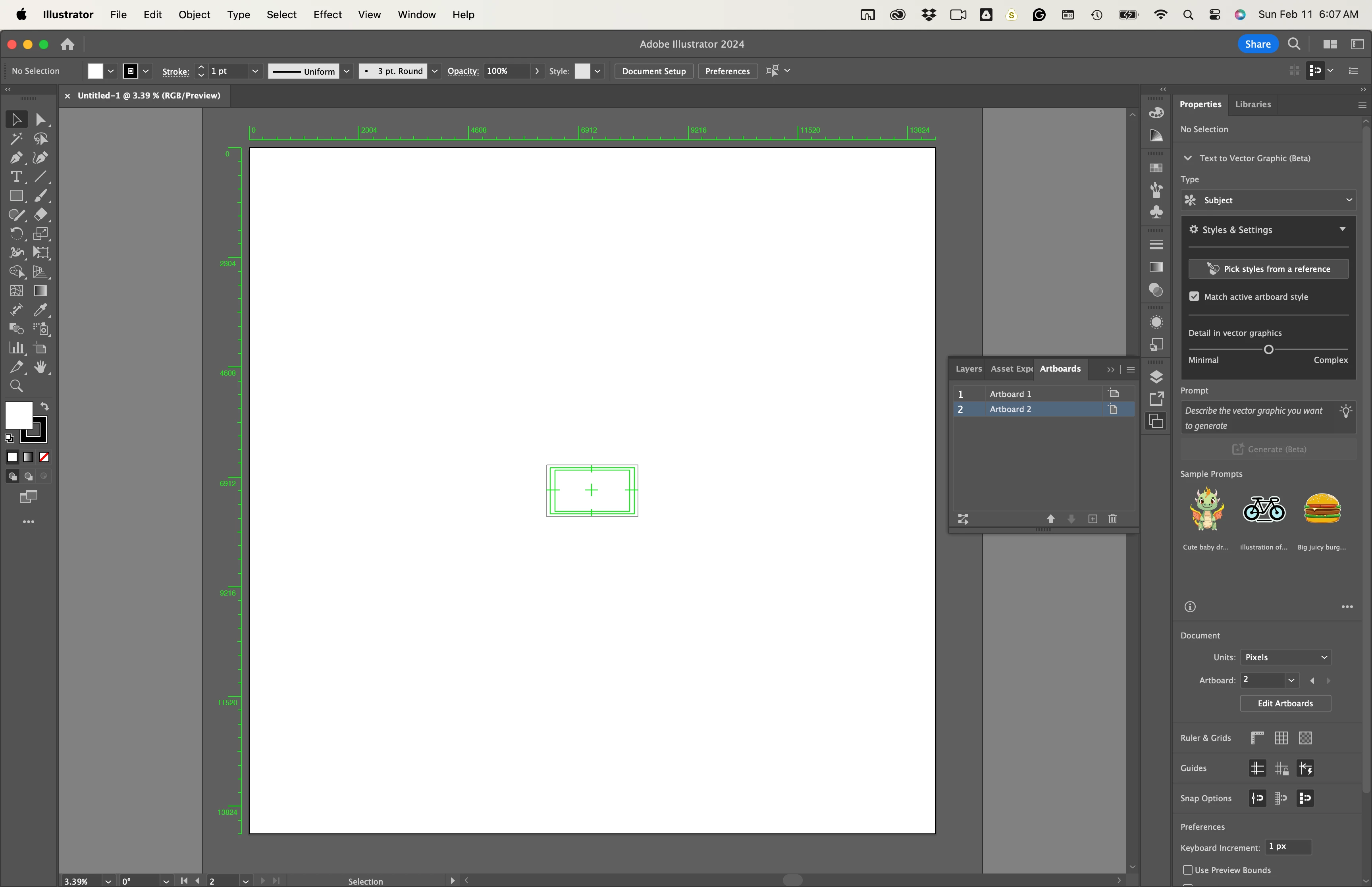
Current workaround: For now, the solution that I come up involves creating a reference layer with a rectangle matching the composition size in After Effects. Then, I manually expand the Illustrator artboard to encompass the entire overflowing layer. While functional, it feels awkward and time-consuming.
Seeking a better solution: I'm hoping there's a more efficient and elegant approach to handle this situation. Does anyone have experience or tips on preparing Illustrator files with content exceeding the artboard for seamless import into After Effects?
 AdChoices