deemwhy
Inspiring
October 18, 2022
Answered

Illustrator to After effects "Creating Shapes" problem

  • October 18, 2022
  • 1 reply
  • 351 views

Importing art from Illustrator to After Effects so I can "Create Shapes from Vector Layer" to make the paths editable.


Once I've created shapes, as you can see in the blue image, I have a paths on the figure plus a bounding box on the perimetre of the artboard.  I need it to be like the pink figure that has no bounding box surrounding it.


Why is there a perimetre bounding box, what have I done wrong and how do avoid this?


Screenshot attached.


Any advice would be appreciated, thanks.
This topic has been closed for replies.
Correct answer OussK

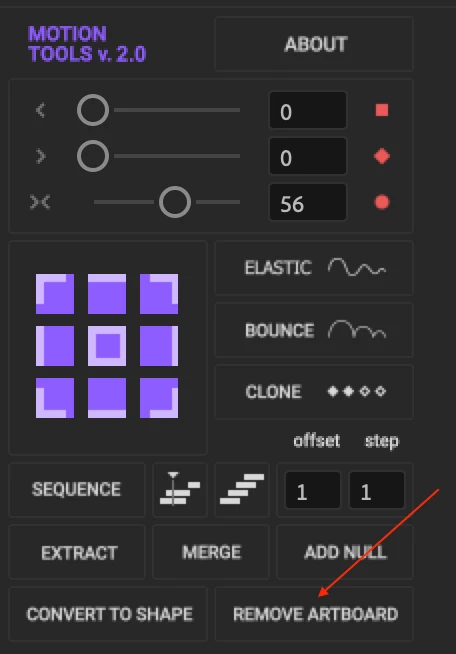
that's normal in AE sometimes you get the bounding box generated automatically, you can simply dive into the generated path and delete the bounding box manually, or you can use the motion tools script to remove the extra artboard

https://motiondesign.school/products/motion-tools/

1 reply

OussK
Community Expert
OussKCommunity ExpertCorrect answer
Community Expert
October 18, 2022

that's normal in AE sometimes you get the bounding box generated automatically, you can simply dive into the generated path and delete the bounding box manually, or you can use the motion tools script to remove the extra artboard

https://motiondesign.school/products/motion-tools/

deemwhy
deemwhyAuthor
Inspiring
October 18, 2022

Thanks @OussK i did the dive down as you suggested and it worked. Cheers.