
Inspiring
August 8, 2021
Answered

Image disappears [SOLVED by restarting AE]

  • August 8, 2021
  • 2 replies
  • 1696 views

EDIT: Please ignore this post -- the issue was solved by restarting AE. (I would've deleted the post but couldn't figure out how to do that ... 🙂


Hi,

I'm completely new to After Effects, so this is definitely a newb error.


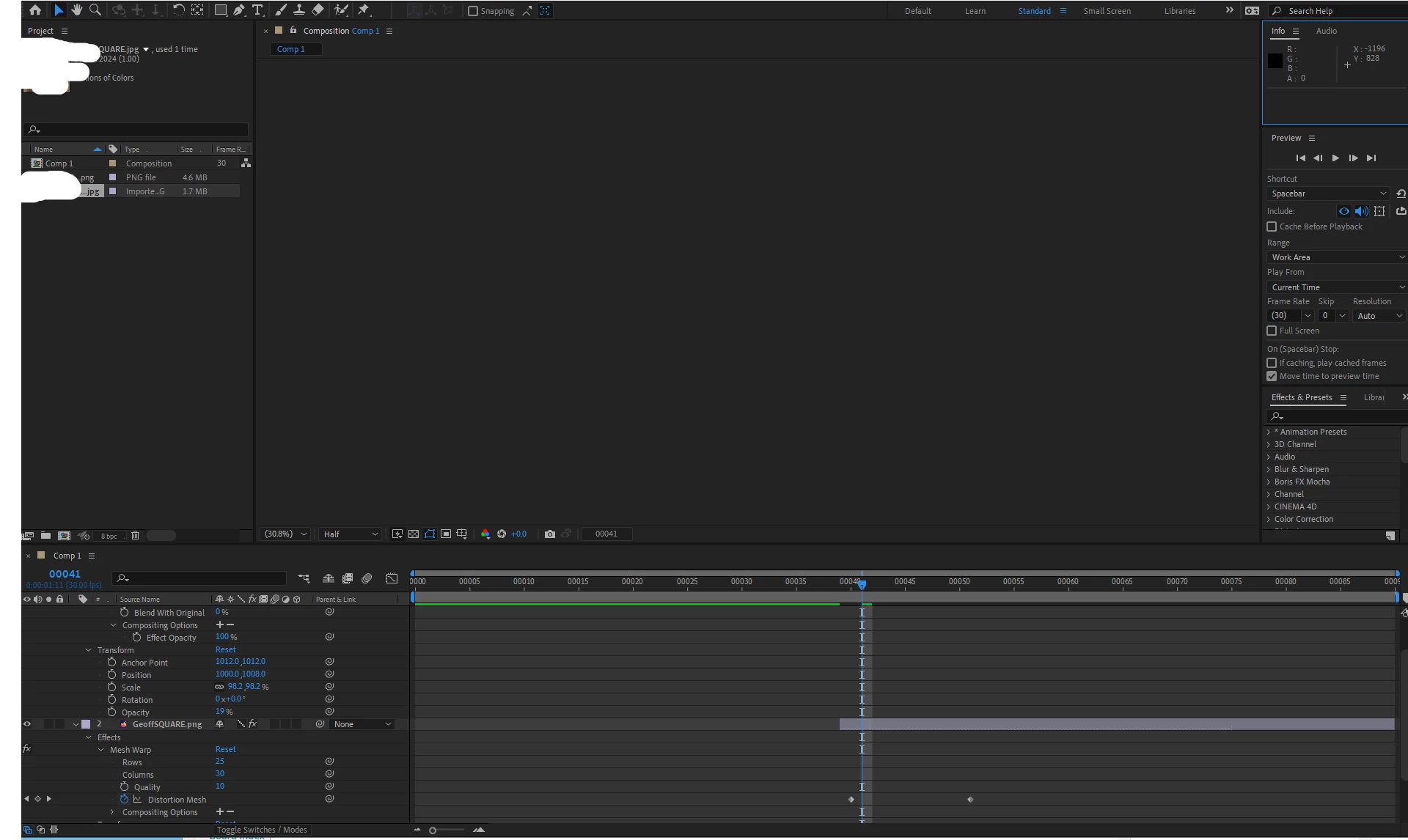
When I opened AE today, there was just a white, empty image where there should be a composite of two pictures I morphed into each other the last time the project was open.


I then clicked on 'something', and now the empty image is gone too, leaving only what you can see in the screenshot below.


Could anyone please tell me what I've done wrong? 🙂
This topic has been closed for replies.
Correct answer sebastian2012a

As mentioned in my Edit, this (non)issue was solved by restarting AE.


I had been using several other image apps shortly before, so it was probably some kind of cache- or RAM related thing...


At any rate, everything works perfectly again. 🙂

2 replies

sebastian2012aAuthorCorrect answer
Inspiring
August 10, 2021

As mentioned in my Edit, this (non)issue was solved by restarting AE.


I had been using several other image apps shortly before, so it was probably some kind of cache- or RAM related thing...


At any rate, everything works perfectly again. 🙂

nishu_kush
Legend
August 10, 2021

Hi Sebastian,


No need to delete the post because your answer could be helpful for others. Thanks for updating it with the solution.

I'd appreciate if you could post your response in a reply and mark it correct for easy searchability.

Feel free to reach out if there are any other questions.


Thanks,
Nishu

Inspiring
August 10, 2021

Hi Nishu,

Good idea, I just did that...