Participant
January 26, 2022
Answered

Imported png but image does not show in preview?

  • January 26, 2022
  • 1 reply
  • 329 views

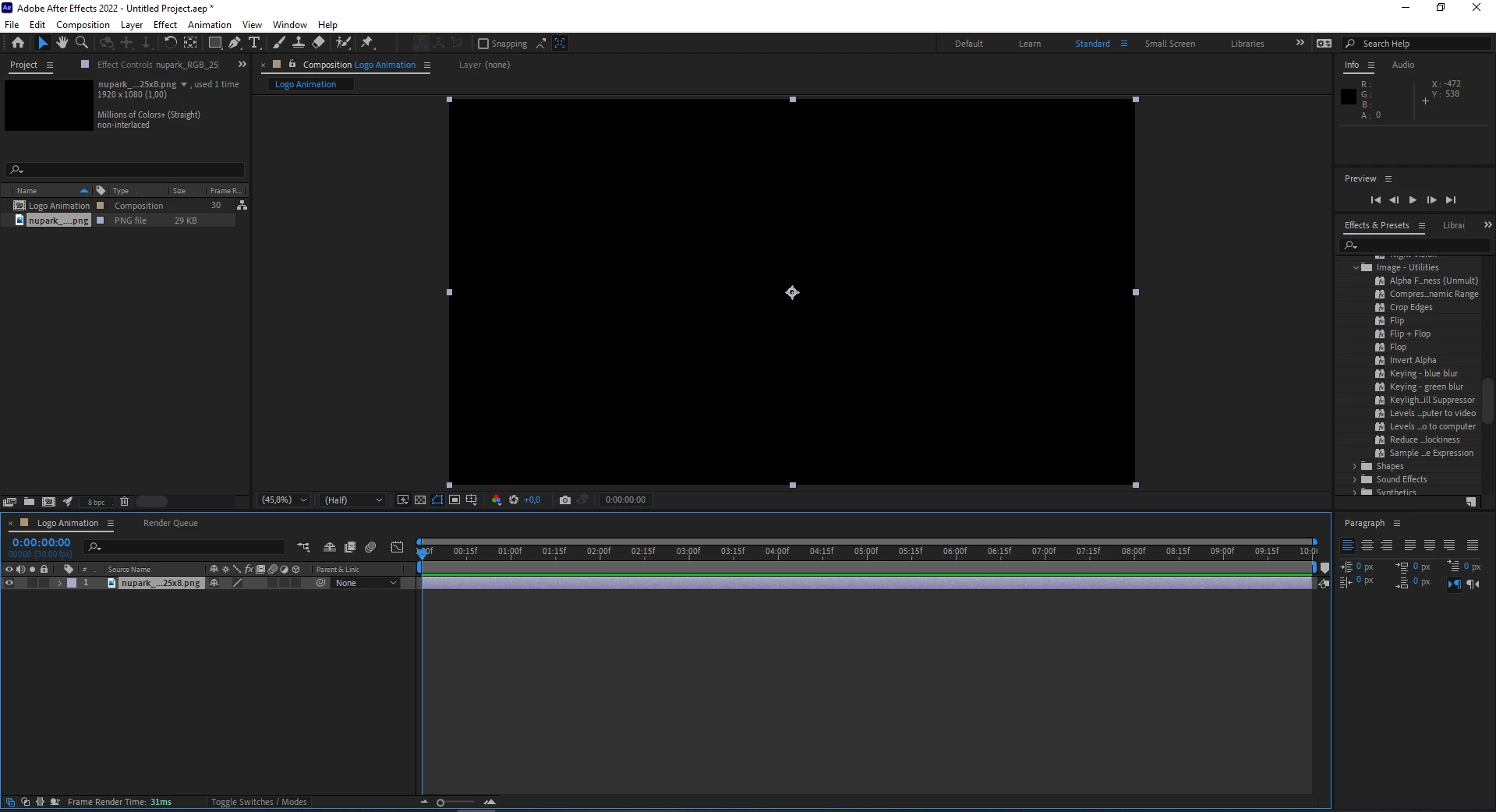
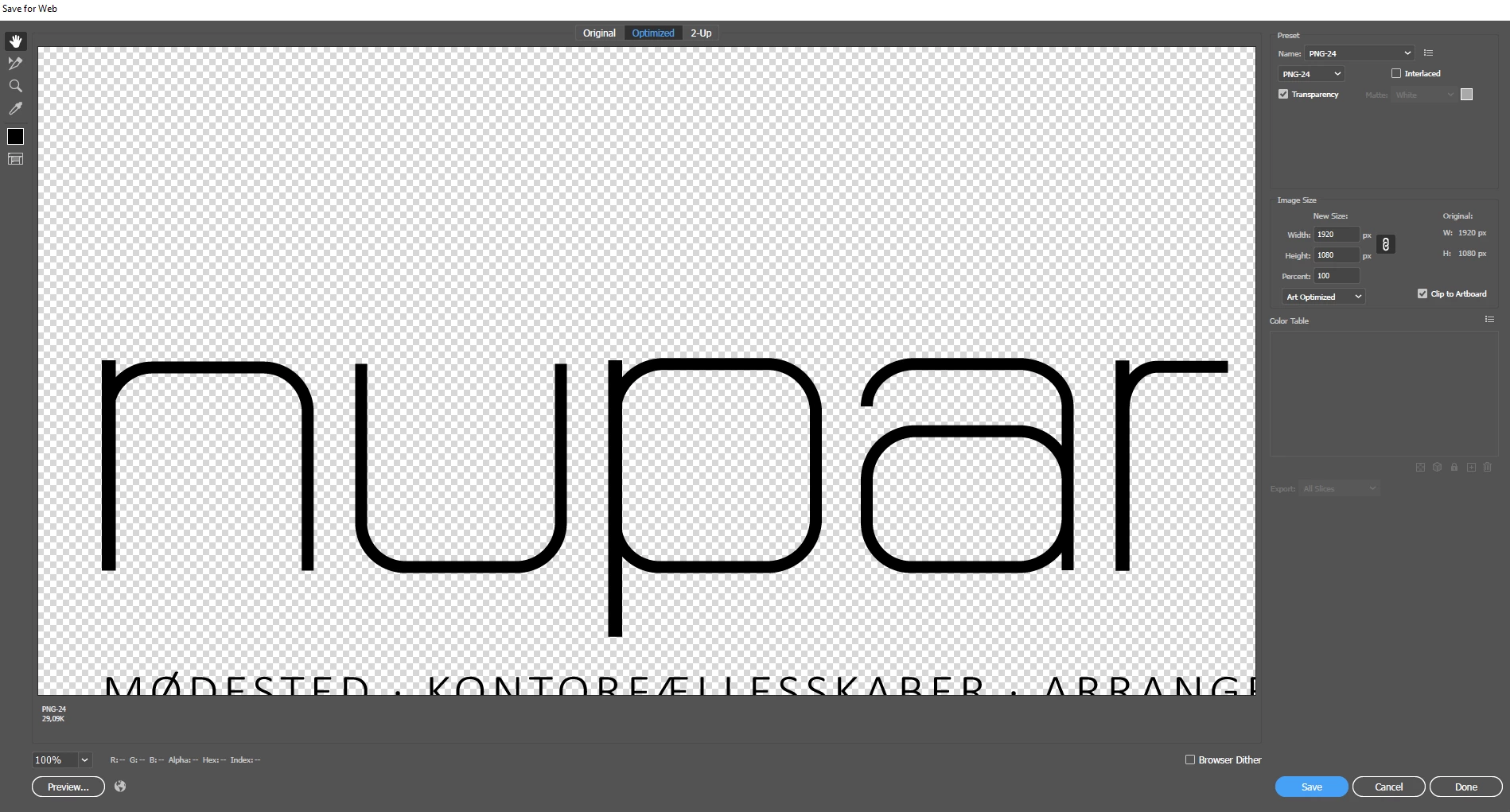
I have tried exporting an PNG in every way from Adobe Illustrator and then importing each into After Effects. I have tried interpreting also but nothing helps. I can't find any solutions anywhere. I've just updated to AE 22. Screenshots to show my problem. 
This topic has been closed for replies.
Correct answer RobShultz

Your graphic may be there but you may not be seeing it because it is the same color as your alpha backdrop color. Try turning off the alpha transparency grid by clicking on the checkerboard under your comp window. You can also go to the top of the interface and go to composition/composition settings and use the color picker to change the backdrop color.

1 reply

RobShultzCommunity ExpertCorrect answer
Community Expert
January 26, 2022

Your graphic may be there but you may not be seeing it because it is the same color as your alpha backdrop color. Try turning off the alpha transparency grid by clicking on the checkerboard under your comp window. You can also go to the top of the interface and go to composition/composition settings and use the color picker to change the backdrop color.