
Participant
February 8, 2022
Question

Imported transitions not working

  • February 8, 2022
  • 2 replies
  • 1569 views

I have combed the internet for a solution to this and I cannot for the life of me find anything. I downloaded and installed a bunch of after effects transitions, which are supposed to essentially be drag and drop. Sounds easy enough, except none of them will work on my project. The clips simply hard cut as if I never added any transition at all.


My timeline:
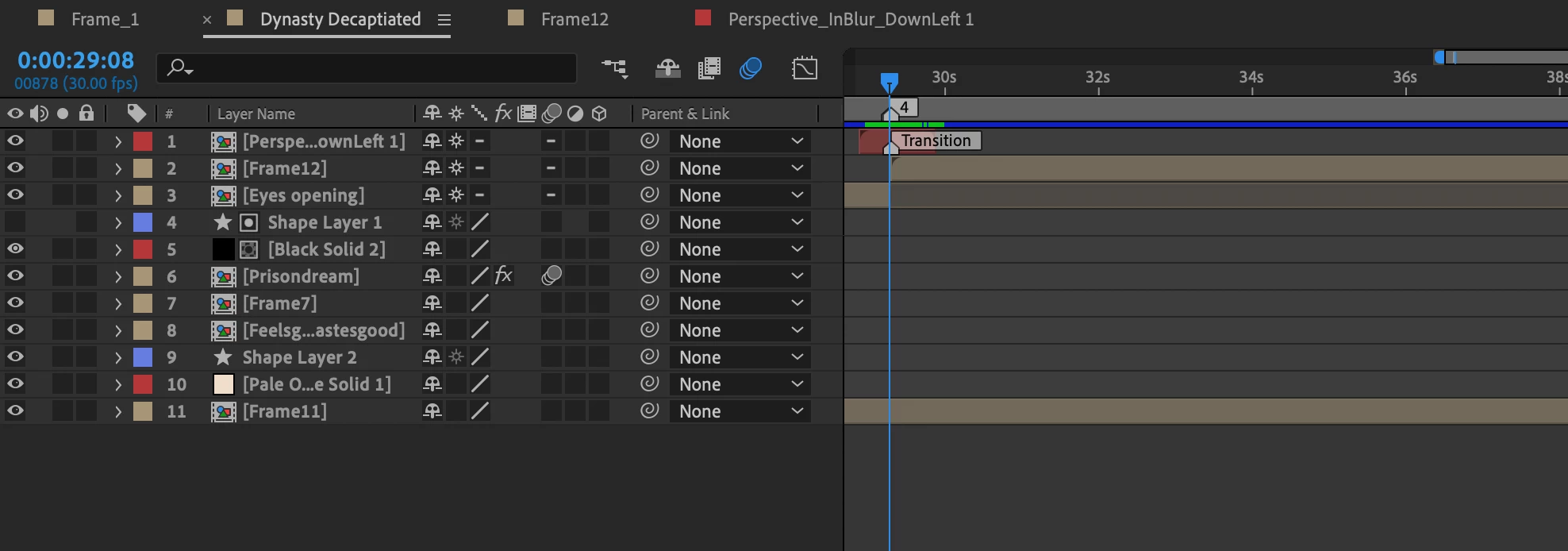
 

Screenshot from the tutorial video that came with the packs:
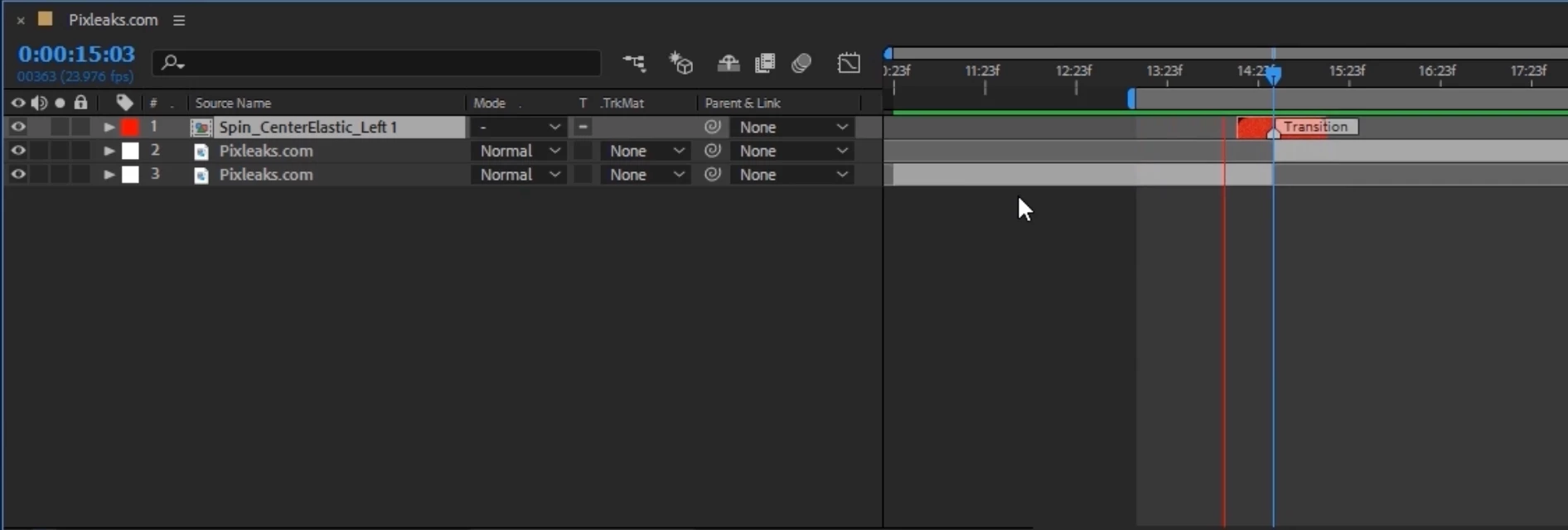
 

I'm quite new to After Effects, so I'm assuming it's something super obvious that I must be missing. It seems like other people have had this same problem with Premiere Pro, but I haven't seen anyone with the same issue in After Effects. My compositions and the transition's composition have the same frame rate and dimensions as well. I appreciate any help or suggestions!

This topic has been closed for replies.

2 replies

Community Expert
February 8, 2022

Select the4 transition layer, press the U key twice to reveal all modified properties on the layer, post the screenshot. If nothing shows up, then open the transition comp, select all layers in the comp and press the 'u' key twice again. Look for modifications.


If that fails, tell us where you got the transitions. Your comps look awfully suspicious. I don't see anything that would create any kind of transition. There do not appear to be any effects applied to the transition layers.

Participant
February 10, 2022

Here is what comes up when I press "U" twice. I did notice that the expressions are disabled, so I tried enabling them and still no dice with the transition.


For good measure, here is the transition comp as well. Same thing with the disabled expressions in this one- when I enabled them, the transition still did not work. 


I purchased the transition pack here. The pack is by Pixleaks on Creative Market, though when I click the help button on their extension tool in After Effects, it leads to nitrozme.com, so I'm assuming they've rebranded to that. I couldn't find any troubleshooting guides on their website.


I appreciate your help!


Participant
February 10, 2022

I wanted to add that I realized that I can see the transition working in the upper left corner when I scrub through the timeline. It seems like this is the size of the transition layer, even though based on the tutorial included with the packs, it should auto resize to be the comp size. Any idea why it could be doing that?


Warren Heaton
Community Expert
Community Expert
February 8, 2022

You may need to reach out to the publisher of the transition packs for addional instructions.


Transitions that you drag and drop above other layers usually take the form of Adjustment Layers.


Transitions that consist of nested Comps (what your screenshot shows) usually involve adding the tail of the A clip and the head of the B clip to the nested Comp for playthrough in the containing Comp.