Question
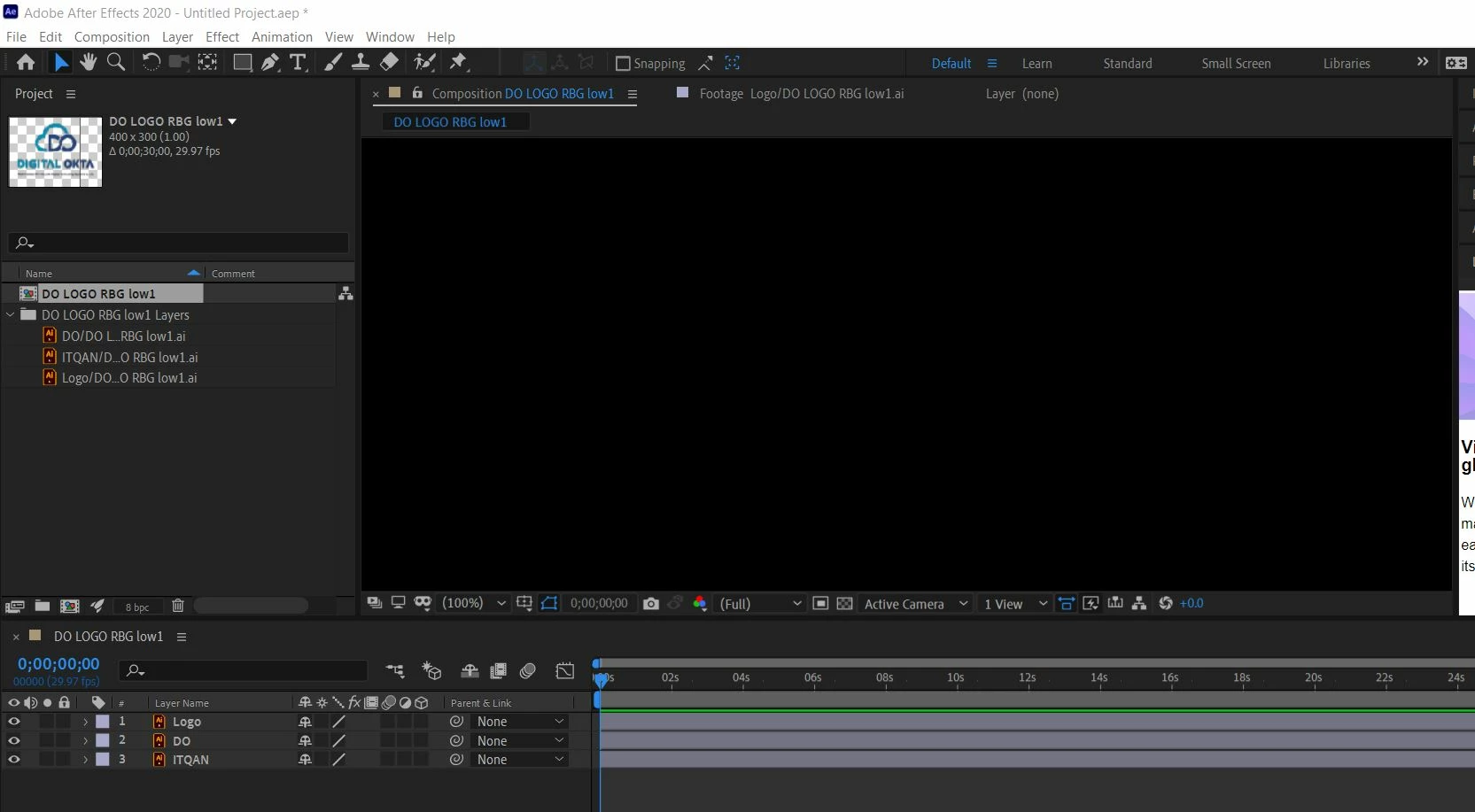
importing AI file to AE is not working
Hi,
I tried to import AI file in after effect using "composition - Retain layer size" option
the composition is just showing a black backgroung only.
any help please??

Hi,
I tried to import AI file in after effect using "composition - Retain layer size" option
the composition is just showing a black backgroung only.
any help please??
Already have an account? Login
Enter your E-mail address. We'll send you an e-mail with instructions to reset your password.


 AdChoices