

질문
Importing black CMYK Ai shapes into Ae makes them dark grey, any solutions?
Hi,
I know that usely if they were basics shapes I could use the fill preset to fill the shape in black, but I am importing more complex layers so am unable to do it this way. Ive tried to match the colour profiles between each program but this still doesnt help, is there anyone with any tips?
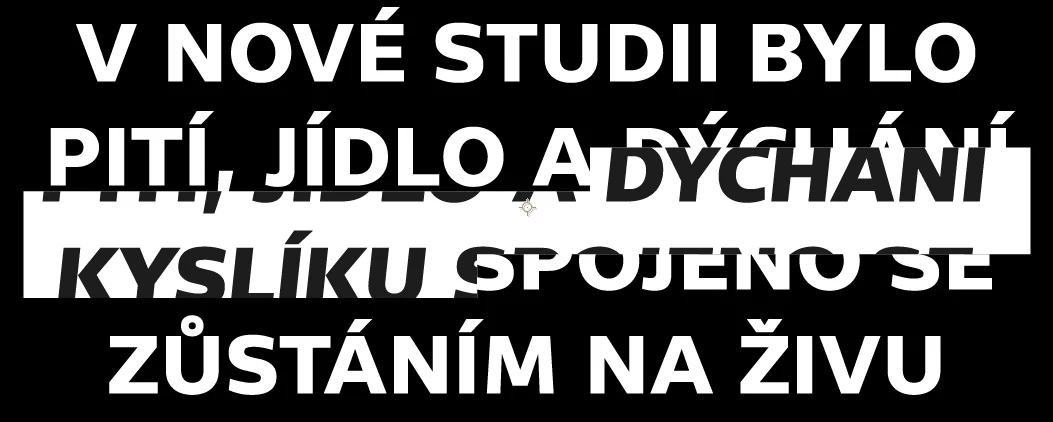
Its not very clear, but the text with the white background in the middle is dark grey, and stands out a lot more when exported. The dark text and white box are all one layer, this is why I cant fill the text with the after effects preset panel. Maybe Im just working a weird way?
Let me know if anyone has an answer, THANKS!
 AdChoices