
Tonon88
Participant
September 7, 2022
Question

Importing ong sequence changes aspect ratio

  • September 7, 2022
  • 2 replies
  • 375 views

Hello.

I have a png sequence from Cinema 4d, and I open all the png's in photoshop or photos, and it's a perfect render, perfect size, and perfect aspect ratio.

When I open the png sequence in After effects the first frame is right, and then all the other ones are changed, weird, and squeezed. you can see in the images here:
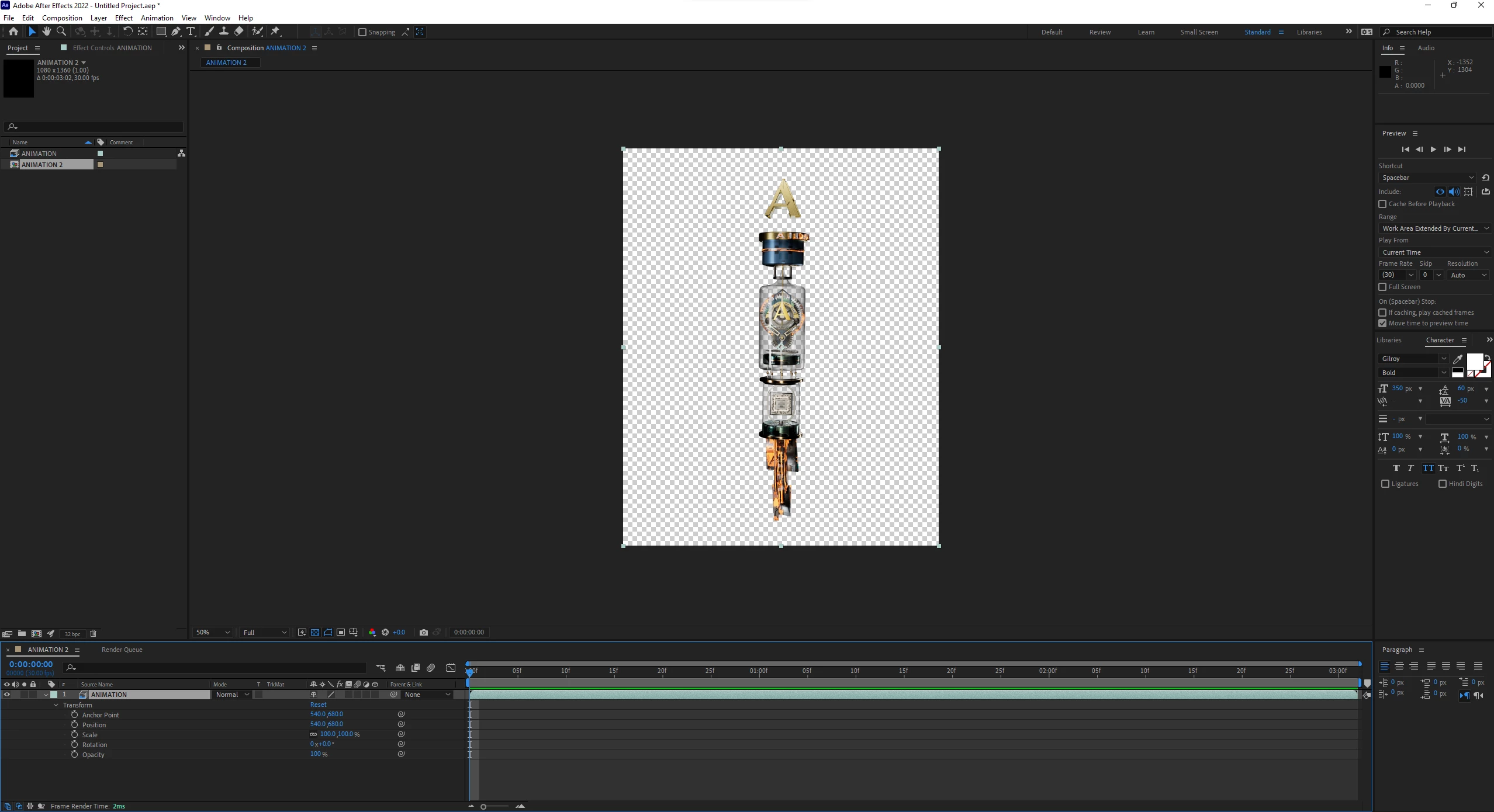
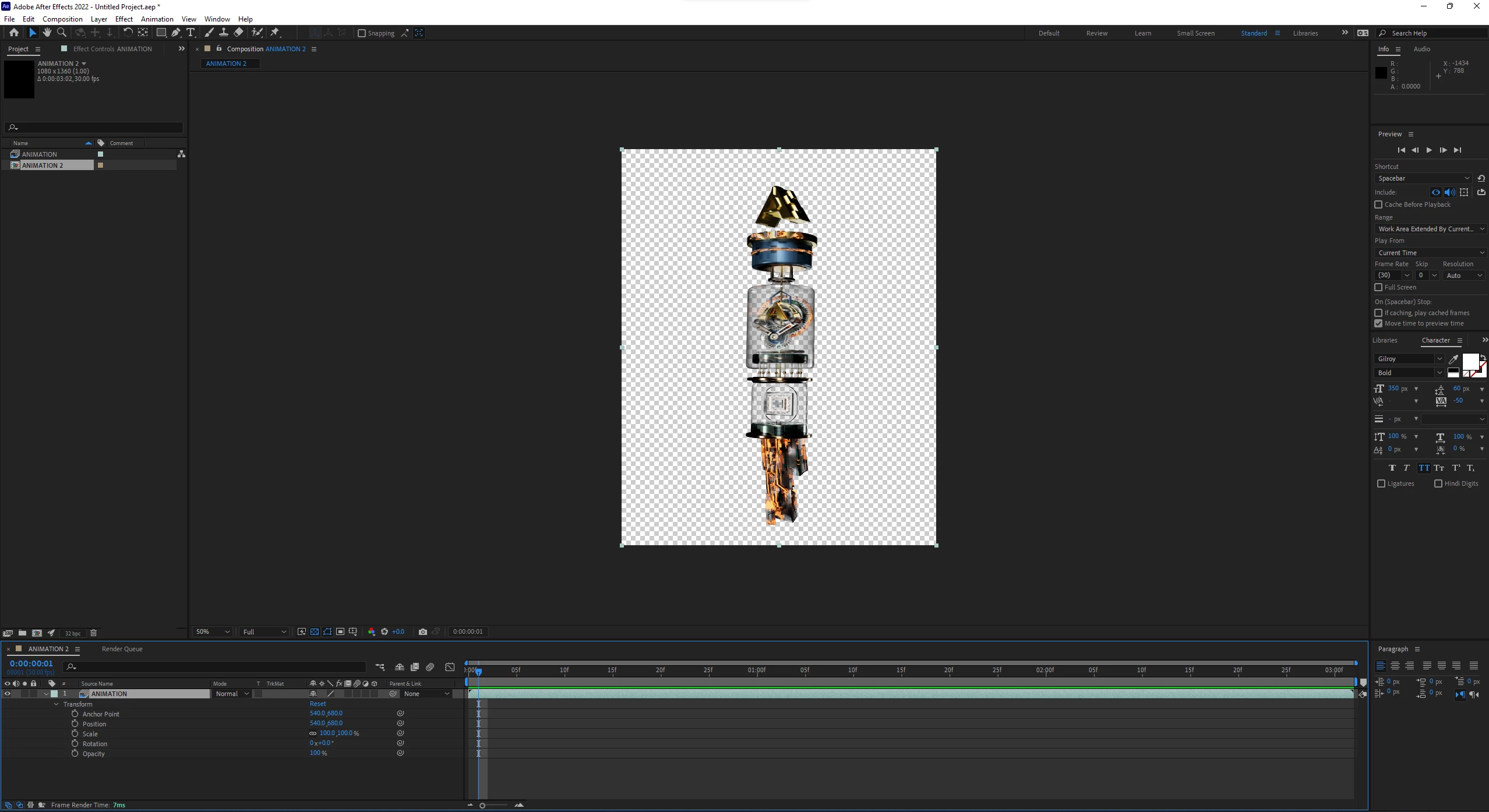


I checked the composition settings to be square pixels and I made it interpret composition as square pixels too. No clue what can be.

Any help?!

This topic has been closed for replies.

2 replies

Community Expert
September 7, 2022

Open up file interpolation for the sequence and check the PAR. It should be square pixels. If it is, bring in the first frame and check interpolation and make sure that the Pixel Aspect Ratio is set to Square Pixels. 


You might also try changing the interpolation to Square, then something else, then square again. 


As a last resort, duplicate the first frame in the sequence, fix the file name so that the sequence isn't broken, and then just trim the first frame. 

Inspiring
September 7, 2022

What happens if you import a handful of frames individually and not as a sequence? When placed in the Timeline, does AE apply the same distortion? Also, do the pixel dimensions and PAR of frames that are distored when imported as a sequence all match when imported individually?

Tonon88
Tonon88Author
Participant
September 7, 2022

Hey David, thanks for the answer.
It doesn't distort when imported individually. 
Apart from that yeah, they match.

Inspiring
September 7, 2022

Interesting. This could be a bug then. What exact version of AE are you seeing this behavior in, is it the latest version of AE 2022? Have you tried the public beta to see if there might be a fix yet? If you're not familiar with how to get those versions, you can install the public betas from the left side ("Beta Apps" category) of the Creative Cloud Desktop app. These can be installed alongside the public versions without causing any issues since they get their own sets of preferences.

Be aware, though, that right now, AE Beta projects are using the 23.x format, which is for the next version of AE (which will likely be released at Adobe MAX this year). This means you can't save a project in AE Beta and open it in AE 2022, which you can when the two apps share the same project format. You can, however, save as a 22.x format from the File menu, which would just strip away any 23.x-specific features.