
ottogramm
Participant
July 12, 2017
Answered

Inexplicably mis-aligned photoshop layers

  • July 12, 2017
  • 1 reply
  • 682 views

I have a rather odd problem with After Effects that I haven't found a solution for, so hopefully someone here can help me out.

I have created a 2D animated short film about half a year ago using photoshop layers as frames with the outlines, colour, shading etc. as separate layers on top of each other, all imported into and subsequently animated in After Effects without any problems.
Today upon opening the project file again for the first time since I see that all the individual layers in all compositions are now completely misaligned with each other in a rather chaotic manner. For some strange reason only background and outline layers seem completely unaffected by this.

I have changed neither the AE-file nor the Photoshop files since I've completed the film.

Here are screenshots of one shot- what it looks like now and what it looked like half a year ago
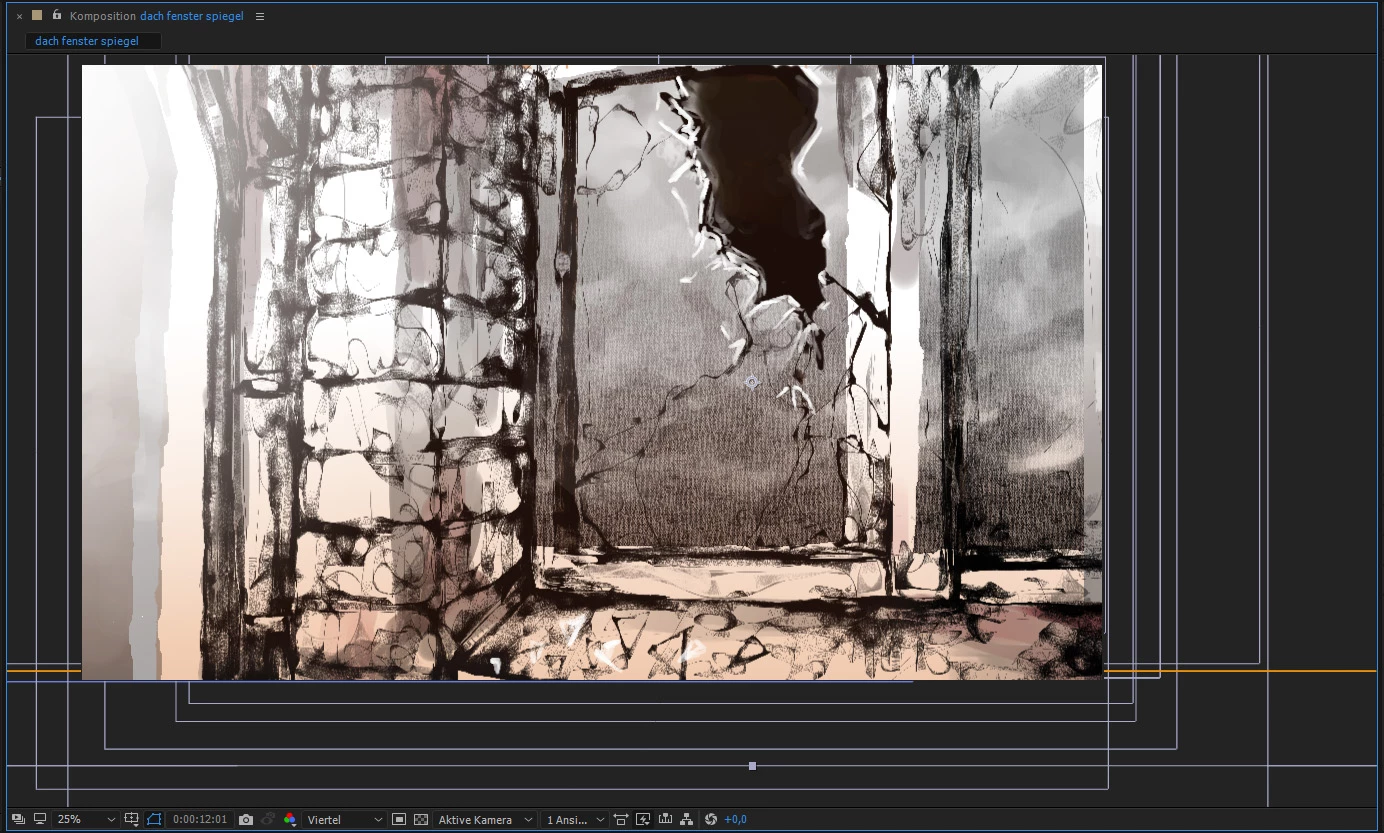
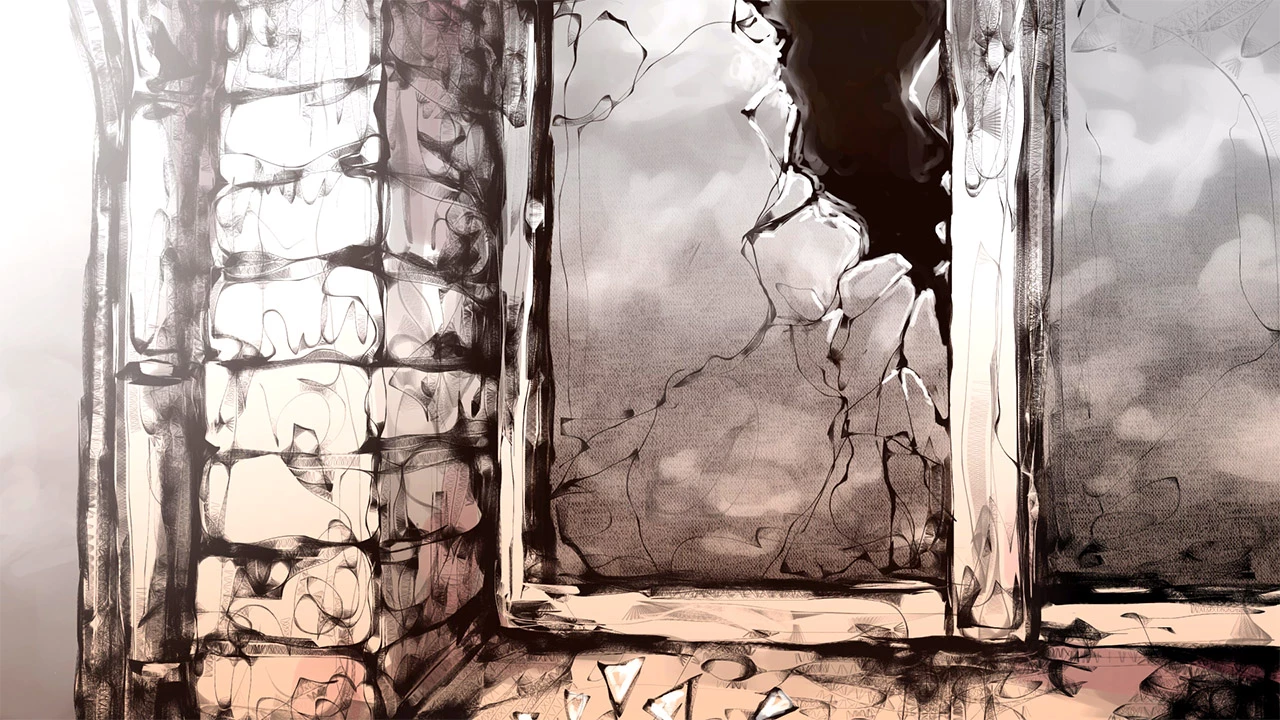
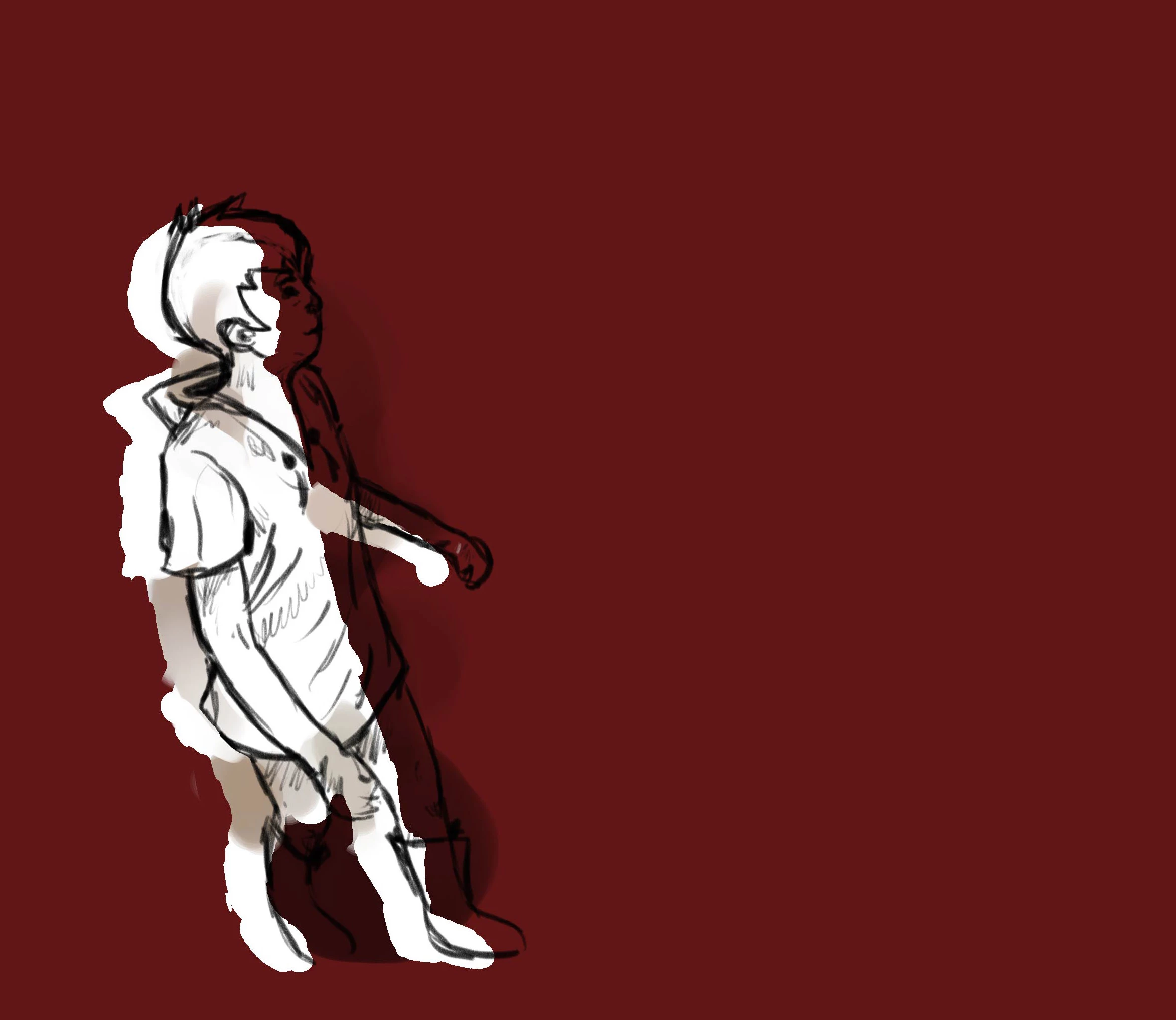
Here's a frame of character animation, same problem.

Mind you, the solid white character background doesn't stay consistently shifted to the left, it keeps jumping in all four directions in the following frames.
    This topic has been closed for replies.
    Correct answer Roei Tzoref

    try to isolate your problem. one composition, one Psd. see where it started to break. any plugins used in the previous project? is Ae the same version you worked on last time? if not, try opening in the same version

    1 reply

    Roei Tzoref
    Roei TzorefCorrect answer
    Legend
    July 12, 2017

    try to isolate your problem. one composition, one Psd. see where it started to break. any plugins used in the previous project? is Ae the same version you worked on last time? if not, try opening in the same version

    ottogramm
    ottogrammAuthor
    Participant
    July 12, 2017

    I'm currently reinstalling the AE version I used earlier this year and see if that helps. I'm using After Effects CC vanilla, no plugins beyond that. I have tried to trace where the problem started to occur but so far all compositions and psd files from that "session" are affected. Originally I thought the file was somehow corrupted with the above curious results but the backup files behave in the same way.

    For unknown reasons slightly older AE files still work flawlessly.

    edit: ok, the older AE version did the trick. Still a rather strange effect but at least I don't have to redo 3 months of animation now.

    Mike_Abbott
    Legend
    July 12, 2017

    Just out of interest : what was the 'old' Ae version number - where the file is OK, and what version were you using when it was offset?