
Answered
Inner Glow Confined to Composition
I have a scene with a cartoon character that extends beyond the canvas of my composition. No big deal, I only want to show part of the character in this shot.
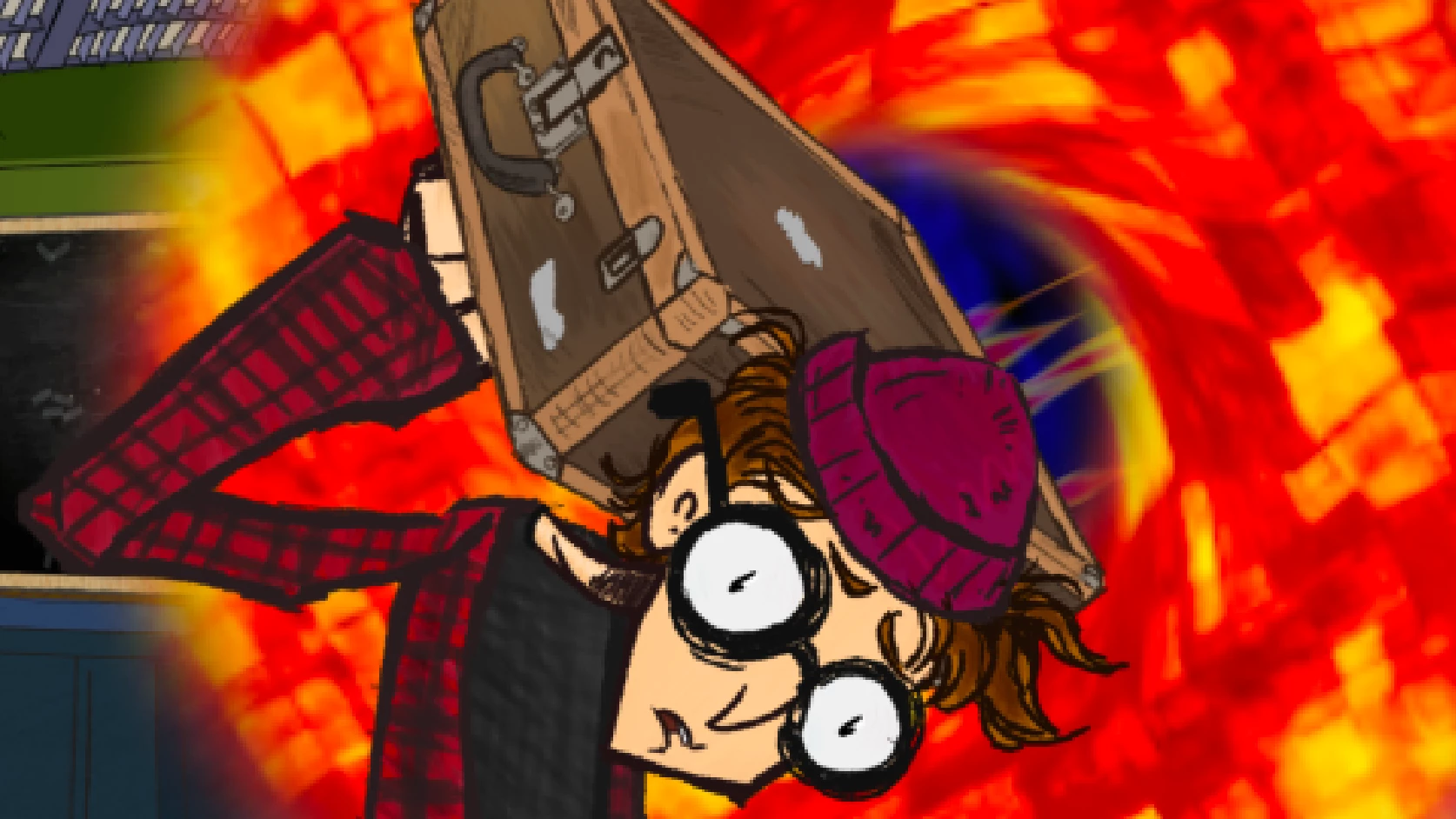
I want a glow to appear on the inner edges of the character. So I went to Layer Styles > Inner Glow.
Now the Inner Glow appears in the cartoon character, but only on the part of the character's layer that is inside the comp.
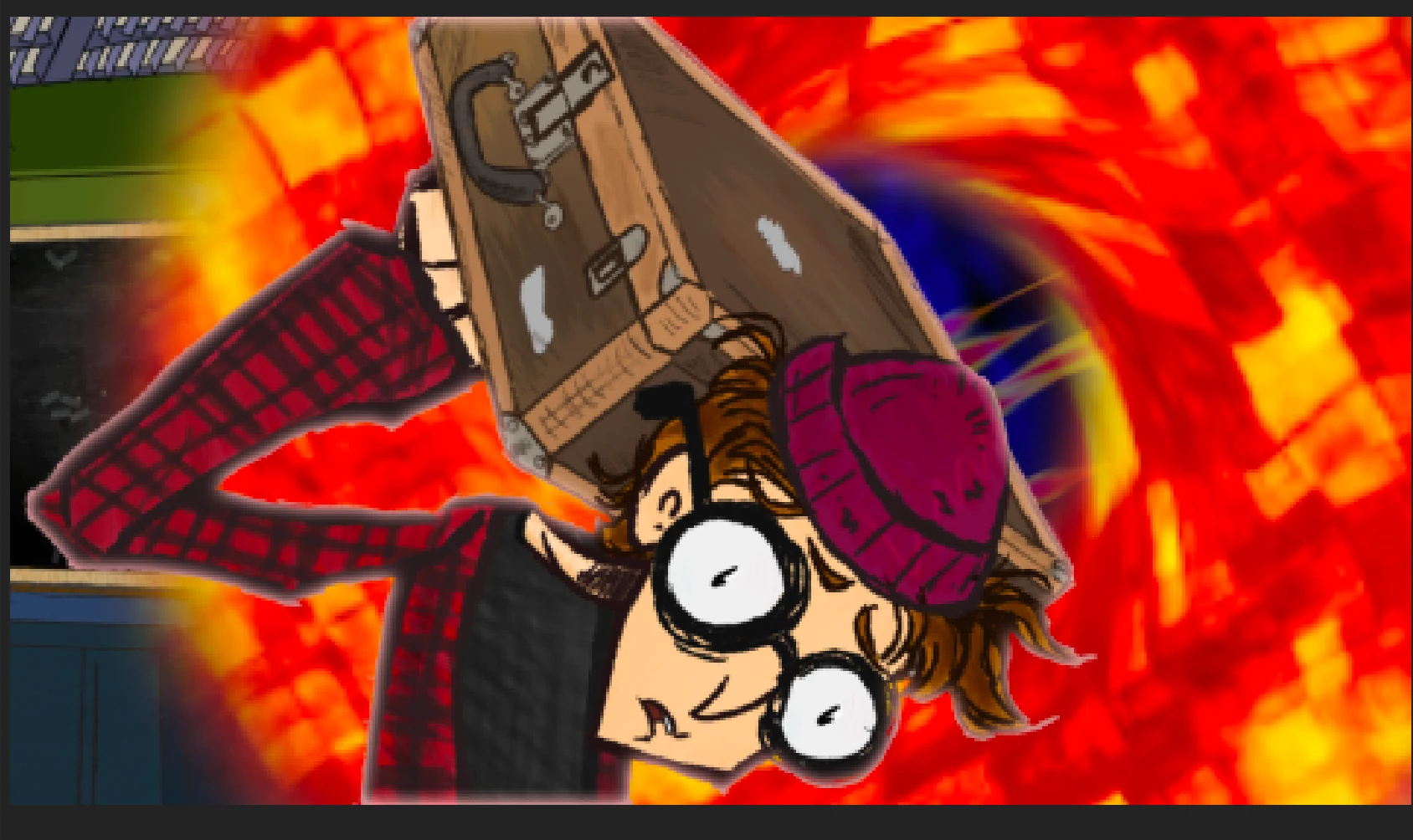
The Inner Glow runs as a straight line along the top edge and bottom edge of the character, even though there is more of him offscreen. Is there an easy way to make this guy have an inner glow without the flat edge glow lines at the top and bottom of the screen?
Thanks!
 AdChoices