

Installing AE 2020 error: (23 :: 46 )- could not convert Unicod Characters.
- February 1, 2021
- 1 reply
- 501 views
Dear Profs here 🙂
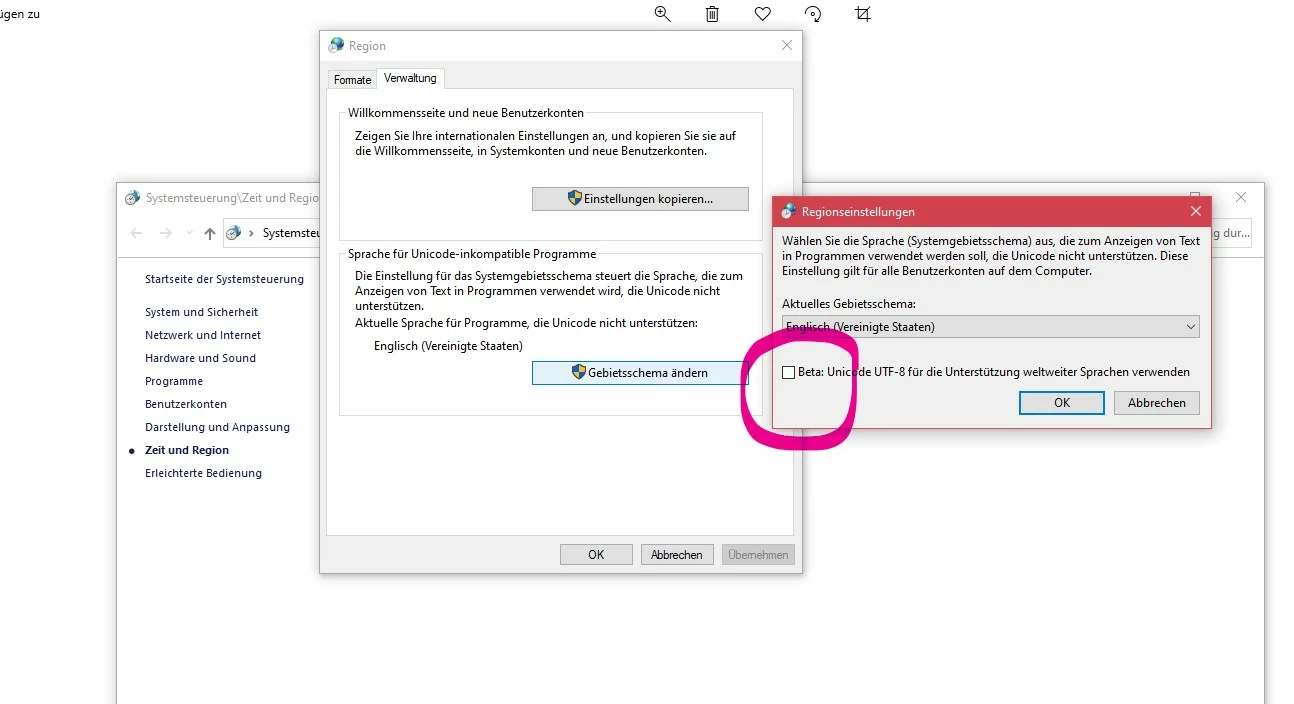
I have a problem which takes a little to explain: I am located in Germany - run a German PC but have installed the applications in English - no problem so far. After Effects does not start after installing - it tells me "After Effects error: could not convert Unicode characters (23 :: 46)
After all kinds of measures like uninstall - re-install// reg-clean and help trials of the support team which included: - deleting/renaming language files (which do not exist as announced), renaming version file of AE - which I was not able to locate under their advice, creating a new user and try it then - and last but not least try starting in safe mode... nothing worked. The application stops initializing at the fonts and then throws this message. Either in German or English - just how it feels like. The thing additionally is - in the troubleshooting it only specifies this kind of error as a language problem with installs in Greek, Turkish, Asian language, and so forth. I guess English and German are not really troublesome.
Have you had any fun like meß Have you found a solution? The tec support is a bit confused, too... Thank you so much for any ideas besides reinstalling the OS... I attach the error message 1 and 2... 🙂
 AdChoices