
Answered
Issue when importing any files
Hi Everyone,
I have fount out today that anything I import in AE won't show up at all, the file seems to be imported normally, but if I click on it I can only see a black thumbnail on the top left, like this:
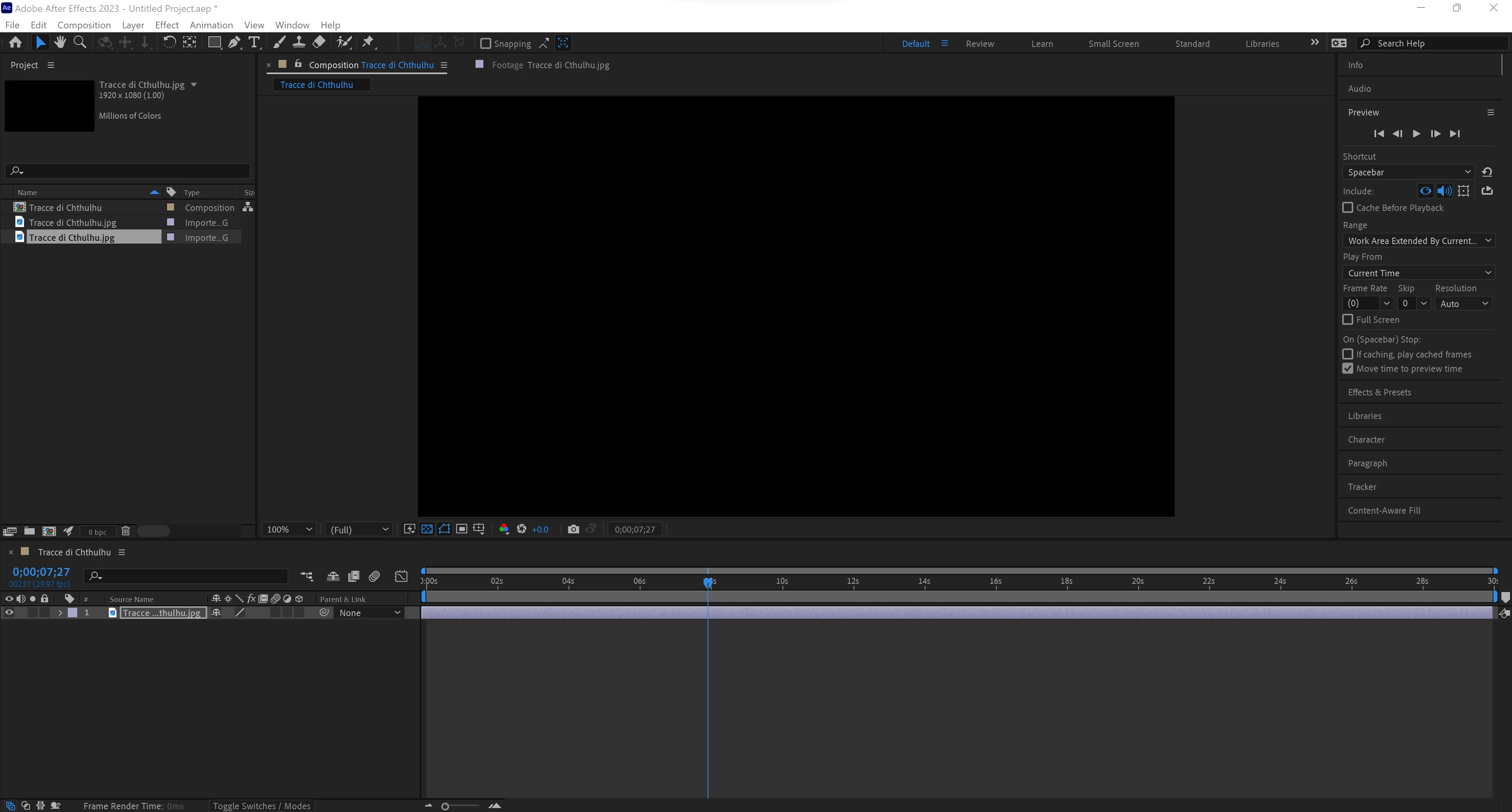
This happens with any kind of file, images or videos. Furthermore, it doesn't seem possible to start the preview in any way. It never happened before, so I uninstalled and reinstalled, but the issue hasn't been fixed. The images are all RGB, and I can open them normally in photoshop, same for the videos, I can open them normally in Premiere Pro, so I am not sure whether this is a wrong setting or there is an actual issue with my machine or my software.
Thanks in advance for your help!
 AdChoices