Inspiring
April 23, 2020
Answered

Issue with write on animation effect Ae

  • April 23, 2020
  • 2 replies
  • 1148 views

I am attempting to do the write on animation effect with a logo that I made, the first letter being a cursive L. I am using the Generate - "stroke" effect and then changing the brush size and keyframing reveal object. The issue is at some of the line intersections the brush stroke is so big that it reveals the perpendicular line that is not supposed to be shown yet (fig. 2 and fig. 4), but, if I reduce the brush size then all of the lines become too thin and stay the same thinness, as you can see it has a caligraphy pen style (fig. 3 and fig. 5) where the thickness changes throughout the L. That caligraphy style is what I do not want to lose by making the brush too small and therefore thinning the whole entire L. Is there a solution to this? Thank you!


This is the composition panel of my write on animation project in Ae:
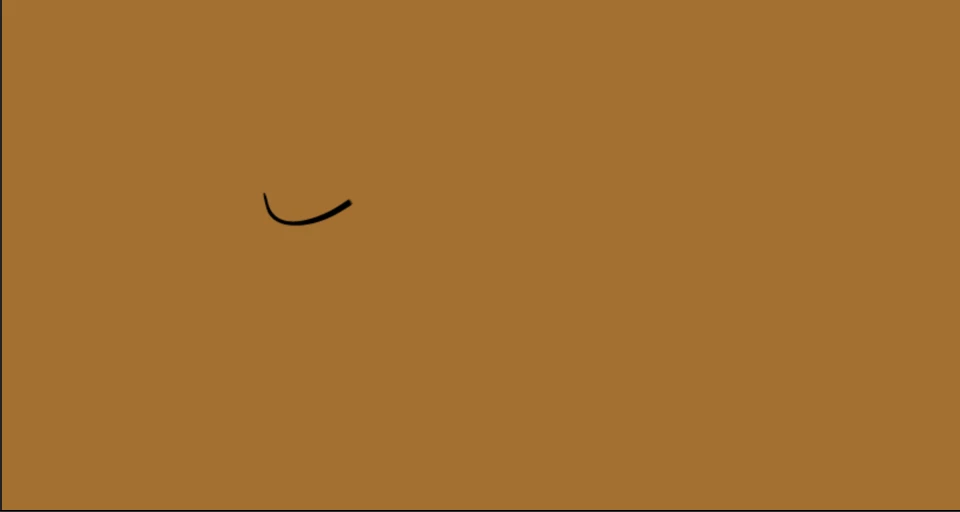
fig. 1
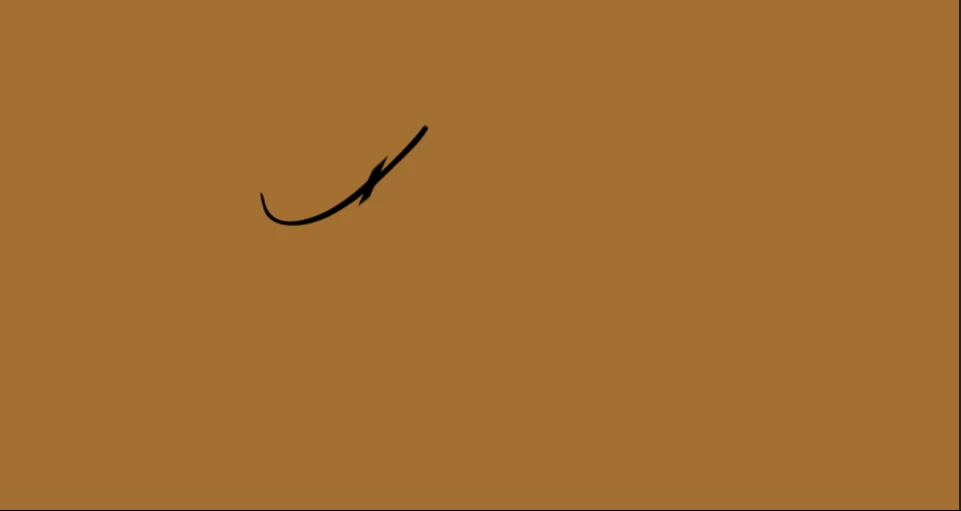
 

fig. 2
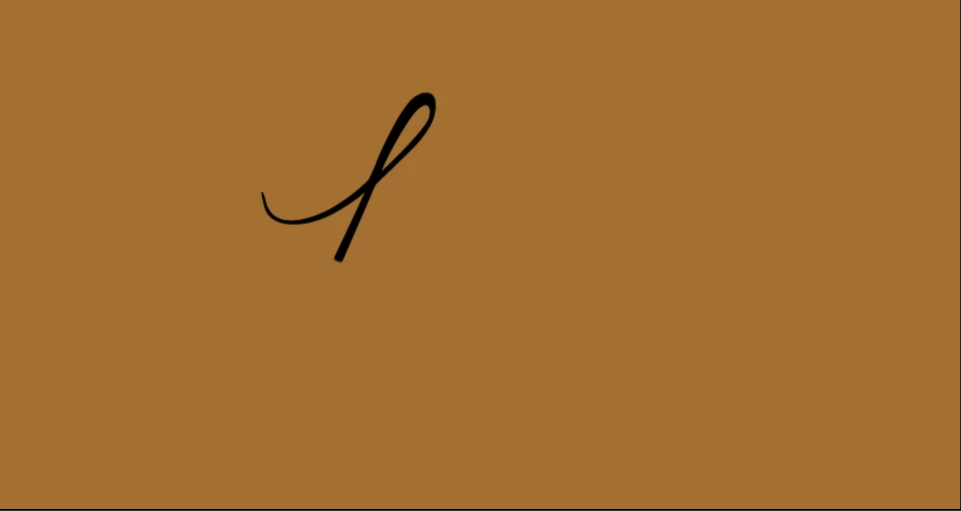
 

fig. 3
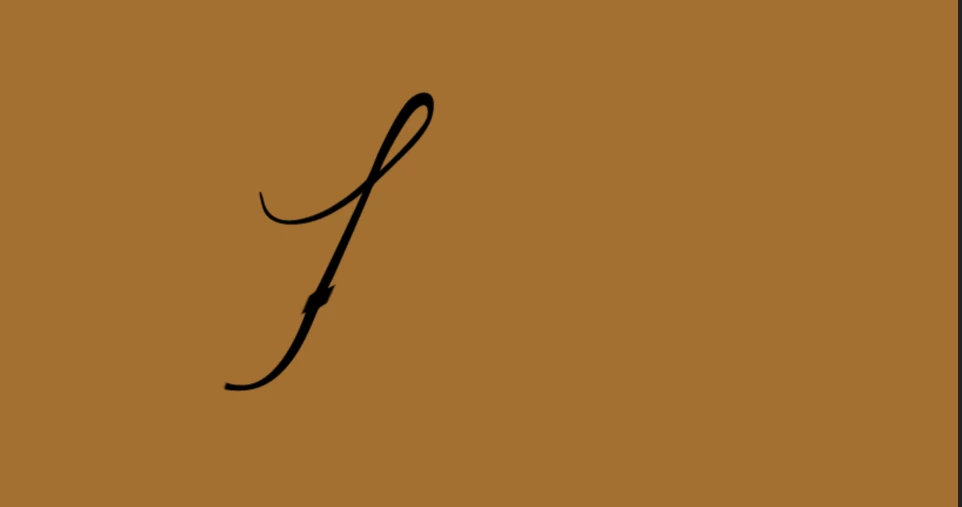
 

fig. 4
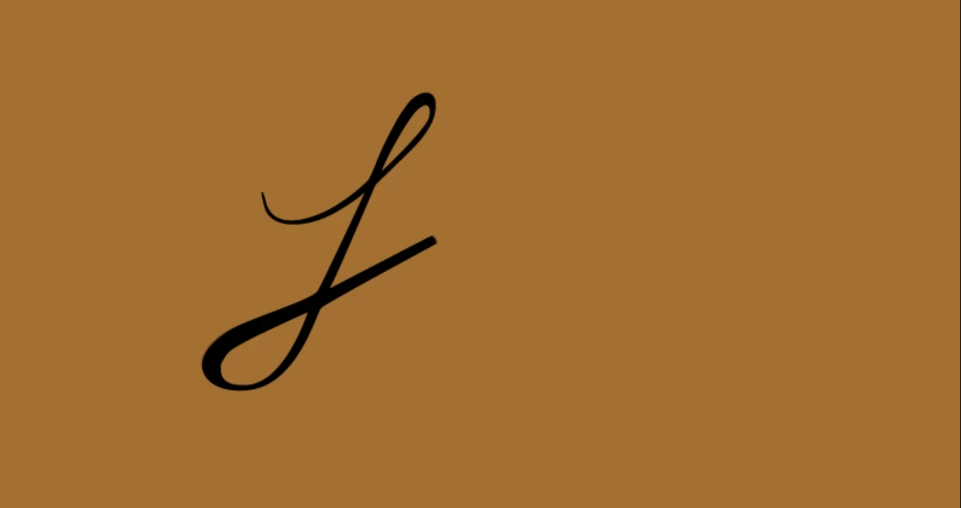
 

fig. 5
This topic has been closed for replies.
Correct answer Rick Gerard

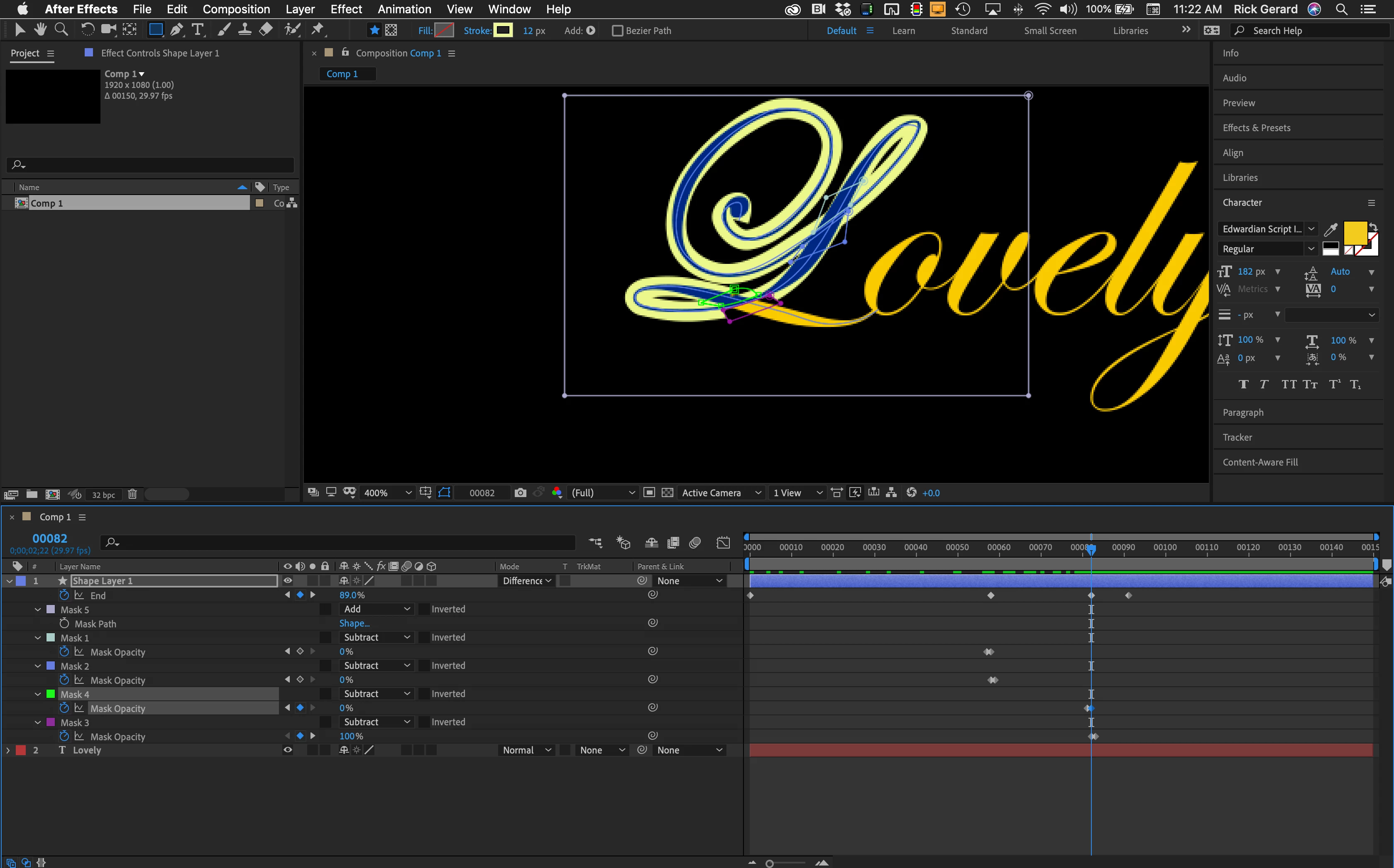
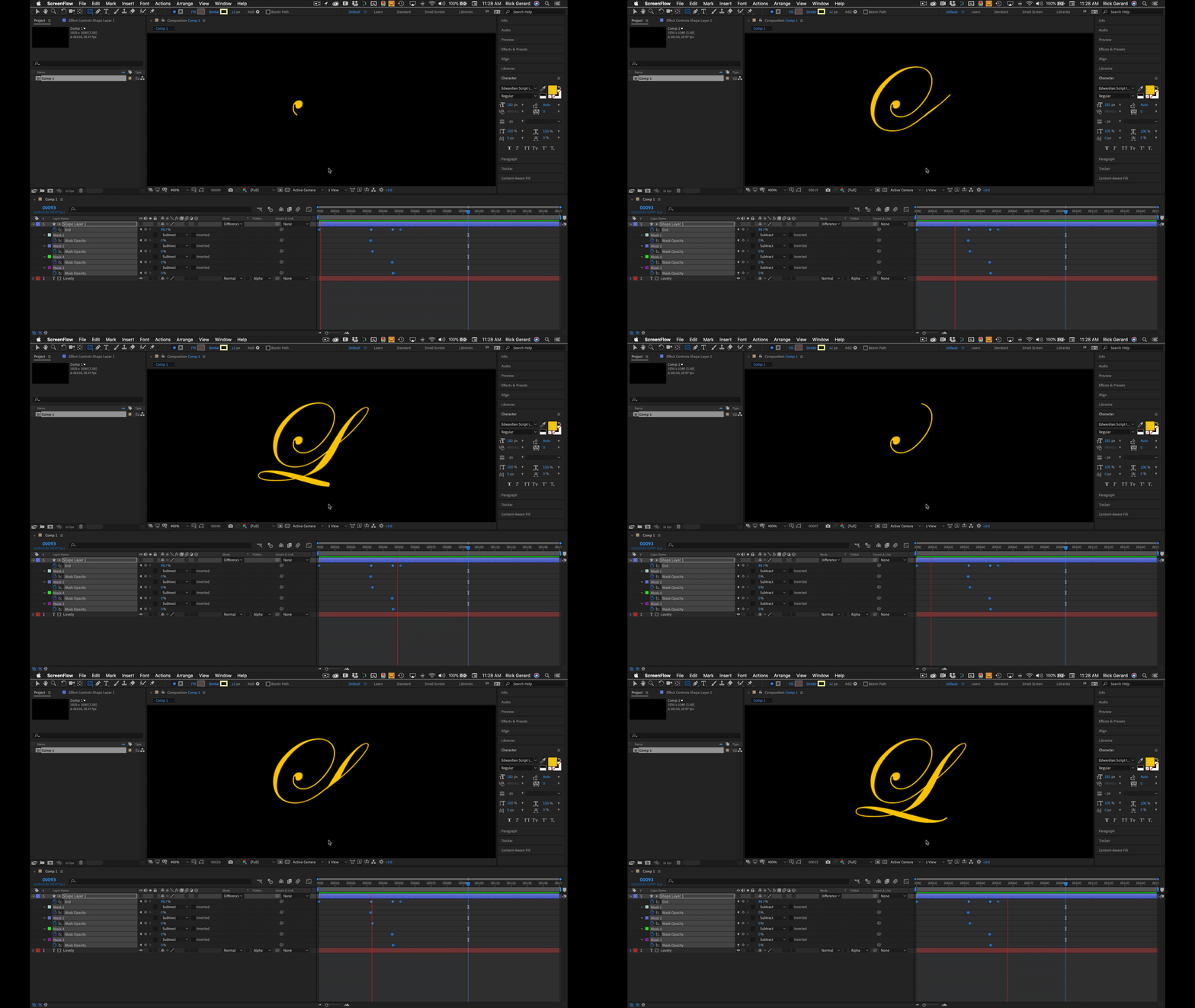
Where the strokes cross as in Figure 2 and Figure 4 I just use simple masks drawn with 4 points. I create all of these masks on the Stroke layer first, drawing them in order and setting them all to subtract, then I set two keyframes for mask opacity right after the revealed line passes the masks. It only takes a few minutes and everything can be done on a single layer. 

2 replies

Luke HydeAuthor
Inspiring
April 23, 2020

Thank you so much for the speedy reply and of course the help!

Mylenium
Legend
April 23, 2020

Sure, the solution is patience and using multiple duplicate layers with individual settings and additional masks. Such stuff rarely can be done in a single sweep. Really not much more to say about it.


Mylenium

Rick GerardCommunity ExpertCorrect answer
Community Expert
April 23, 2020

Where the strokes cross as in Figure 2 and Figure 4 I just use simple masks drawn with 4 points. I create all of these masks on the Stroke layer first, drawing them in order and setting them all to subtract, then I set two keyframes for mask opacity right after the revealed line passes the masks. It only takes a few minutes and everything can be done on a single layer.