
Known Participant
March 4, 2023
Answered

Issues With Time Remapping of Layers

  • March 4, 2023
  • 2 replies
  • 776 views

Hello,

Thanks to helpful people on the community forums here I've been able to automate a lot of a project I'm working on, but there is one sticking point.


 I wanted to sync an audio layer so that it begins to play at the start of movement of a mask path with the following expression:


t = thisComp.layer("Mask Movement").mask("Mask 1").maskPath.key(1).time;
valueAtTime(time - t)

The issue I'm having is the audio layer is beginning too late -- far after the initial movement of my mask path. Here is a picture of my comp with markers to show the difference in time :
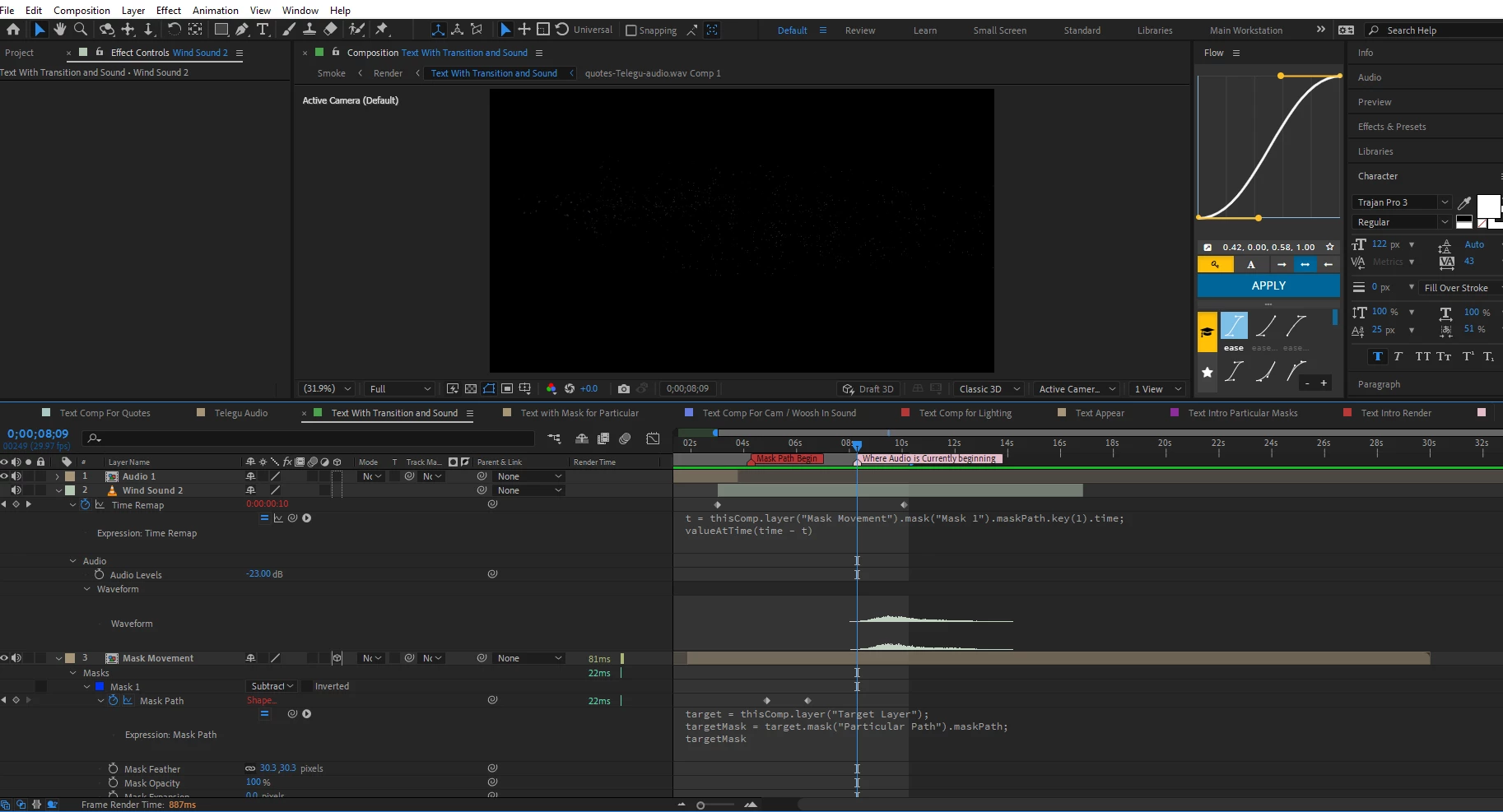
Two things of note. The first is there is an expression on the mask path I'm attempting to sync the audio to that links it to a different layer:

target = thisComp.layer("Target Layer");
targetMask = target.mask("Particular Path").maskPath;
targetMask


The second is all of my layers (save for "Mask Movement" which is linked to "Target Layer" are linked to the outpoint of the layer called "audio 1").


Here is a picture of the composition after I've scrolled down to reveal the section that the mask path is linked to, in case it matters:
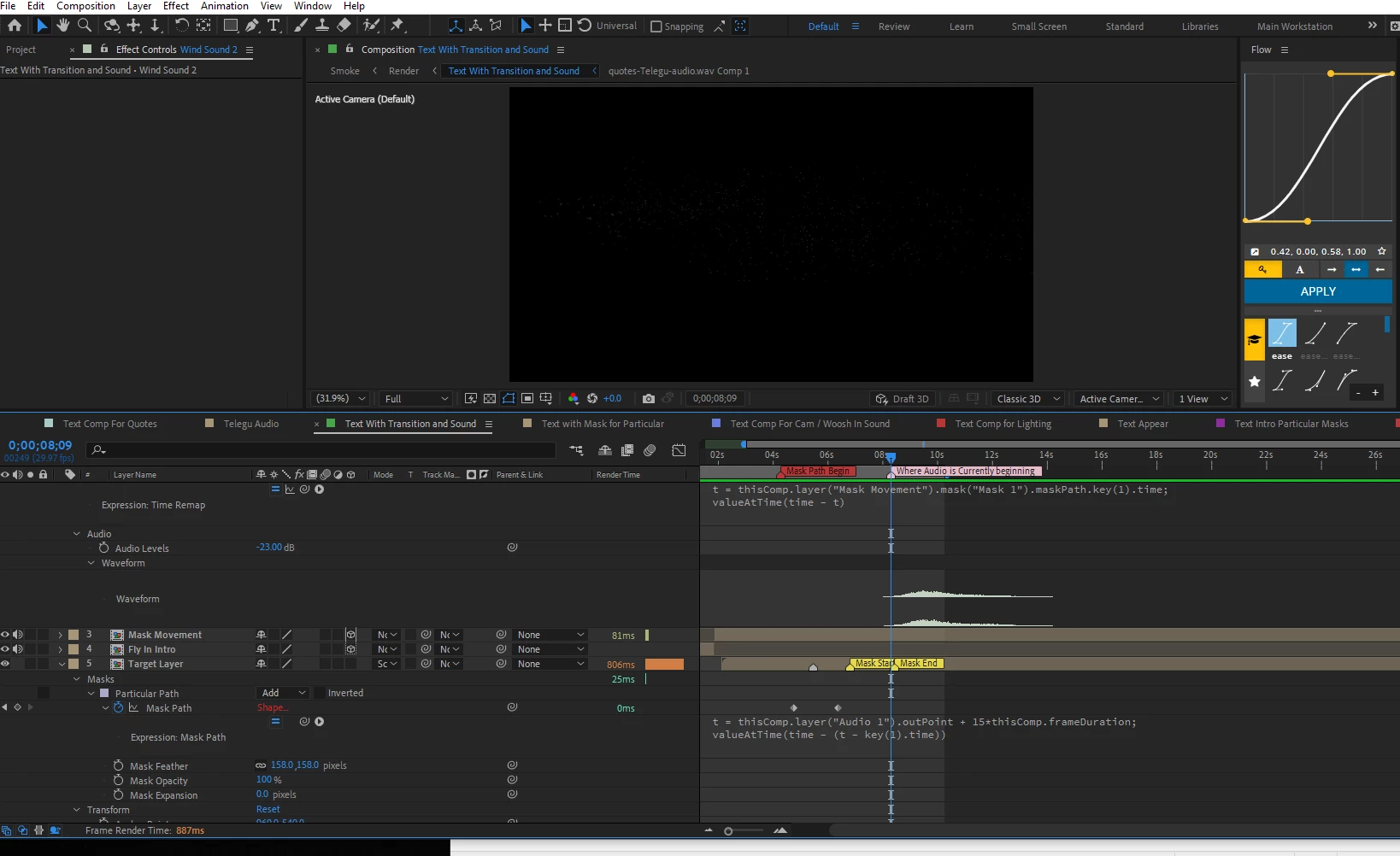
Is there any way I can adjust my expression on the audio layer's  to account for this?

Thank you.


This topic has been closed for replies.
Correct answer Rick Gerard

I think you may not have moved the pre-composed audio layer to the start of the timeline. 


I threw together a very short tutorial showing the workflow and suggesting a change to the expression that may make the workflow easier to use in different situations.


My Quick Tips Playlist


I hope this helps.

2 replies

Rick GerardCommunity ExpertCorrect answer
Community Expert
March 6, 2023

I think you may not have moved the pre-composed audio layer to the start of the timeline. 


I threw together a very short tutorial showing the workflow and suggesting a change to the expression that may make the workflow easier to use in different situations.


My Quick Tips Playlist


I hope this helps.

Max8132Author
Known Participant
March 7, 2023

This did it! Thank you very much, and I'll be binge watching the quick tips list!


Maximus

Community Expert
March 5, 2023

Press LL to reveal the waveform, move the CTI (current time indicator) to the first frame where you can detect any rise in the audio levels (You can drag out the waveform so that it gets big). Set an in-point for the layer on that frame using Alt/Option + [.


Now Pre-compose, trimming the new comp to the length of the layer and moving all attributes. Apply Time-remapping to the new layer and add your expression. Your audio will now start playing at the first mask keyframe. 

Max8132Author
Known Participant
March 5, 2023

Hey Rick, thank you for your response. I followed your directions, but the has now all but dissapeared from the layer completely. Here are the steps I followed with pictures:

1. Revealed waveform and set the in-point for the layer on the frame that audio begins:


2. Precompose the layer, trimming the new comp to the length of the layer, and moving all attributes:


3.Apply time remapping to the new layer, and add the expression:

I figured this was because I followed the steps but left the expression still on the original layer. So I repeated the steps, but removed the expression first, in the same order:

However, doing it this way still has shifted the audio too far into the compsition.


After bringing the start of the new Wind Sound composition to the point where the mask begins, the layer is 4 seconds and 25 frames off. 


Sorry about all the pictures, just wanted to make everything clear.


Let me know where I should go from here.

Max8132Author
Known Participant
March 5, 2023

*But the audio has now all but dissapeared